
Is EaseUS Data Recovery Safe?
EaseUS Data Recovery Wizard is a functional utility for recovering deleted files from healthy drives. Their website publishes technical advice that contradicts established hardware engineering, including instructions to open hard drives with a hook and drag the read/write heads across the platter surface. Their billing model charges for software before verifying whether the underlying data is actually recoverable.

What Dangerous Advice Does EaseUS Publish on Their Website?
EaseUS publishes instructions to open hard drives and drag read/write heads across platters with a hook, run CHKDSK on failing drives, format and initialize unresponsive SSDs (triggering TRIM erasure), clear TPM chips (destroying BitLocker encryption keys), and connect water-damaged phones to USB power. Each operation causes permanent, irreversible data destruction.
The following findings are from the EaseUS website. Each entry includes the verbatim quote, a screenshot with an archive.org permanent link, and an engineering correction. These findings are also documented on our documented data recovery myths with evidence page.
Physical Destruction
Advice that causes irreversible physical damage to drive internals.
Can you open a hard drive and move the heads with a hook?
“Use a fitting screwdriver to remove the lid of the hard drive... You can use a hook to carefully drag the heads back.”
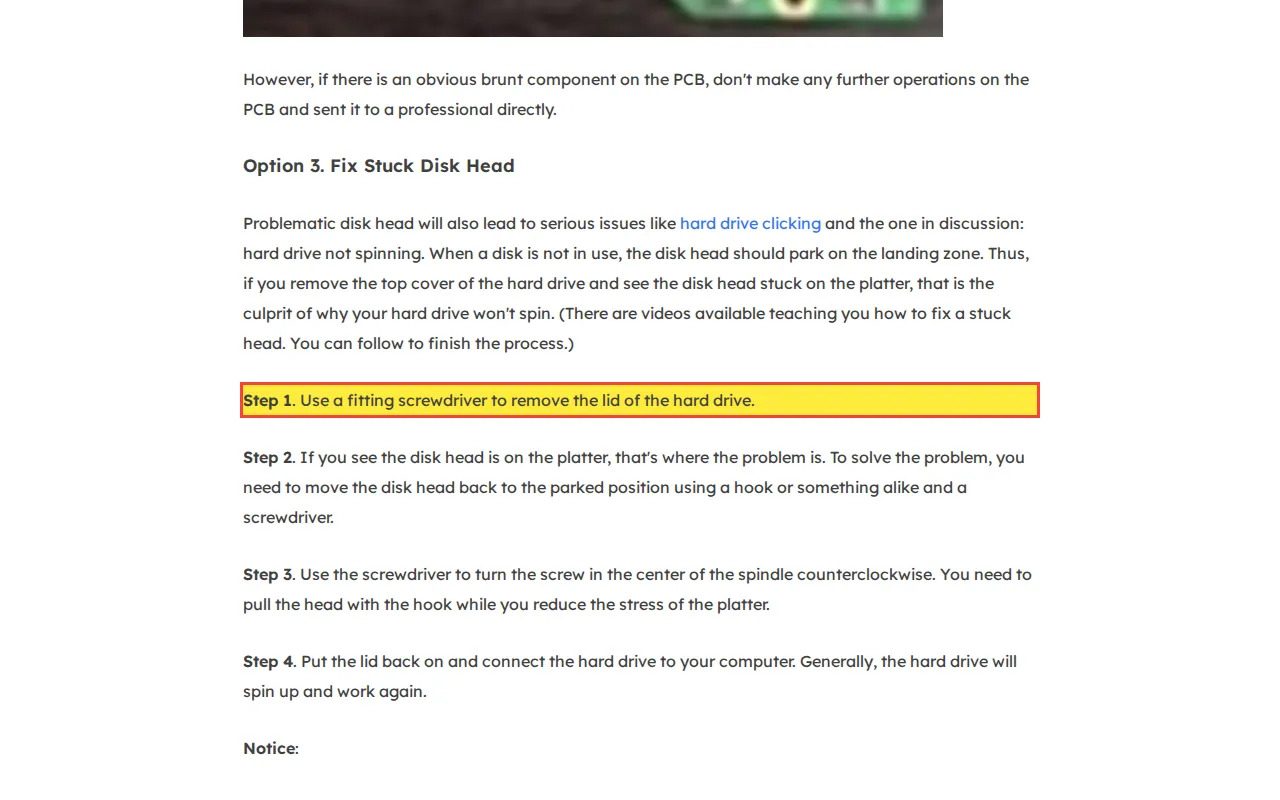
Consequence: Following this advice will permanently destroy the platter surface and render the drive unrecoverable by any lab.
Cryptographic Impossibilities
Claims that software can bypass hardware-backed encryption without the decryption key.
Can software unlock a BitLocker drive without a recovery key?
“Install EaseUS Data Recovery Wizard to unlock a BitLocker drive without a recovery key”
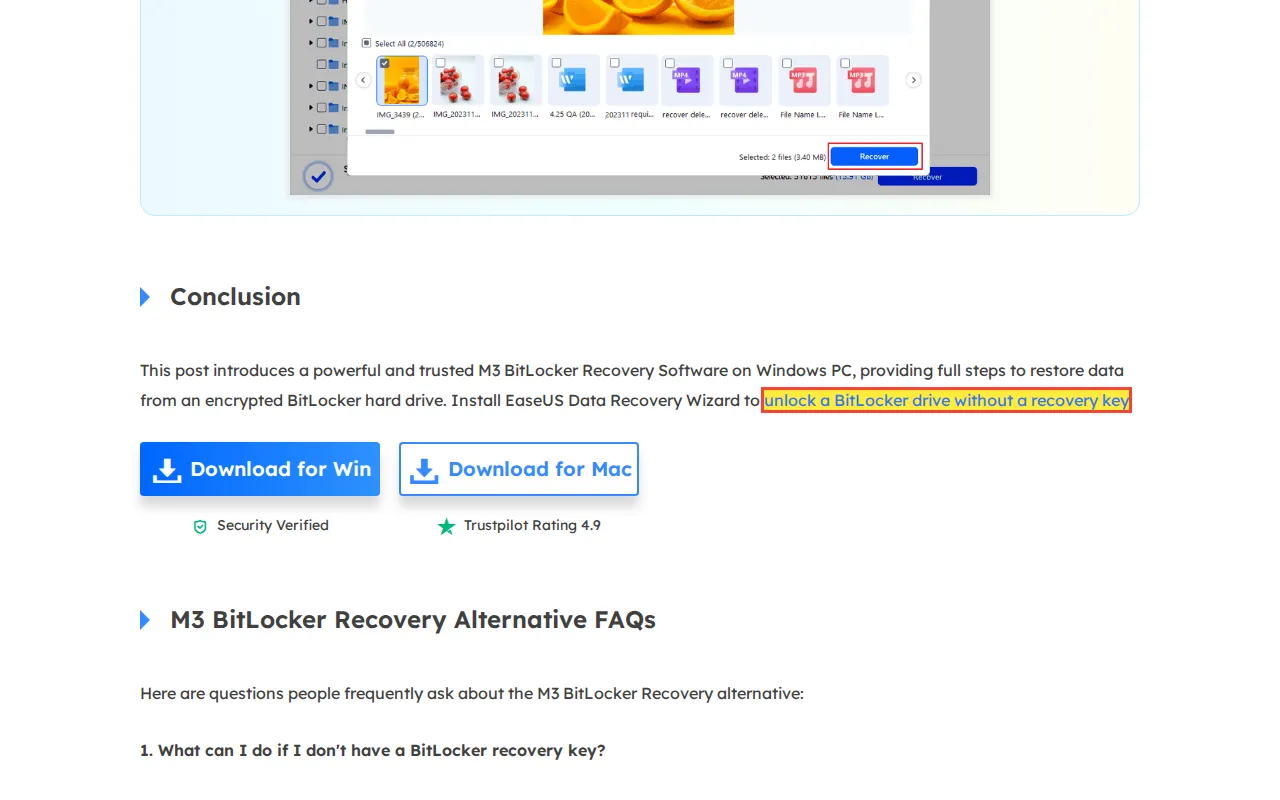
Consequence: Following this advice formats the encrypted volume, destroying the volume header and making the data permanently inaccessible.
Does clearing the TPM disable BitLocker?
“Return to BIOS and locate the TPM reset option. This might be called 'Clear TPM'...”
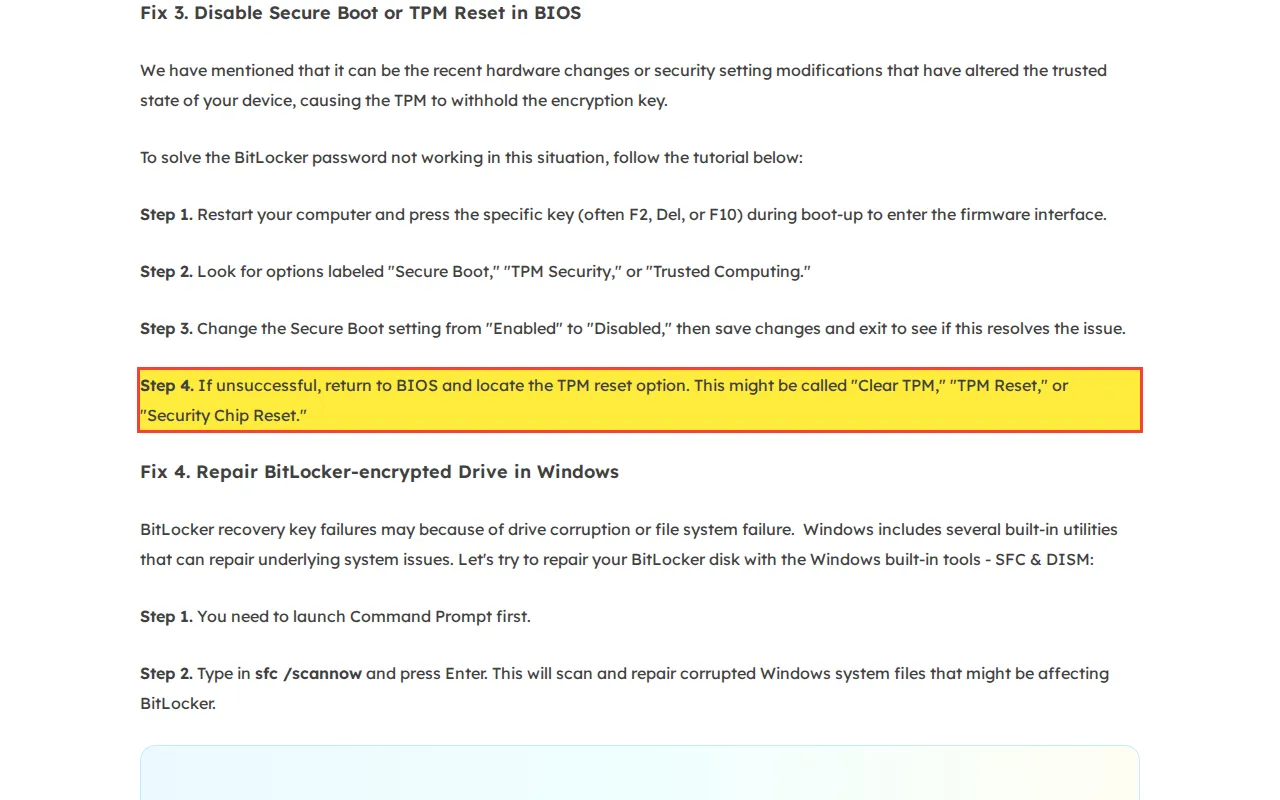
Consequence: Clearing the TPM without a backup recovery key permanently destroys access to all BitLocker-encrypted volumes on that system.
Does disabling TPM in BIOS disable BitLocker?
“Choose 'TPM State' using the arrow keys and disable it. Disabling it will also make BitLocker unfunctional.”
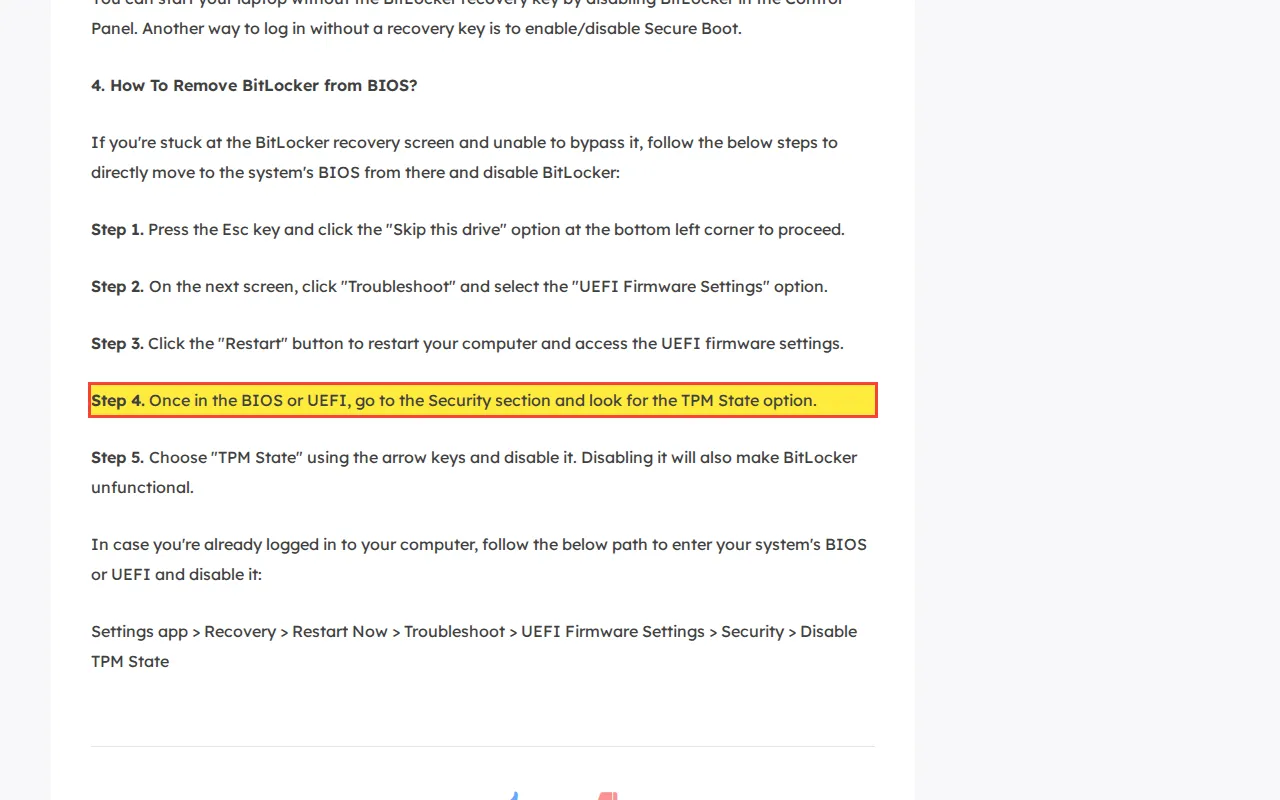
Consequence: Disabling TPM forces BitLocker into recovery mode. Without the 48-digit recovery key, the encrypted data remains permanently inaccessible.
Does EaseUS have "exclusive technology" for T2 Mac recovery?
“As an exclusive technology provider for data recovery from Macs equipped with T2 chips...”
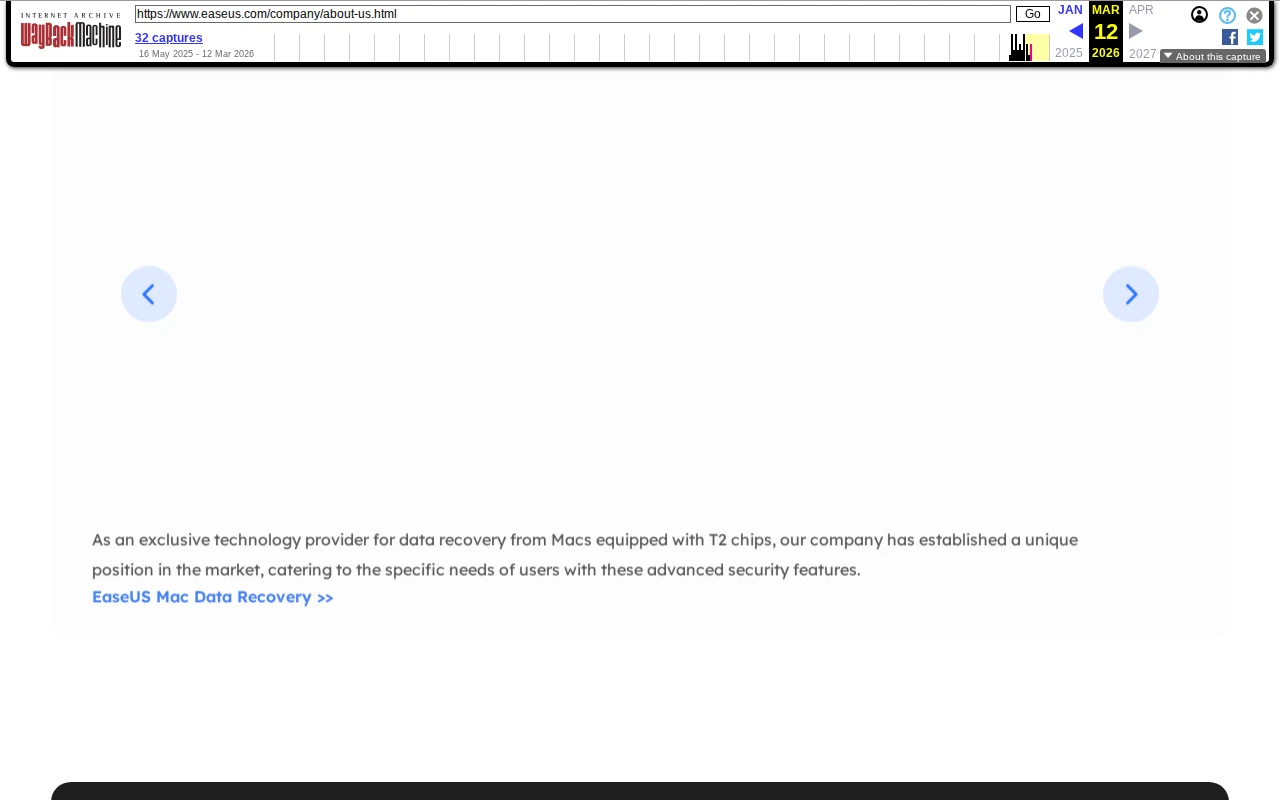
Consequence: Users who purchase EaseUS expecting T2 Mac data recovery will receive no usable data. The encryption is hardware-bound and cannot be bypassed by any software.
Mobile Recovery Fabrications
Claims about recovering data from physically damaged or factory-reset mobile devices that contradict the encryption architecture of modern smartphones.
Can you recover data from a water-damaged phone via USB?
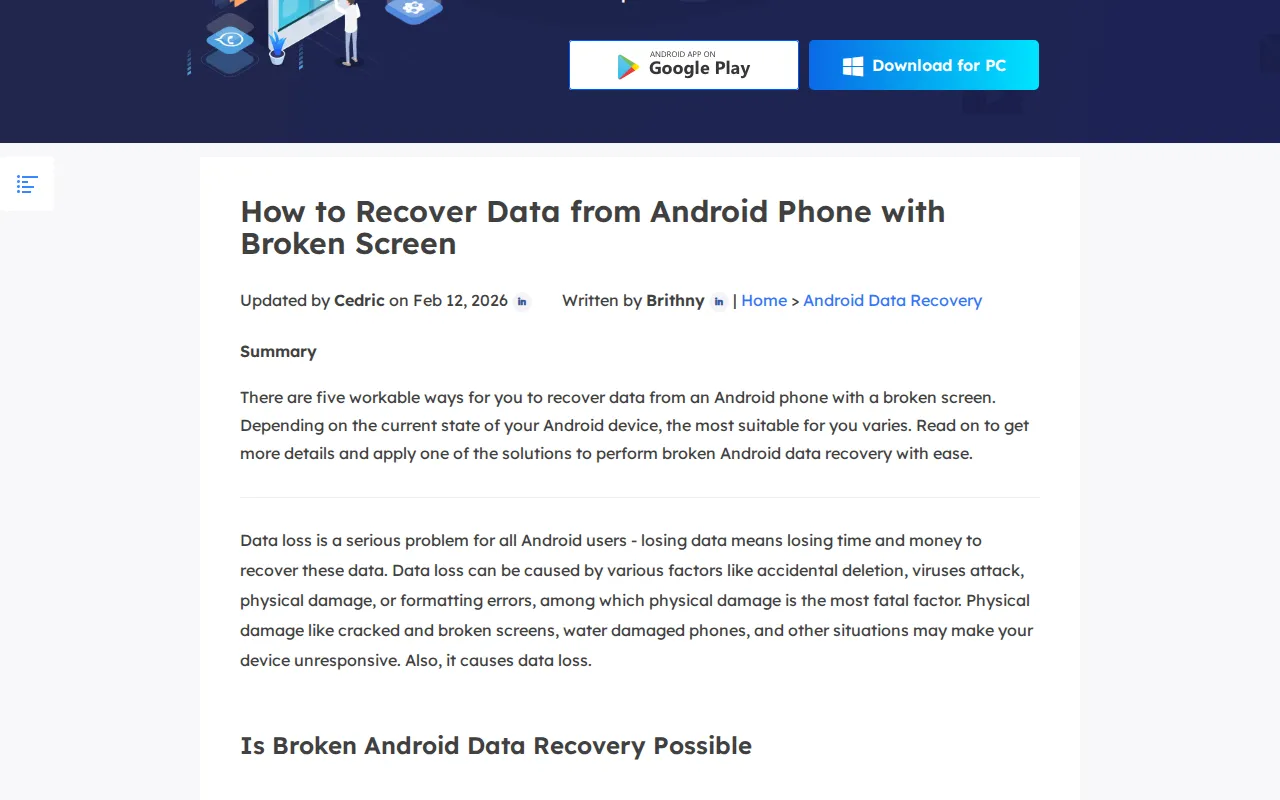
Consequence: Plugging a water-damaged phone into USB accelerates corrosion and can destroy the storage chip, making data permanently unrecoverable.
Can software recover data after a factory reset?
“EaseUS Android data recovery tool can help you effectively recover all personal media data... lost due to factory reset”
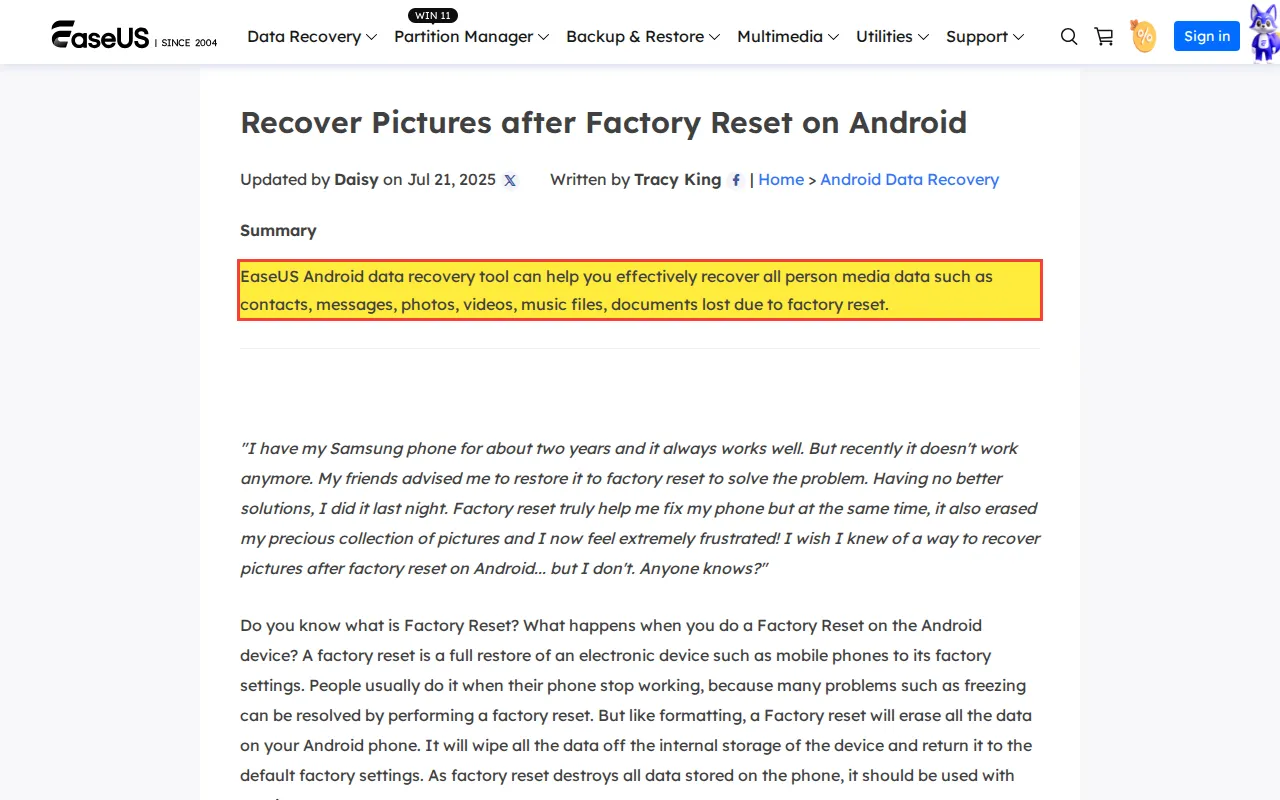
Consequence: Users pay for software that returns only random ciphertext. The encryption keys were destroyed during the factory reset and cannot be reconstructed.
Logical Destruction
Commands and procedures that overwrite or erase file system structures and user data.
Should you run CHKDSK on a failing drive?
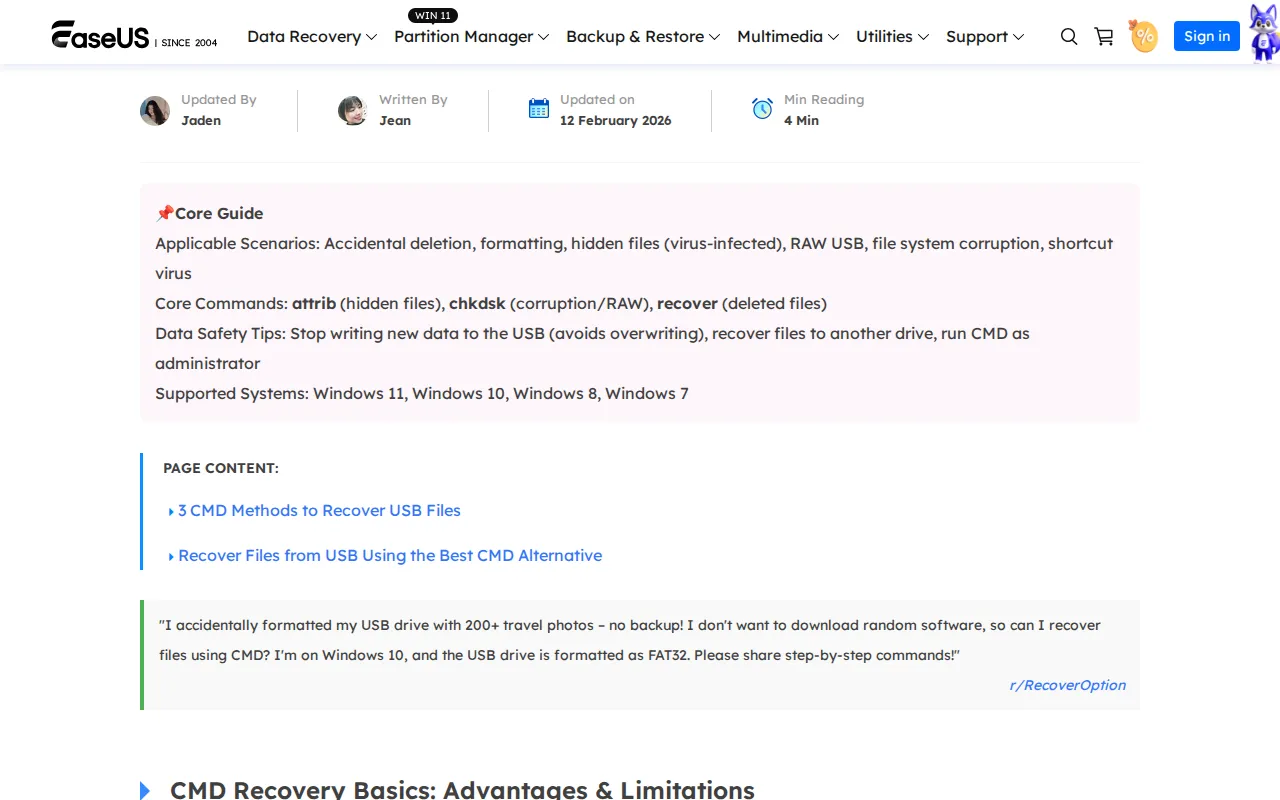
.chkfragments, and overwrites the Master File Table. The /r parameter forces a full surface scan that thrashes a dying actuator arm across every sector, generating heat and mechanical stress that pushes the hardware toward total failure.Consequence: CHKDSK will overwrite file system metadata and can push a mechanically failing drive into complete hardware failure before any data is extracted.
Should you format an SSD that is not detected in BIOS?
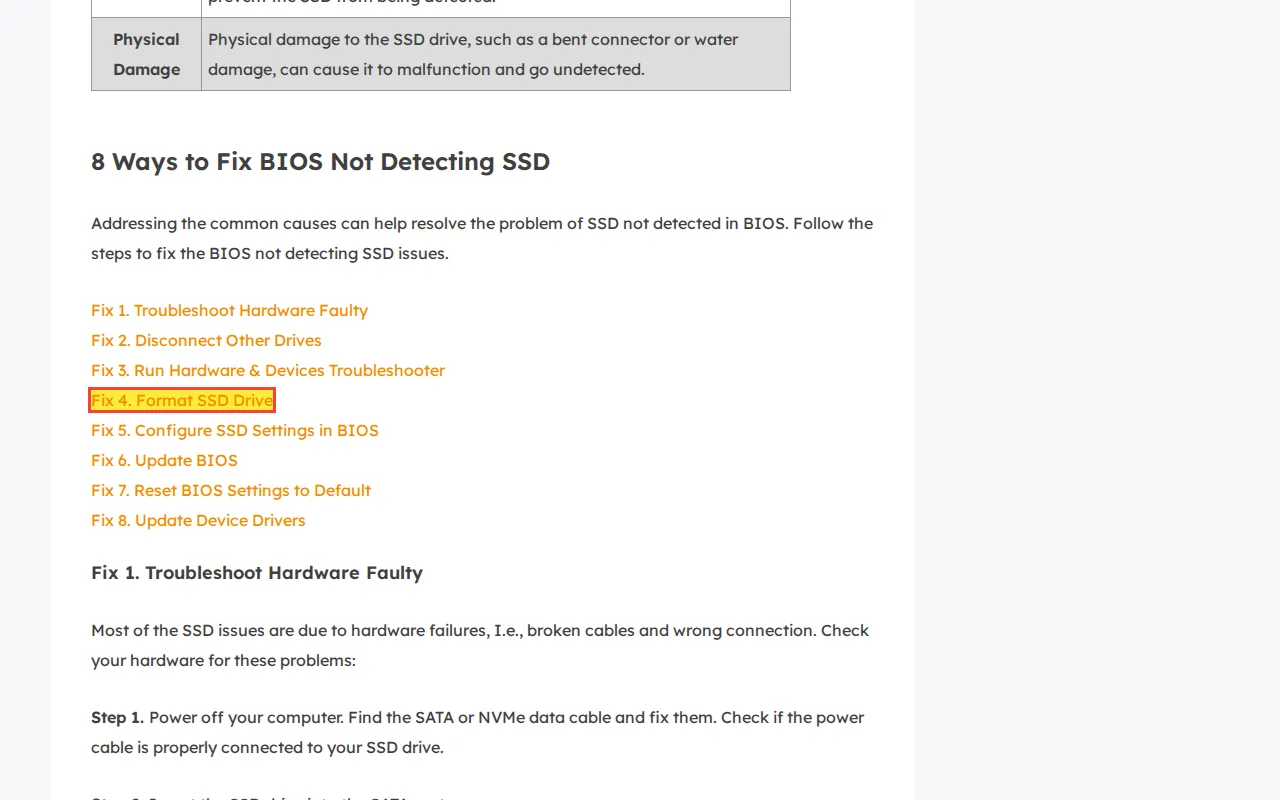
Consequence: Formatting an SSD triggers TRIM, which electrically erases all NAND cells. The data is permanently destroyed.
Should you initialize a disk that is not showing up?
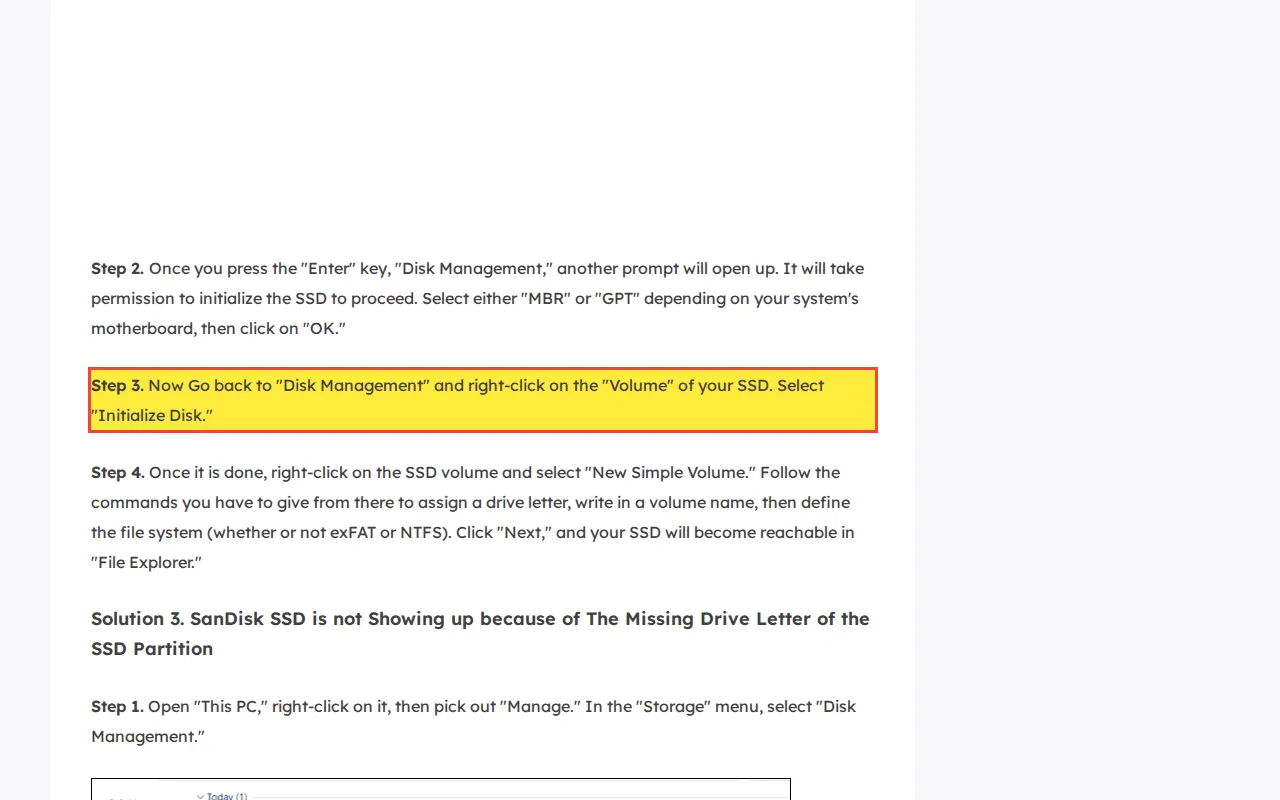
Consequence: Initialization triggers TRIM on SSDs, permanently erasing all user data within seconds of the operation completing.
Storage Architecture Misunderstandings
Advice that contradicts the fundamental architecture of SSDs and network-attached storage arrays.
Does defragmenting an SSD improve performance?
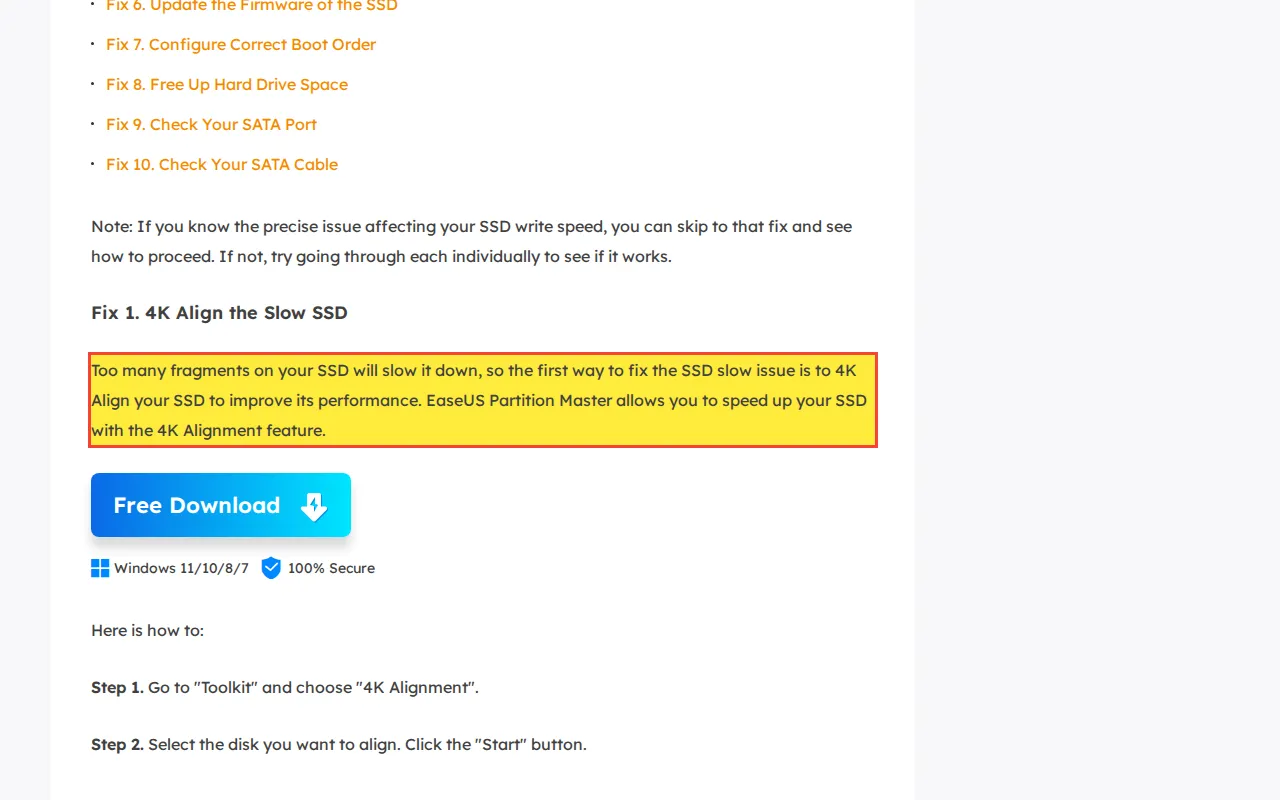
Consequence: Defragmenting an SSD wastes write cycles, shortens the drive's lifespan, and can overwrite data that was otherwise still recoverable.
Can consumer software recover data from a failed NAS drive?
“Recover Lost NAS Data Easily and Safely... drive failure, formatting, disk damage.”
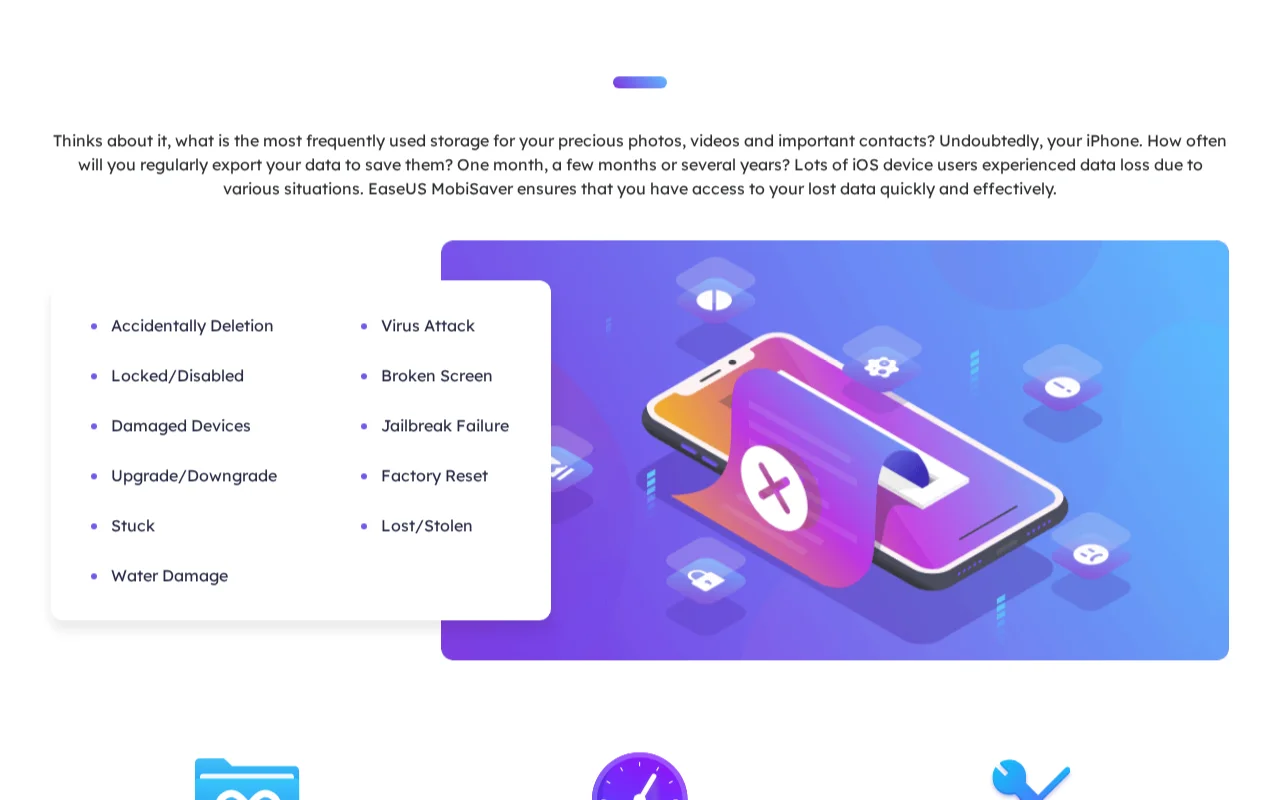
Consequence: Users waste time and money on software that cannot reconstruct RAID array geometry. If the failed drive is connected directly and scanned, the software reads only one member of the array, producing fragmented and unusable output.
What Do Independent Users Report About EaseUS?
Independent users on Reddit, the Better Business Bureau, and Trustpilot report a consistent pattern: the free scan displays file names and thumbnails from intact MFT metadata, creating the appearance of full recoverability. After payment, recoveries frequently return corrupt or zero-byte files. Refund requests are denied, and auto-renewal cancellation is obstructed.
The following patterns are documented across independent platforms including r/datarecovery, r/AskADataRecoveryPro, the Better Business Bureau, and Trustpilot. These are user reports attributed to their sources, not assertions made by this lab.
Auto-Renewal Subscription Traps
EaseUS uses Cleverbridge as its payment processor. The checkout interface pre-selects recurring subscription models over one-time licenses. Users report that explicit cancellation requests are ignored, resulting in months of unauthorized charges. The billing architecture bounces customers between EaseUS technical support and Cleverbridge billing, creating a bureaucratic loop that delays resolution until users resort to credit card chargebacks.
“I purchased their data recovery software almost a year ago for $70. I opted-out of their subscription renewal (monthly). They continued to charge me monthly until I just noticed this month. Upon contacting them, support refused any refunds for the subsequent monthly charges and instead offered a lifetime subscription in return for them to keep the $700+ that I already paid.”
According to a BBB complaint filed against Cleverbridge: “On 12/28 they charged us $66.92... after we had cancelled and requested a refund one month prior and have not heard from them. They also made it a bundle adding two extra products we never ordered.”
Source: BBB complaint against Cleverbridge (BBB listing )
The MFT Metadata Bait-and-Switch
The free version of EaseUS scans the Master File Table (MFT), a compact index that stores file names, timestamps, and embedded low-resolution thumbnails. On a damaged drive, the MFT often survives because it occupies a small, localized region of the disk. The software displays these intact metadata entries as "recoverable" files, complete with thumbnail previews that make the data appear intact.
After the user pays $69.95+, the software attempts to read the actual payload sectors where the full-resolution files reside. If those sectors are damaged, overwritten, or electrically erased by TRIM, the software delivers corrupt or 0-byte files. The MFT metadata was monetized without verifying that the payload data was intact before collecting payment.
“My experience was bait-and-switch of the product showing me a bunch of my files it could restore and then being unable to do so... Their freely downloaded product showed 21,000 files on my failing hard drive and told me I need to purchase to restore them, so I paid the $89.95, but then the software could not recover any of my data and showed an error message.”
Refund Denial via Hardware Loophole
When files recover as corrupt, EaseUS support classifies the failure as "hardware damage" or "pre-existing data corruption" and denies the refund. Their money-back guarantee covers software malfunction (crashes, installation failure), not failed data recovery. The software has programmatic access to SMART attributes and I/O error rates during the initial scan. It could warn users that the drive is physically degraded before collecting payment. Instead, it suppresses that diagnostic information and presents metadata thumbnails as proof of recoverability.
“This was their logic, because it was my SSD that it was not easeUS softwares fault for the complete lack of recovery. So easeUS refused a refund... They basically put the blame on the customer so they can refuse refunds for their deceptively advertised software.”
Professional Engineer Consensus
Data recovery professionals on r/datarecovery and r/AskADataRecoveryPro consistently advise against running EaseUS on physically failing drives. The professional consensus centers on two points: the software does not adequately warn users about hardware failure before collecting payment, and the website's published guides actively instruct users to perform destructive operations on failing media.
“DO NOT under any circumstances run chkdsk against the failing drive or the clone! There is literally nothing it can do that competent recovery software can't do virtually and safely... the way by which it operates is incredibly destructive and it is never safe for use against a failing drive...”
When Does EaseUS Data Recovery Actually Work?
EaseUS Data Recovery Wizard works for logical file recovery on physically healthy drives. If the storage device is detected by BIOS, makes no abnormal sounds, and the deleted data has not been overwritten or TRIM-erased, the software can locate and recover files by scanning file system metadata and unallocated disk space.
The software scans NTFS Master File Table entries, FAT32 directory structures, HFS+ catalog records, partition tables, and raw sectors for recognizable file signatures. It works when:
- You accidentally deleted files on a healthy drive (no hardware failure)
- You formatted a partition where TRIM has not yet executed (HDDs or SSDs with TRIM disabled)
- The drive is detected by BIOS/UEFI with its correct model number and capacity
- The drive makes no unusual sounds (clicking, beeping, grinding) when powered on
Supported file systems include NTFS, FAT32, exFAT, HFS+, and ext4. Pricing is approximately $69.95 for a one-month Pro license, $99.95 for a one-year license, or $149.95 for a lifetime license. The free version limits recovery to 2GB of data.
In these scenarios, EaseUS, R-Studio, DMDE, and similar tools are appropriate starting points. Professional lab recovery would be unnecessary overhead for a logical failure on a healthy drive.
How Does EaseUS Pricing Compare to Professional Lab Recovery?
EaseUS and professional lab recovery address different failure types and are not interchangeable solutions. Software handles logical failures on physically healthy drives where the hardware can service read commands. Lab recovery handles hardware failures where the drive itself has broken down and cannot be accessed through the operating system's storage interface.
| Service | EaseUS Pro | Rossmann HDD Recovery | Rossmann SSD Recovery |
|---|---|---|---|
| Starting price | $69.95/mo | From $100 | From $200 |
| Licensing | Monthly/annual subscription or $149.95 lifetime | One-time fee per device | |
| Diagnostic fee | N/A (software scan) | Free | |
| Handles hardware failure | No | Yes (head swap, firmware repair, NAND extraction) | |
| No-data-no-fee guarantee | 30-day refund (conditions apply) | No data, no recovery fee | |
| Published pricing | Yes | Yes, 5 tiers published | |
EaseUS pricing from easeus.com as of March 2026. Rossmann pricing from published tiers.
When Should You Use Software vs. a Professional Lab?
Software recovery operates through the operating system's standard storage interface. If the drive hardware can service read commands, software works. If the hardware has failed (the drive clicks, does not spin, or is not detected by BIOS), no software can extract data. The drive requires physical intervention: head replacement, firmware repair, or direct NAND chip reading.
| Failure Type | Software (EaseUS, R-Studio, etc.) | Professional Lab |
|---|---|---|
| Accidental deletion (no TRIM) | Functional | Functional |
| Formatted partition (no TRIM) | Functional | Functional |
| Clicking/grinding drive | Destructive (forces dying heads across platters) | Functional (head swap in clean bench) |
| Liquid-damaged phone | Destructive (USB power accelerates corrosion) | Functional (microsoldering required) |
| BitLocker (lost key) | Non-functional | Non-functional |
| SSD deletion (TRIM active) | Non-functional | Non-functional |
For scenarios where both software and lab recovery are functional, software is the more cost-effective path. For hardware failures, no software can help. To compare professional alternatives to EaseUS for hardware failure scenarios, see our detailed alternative page.
What Are the Most Common Questions About EaseUS Data Recovery?
Common questions about EaseUS Data Recovery Wizard focus on whether the software is safe to install, whether it can recover files from physically damaged or encrypted drives, why recovered files often appear corrupted after payment, and whether refunds are available when recovery fails. The answers depend on the specific failure type and the physical state of the storage device.
Is EaseUS data recovery safe to use?
Does EaseUS actually recover data?
Why does EaseUS show files but recover them as corrupted?
Can EaseUS recover data from a dead hard drive?
Can EaseUS bypass BitLocker encryption?
Is EaseUS data recovery a virus?
Does EaseUS refund if recovery fails?
What are the risks of running EaseUS on a failing drive?
Need Professional Data Recovery?
Free evaluation. No diagnostic fees. No data, no recovery fee. HDD recovery from $100. SSD recovery from $200.
Since 2008
Established
As Featured In
Related services