Incorrect data recovery advice is everywhere online, published by companies that should know better. This page identifies the specific sources, quotes their claims verbatim, and corrects each one using verifiable hardware specifications, manufacturer documentation, and the procedures we use in our Austin lab every day.
Following bad data recovery advice can make your data permanently unrecoverable.
Running CHKDSK on a failing drive destroys MFT records. Plugging a wet phone into USB causes electrolytic corrosion. Clearing the TPM when BitLocker fails destroys the encryption key. Rebuilding a RAID array without imaging first risks total array loss. Each myth below explains the specific failure mechanism and the correct recovery procedure.
Jump to company
Browse by company:
Liquid damage
Liquid Damage Myths
Myth 01
Should You Plug a Water-Damaged Phone into USB?
Misconception
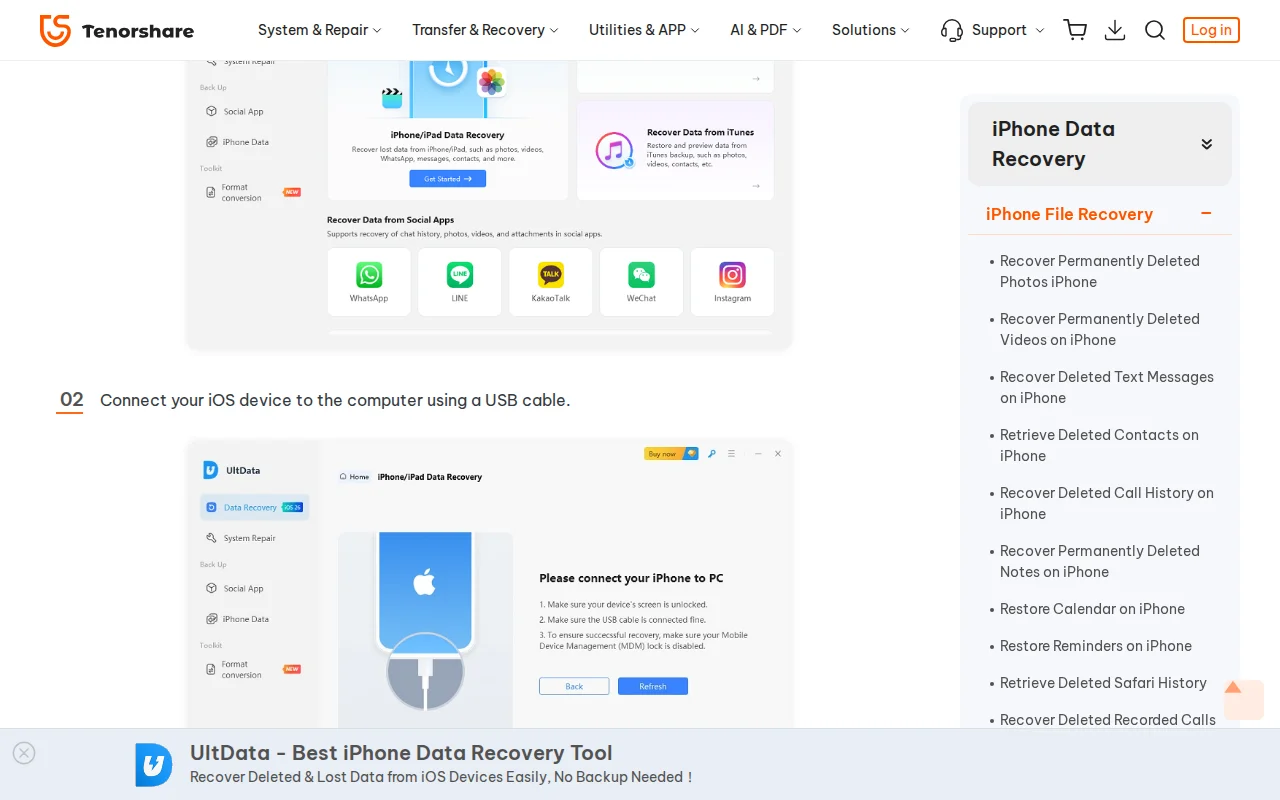
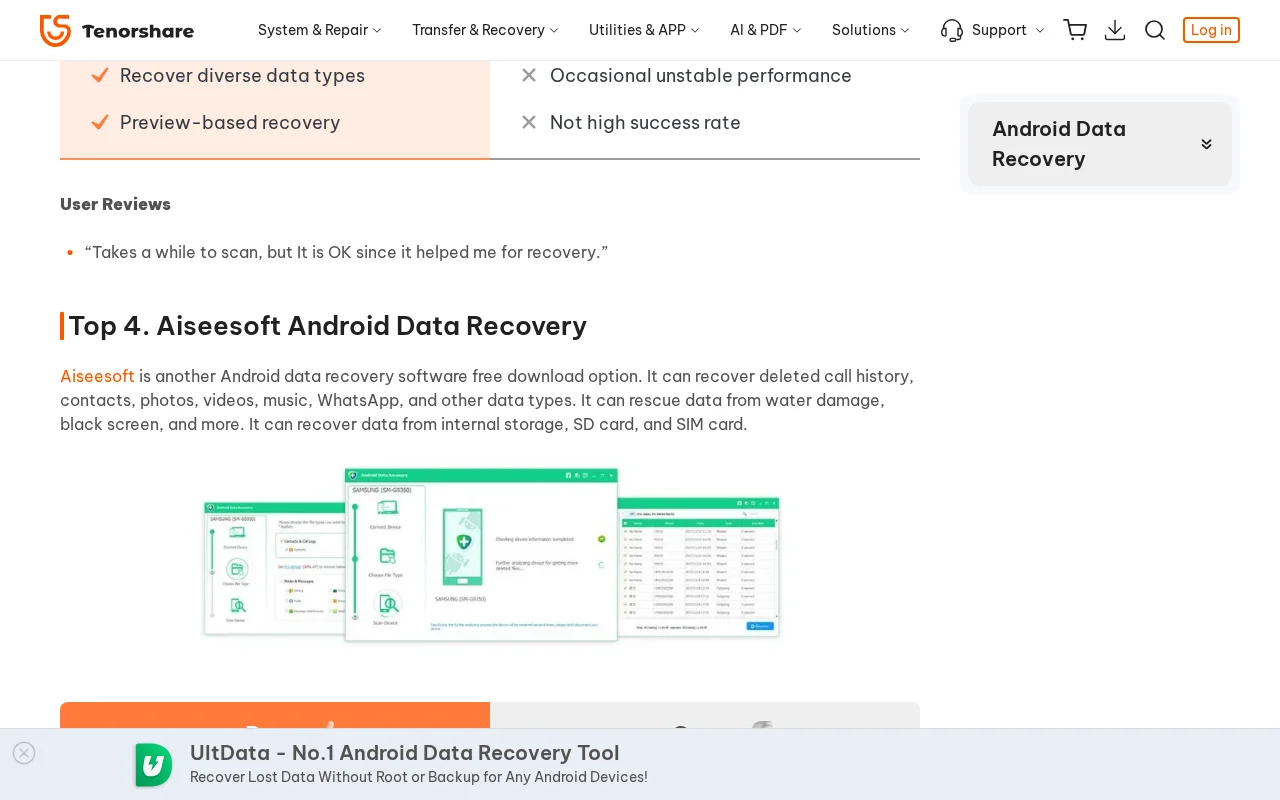
Tenorshare, EaseUS, and other software vendors instruct users to connect water-damaged phones directly to a computer via USB cable as part of their recovery procedures. EaseUS lists water damage as a recoverable scenario for their USB-connected software. Tenorshare markets its Android recovery tool as able to 'rescue data from water damage' by connecting the phone to a PC.
Reality
Connecting a water-damaged phone to USB introduces 5V power through the charging IC. On a wet or corroded board, this voltage causes electrolytic corrosion: copper traces dissolve via anodic dissolution, and current paths short across capacitor pads to high-voltage rails.
Documented in the wild (3)
Tenorshare
“Connect your iOS device to the computer using a USB cable.”
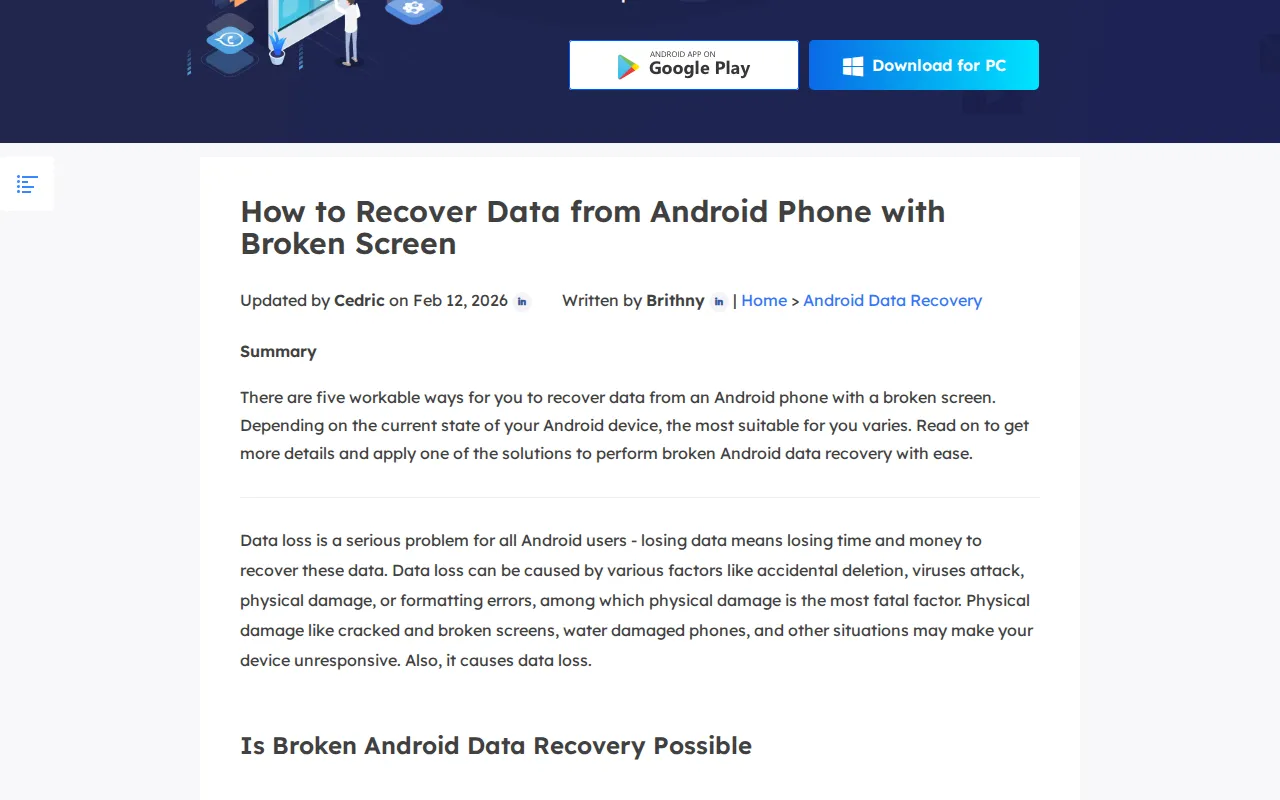
“Physical damage like cracked and broken screens, water damaged phones, and other situations may make your device unresponsive. Also, it causes data loss. Is Broken Android Data Recovery Possible”
Plugging in a wet phone accelerates destruction of recoverable data. Components that were repairable before power application may be destroyed within seconds.
Correct recovery procedure
The correct first step is displacement of moisture with 99% isopropyl alcohol, followed by ultrasonic cleaning in a heated bath, then board-level inspection under a stereo microscope before applying any power.
Myth 02
Can Rice Fix a Water-Damaged Phone?
Misconception
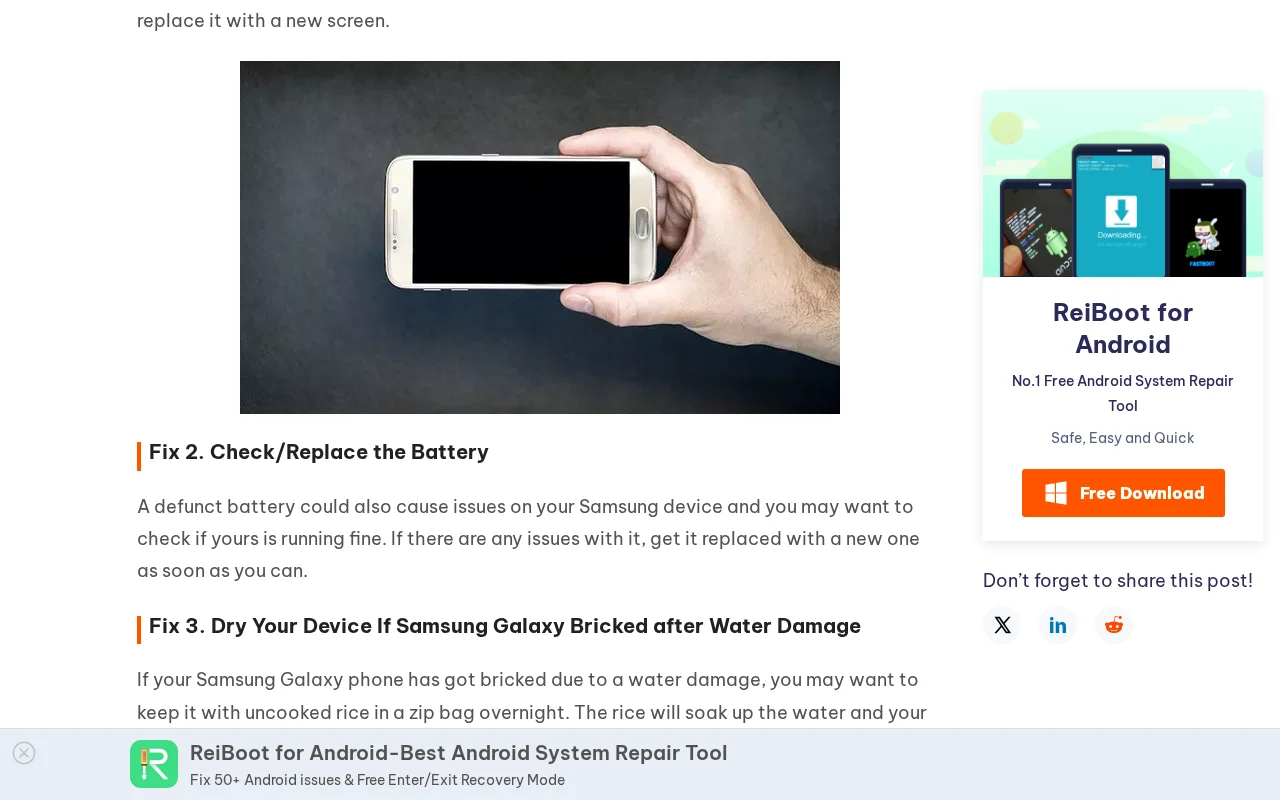
Stellar and Tenorshare both advise placing water-damaged phones in bags of uncooked rice. Stellar's guide recommends 'drying your phone by keeping it in a bag of uncooked rice or silica gel.' Tenorshare tells users of bricked Samsung phones to 'keep it with uncooked rice in a zip bag overnight.'
Reality
Rice does not stop electrolytic corrosion. When liquid bridges voltage rails on a PCB, copper and tin dissolve electrochemically within hours. Rice absorbs ambient moisture from the air but cannot extract liquid trapped under BGA packages, EMI shields, or between PCB layers. While the phone sits in rice for 8 to 24 hours, active corrosion continues dissolving traces and solder joints. Starch dust from the rice can also enter the charging port and headphone jack, contaminating connectors.
Documented in the wild (2)
Stellar
“drying your phone by keeping it in a bag of uncooked rice or silica gel”
Every hour a water-damaged phone sits in rice is an hour of unchecked corrosion dissolving copper traces under BGA packages. By the time the customer removes the phone, the corrosion damage is far worse than it was at the time of the liquid event.
Correct recovery procedure
The correct response is to disconnect power immediately (remove the battery if possible), disassemble the device, remove EMI shields, and ultrasonically clean the board in 99% isopropyl alcohol within hours of the liquid exposure. Time is the critical variable, and rice wastes it.
These two myths are part of a larger pattern. Software vendors that profit from USB connections publish instructions that guarantee electrolytic corrosion on wet logic boards. Read the full investigation into liquid damage misinformation covering 10 companies with verified quotes and screenshot evidence.
Encryption
Encryption and Data Destruction Myths
Myth 03
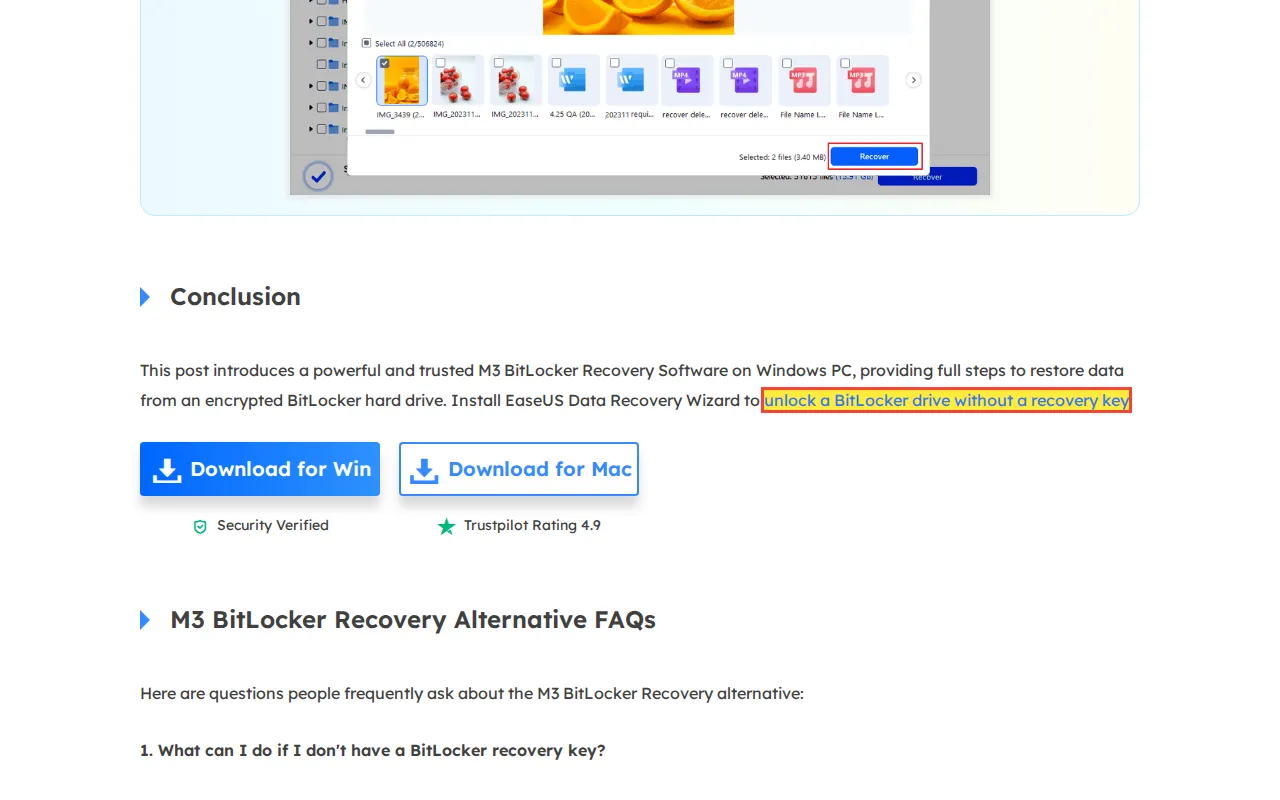
Can Software Unlock a BitLocker Drive Without a Recovery Key?
Misconception
EaseUS claims users can 'Install EaseUS Data Recovery Wizard to unlock a BitLocker drive without a recovery key.'
Reality
BitLocker uses AES-128 or AES-256 encryption. The 48-digit recovery key is the only fallback when the TPM-stored key is unavailable. AES encryption cannot be brute-forced; the key space is astronomically large. No commercial software can 'unlock' a BitLocker volume without either the recovery key, the original user password, or a functioning TPM that still holds the sealed key.
Documented in the wild (1)
EaseUS
“Install EaseUS Data Recovery Wizard to unlock a BitLocker drive without a recovery key”
The customer purchases software expecting to bypass BitLocker encryption. The software cannot decrypt AES-256. The customer wastes money and, more critically, wastes time during which they could have been searching for their recovery key backup (Microsoft account, printout, Active Directory).
Correct recovery procedure
Search for the recovery key: Microsoft account backup, Active Directory, Azure AD, printed copy, USB key backup. If all key sources are exhausted and the TPM is non-functional, the data is cryptographically sealed. No lab and no software can change this. EaseUS's own embedded YouTube video says at 0:45 that the user needs their BitLocker recovery key (youtu.be/-PIAkAyX7mo?t=45), directly contradicting the page headline.
Myth 04
Can Software Recover Data After a Factory Reset?
Misconception
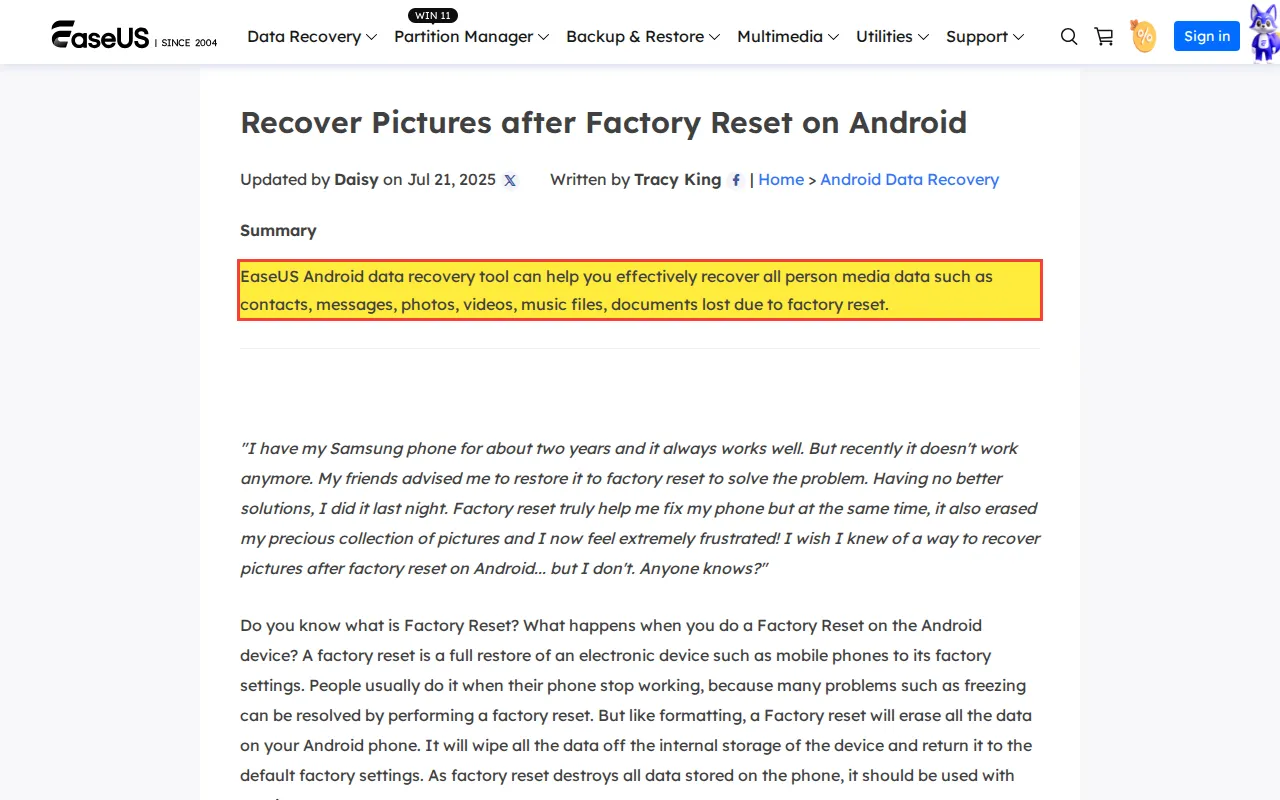
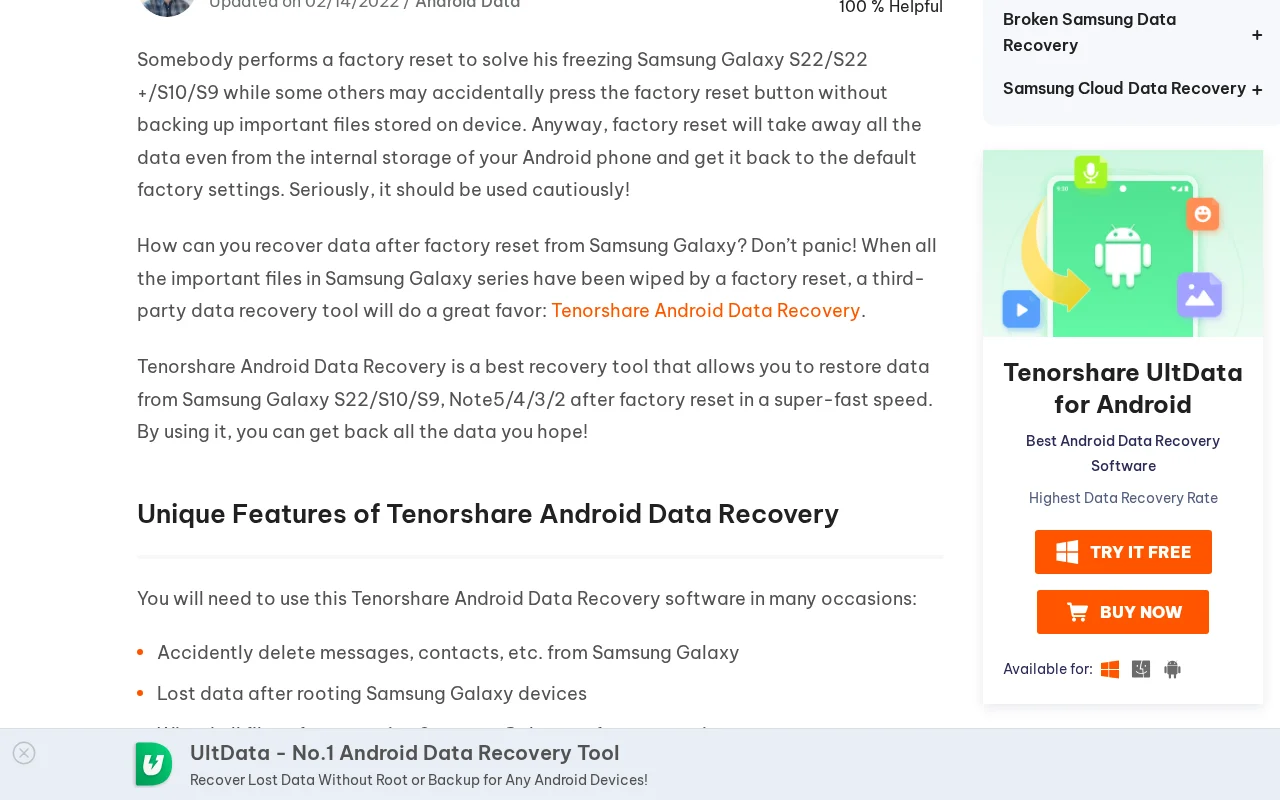
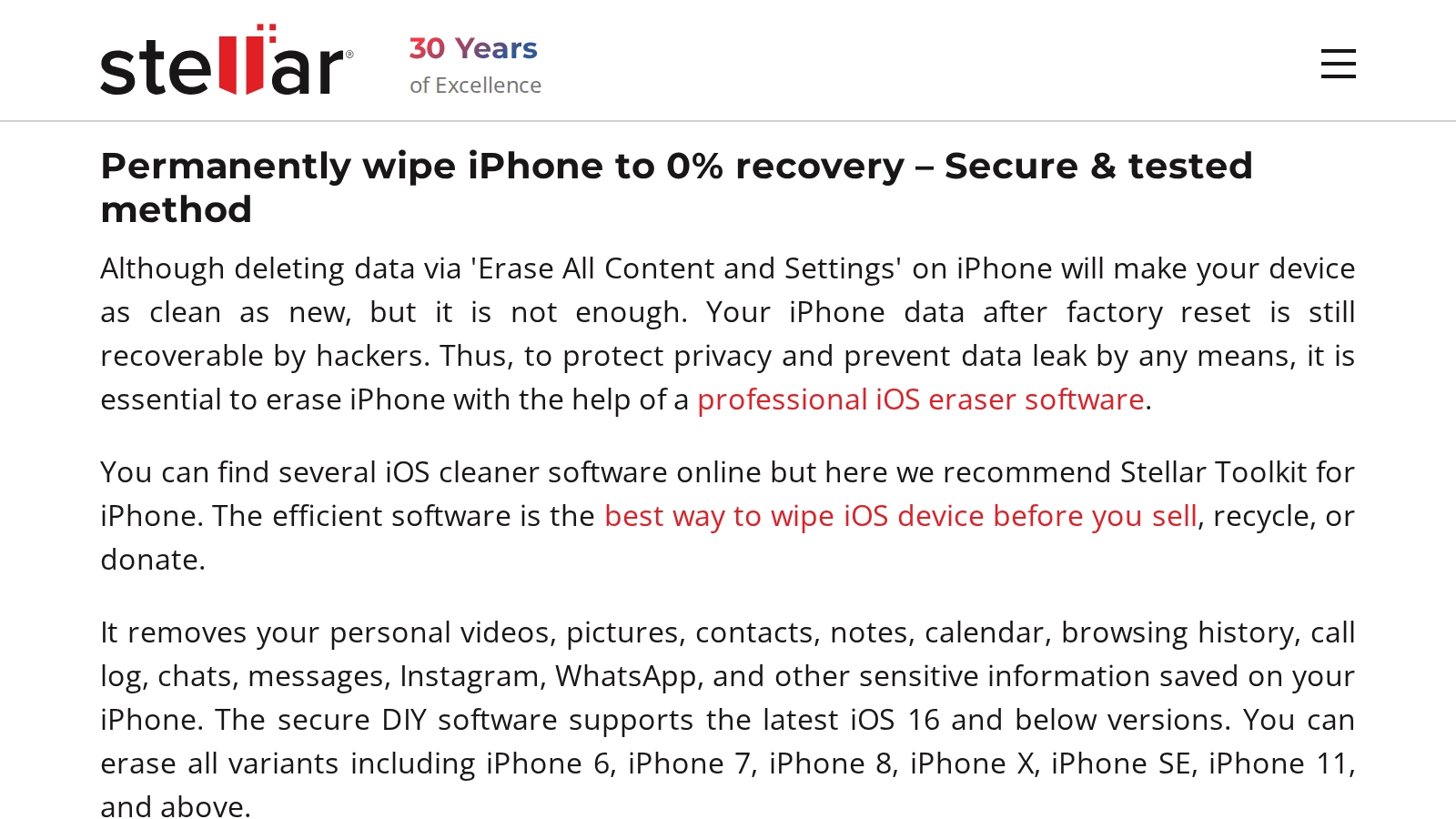
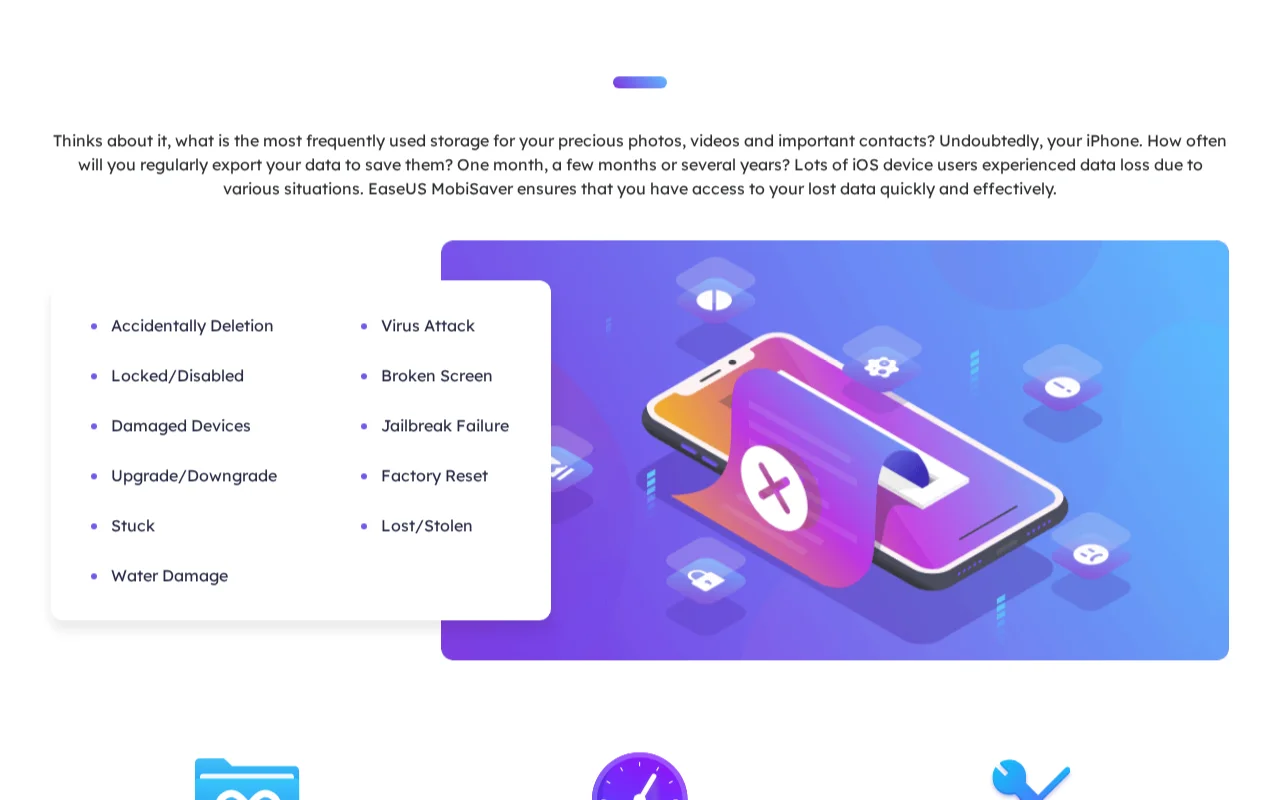
EaseUS claims their tool 'can help you effectively recover all personal media data such as contacts, messages, photos, videos, music files, documents lost due to factory reset.' Tenorshare claims their software 'allows you to restore data from Samsung Galaxy S22/S10/S9, Note5/4/3/2 after factory reset.' Stellar claims 'Your iPhone data after factory reset is still recoverable by hackers.'
Reality
Modern Android devices (Android 6.0+) use hardware-backed encryption by default. A factory reset performs a Cryptographic Erase that destroys the Media Encryption Key (MEK) stored in the Trusted Execution Environment (TEE). The NAND flash still contains data, but it is AES-encrypted ciphertext. Without the MEK (which has been zeroed), the data is indistinguishable from random noise. iPhones perform the same cryptographic erase via the Secure Enclave.
Documented in the wild (3)
EaseUS
“EaseUS Android data recovery tool can help you effectively recover all person media data such as contacts, messages, photos, videos, music files, documents lost due to factory re”
“Tenorshare Android Data Recovery is a best recovery tool that allows you to restore data from Samsung Galaxy S22/S10/S9, Note5/4/3/2 after factory reset in a super-fast speed.”
The ciphertext on the NAND is unreadable without the destroyed encryption key. No software tool, no lab, and no hacker can recover plaintext data from a cryptographically erased device because the mathematical key required for decryption no longer exists anywhere.
Correct recovery procedure
There is no recovery path after a factory reset on a modern encrypted device. The encryption key has been destroyed. Prevention is the only option: maintain cloud backups (Google account sync, iCloud) and local backups before performing any reset.
Myth 05
Are Clean Benches 'Inadequate' for Data Recovery?
Misconception
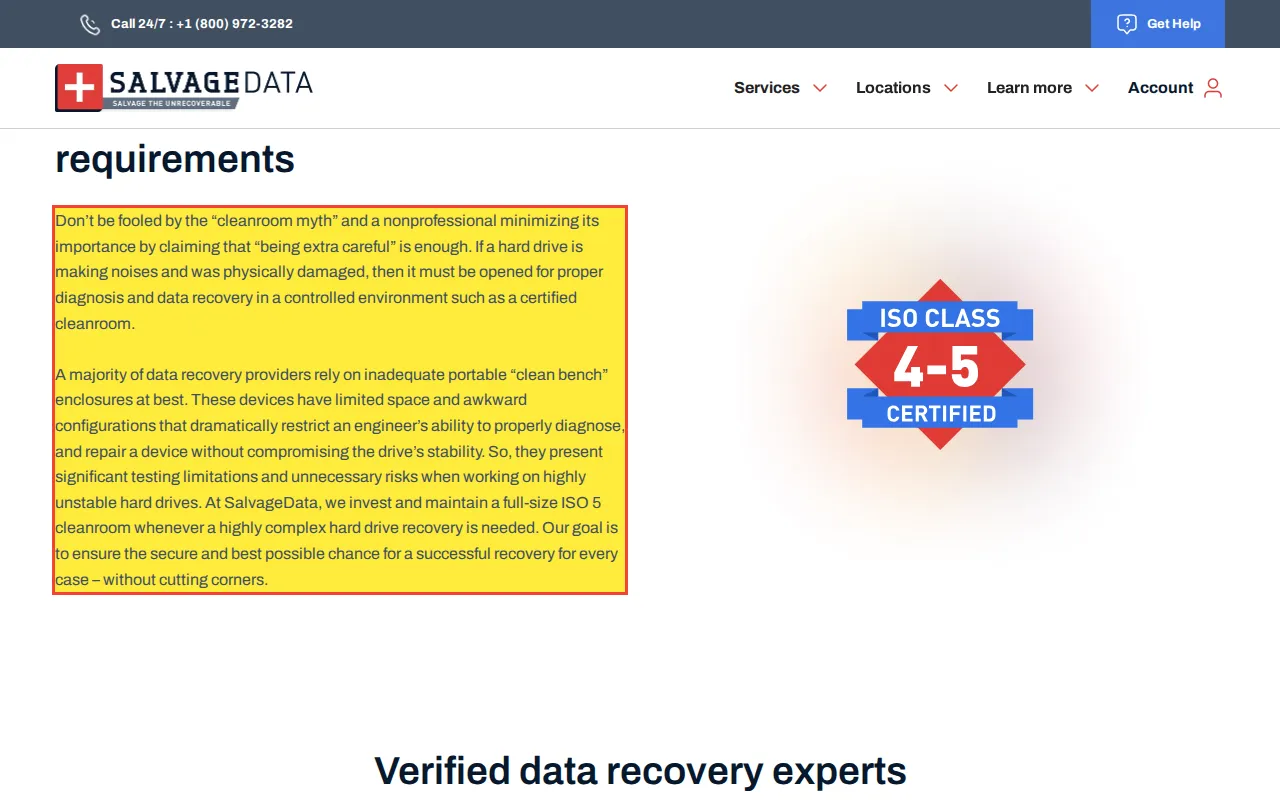
SalvageData claims: 'A majority of data recovery providers rely on inadequate portable clean bench enclosures at best. These devices have limited space and awkward configurations that dramatically restrict an engineer's ability to safely handle sensitive components.'
Reality
A 0.02 micron ULPA-filtered laminar flow clean bench is the standard tool used by working data recovery labs worldwide for HDD head swaps. The bench provides a curtain of filtered air flowing across the work surface, which is where the open drive sits. The engineer's hands, tools, and the drive are all within the filtered airflow zone. Clean benches provide the same or better particulate filtration over the work area as a full ISO cleanroom.
Documented in the wild (1)
SalvageData
“A majority of data recovery providers rely on inadequate portable 'clean bench' enclosures at best. These devices have limited space and awkward configurations that dramatically restrict an engineer's ability to safely handle sensitive components.”
Customers eliminate labs that use clean benches (which is most competent independent labs) from consideration, funneling themselves toward expensive corporate labs whose primary differentiator is marketing budget, not technical capability.
Correct recovery procedure
The relevant question when evaluating a lab is not "Do you have a cleanroom?" but "What filtration level covers the work surface during head swaps?" A 0.02 micron ULPA-filtered clean bench filters the air directly above the open drive, which is the air an ISO Class 5 (Class 100) cleanroom controls at room scale.
The cleanroom myth persists because labs with full ISO cleanrooms use it as a marketing differentiator. Read the full cleanroom myth investigation covering ULPA bench filtration specs and why a walk-in room adds zero benefit over a laminar-flow bench for head swaps.
Myth 06
Do SSDs 'Travel Along Specially Prepared Surfaces'?
Misconception
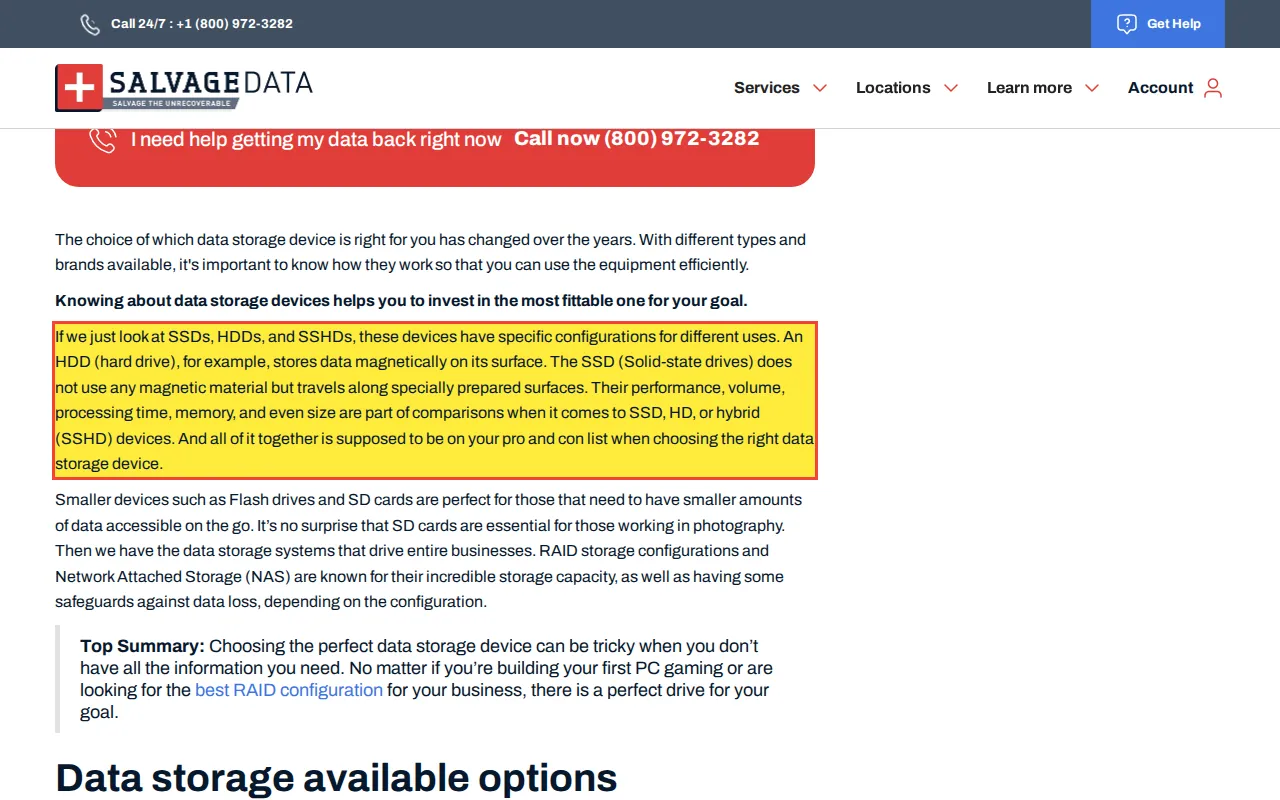
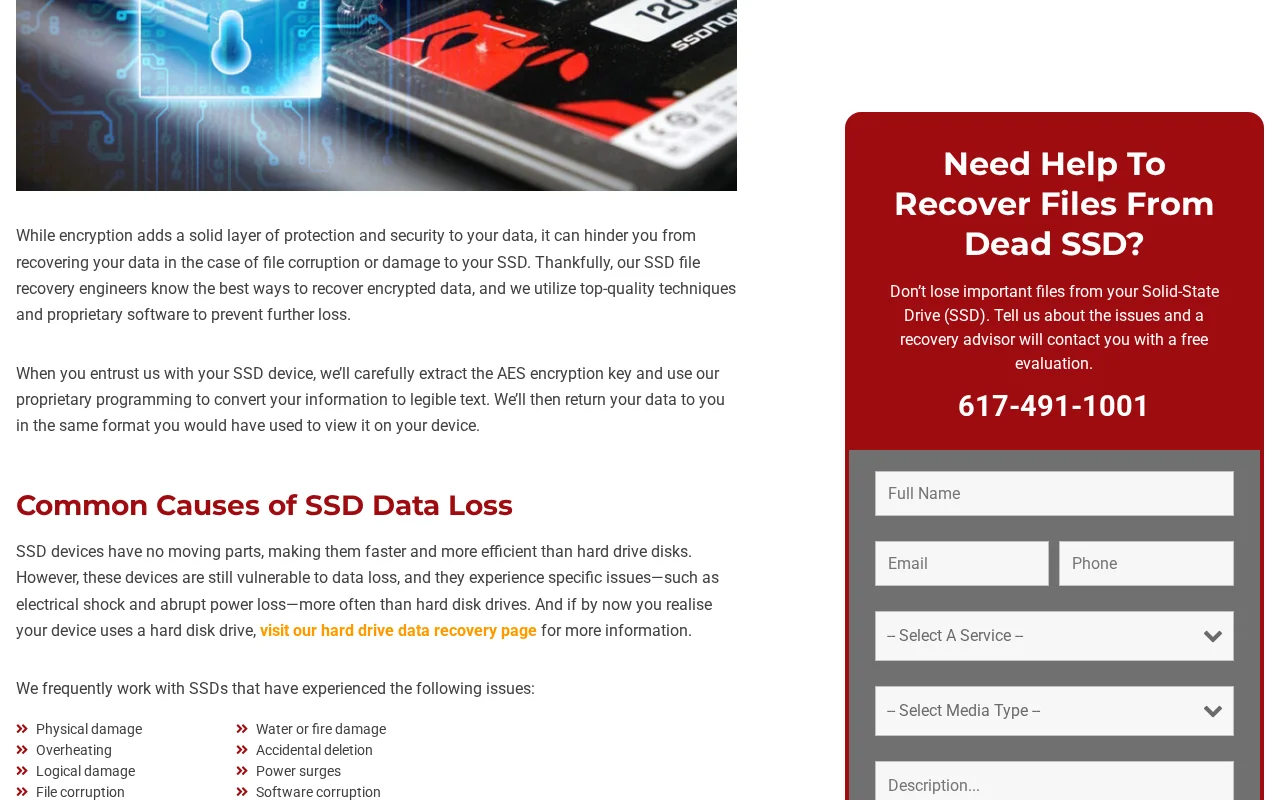
SalvageData claims: 'The SSD (Solid-state drives) does not use any magnetic material but travels along specially prepared surfaces.'
Reality
SSDs have no moving parts. Nothing 'travels' inside an SSD. Data is stored as electrical charges in floating-gate transistors within NAND flash memory packages. These packages are soldered to a PCB. The controller reads and writes data by sending electrical signals through traces on the PCB.
Documented in the wild (1)
SalvageData
“The SSD (Solid-state drives) does not use any magnetic material but travels along specially prepared surfaces.”
Customers develop a false mental model of how SSDs work, potentially treating SSDs as mechanically fragile (avoiding movement or vibration) when SSDs are in fact shock-resistant because they have no moving parts.
Correct recovery procedure
SSDs fail through electronic mechanisms: controller IC failure, PMIC shorts, NAND page wear-out (P/E cycle exhaustion), or firmware corruption. Diagnosis requires electronic tools (multimeter, oscilloscope, PC-3000 SSD), not mechanical tools.
Myth 07
Does File Fragmentation Slow Down SSDs?
Misconception
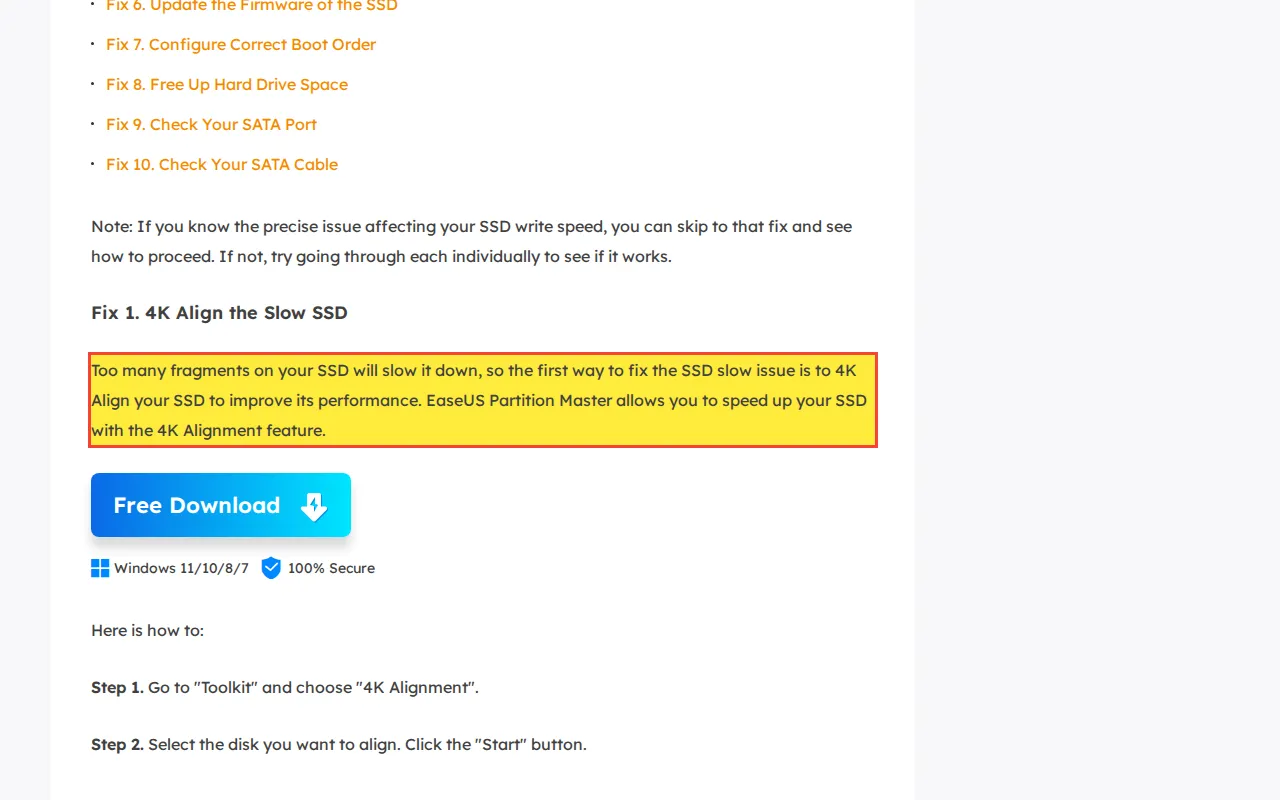
EaseUS claims: 'Too many fragments on your SSD will slow it down, so the first way to fix the SSD slow issue is to 4K Align your SSD to improve its performance.'
Reality
File fragmentation is a performance concern only for mechanical HDDs, where the read/write head must physically move to non-contiguous sectors. SSDs access any NAND page in the same time regardless of physical location because there is no mechanical seek. 4K alignment is a legitimate SSD optimization (aligning partitions to NAND page boundaries), but it is unrelated to fragmentation.
Documented in the wild (1)
EaseUS
“Too many fragments on your SSD will slow it down, so the first way to fix the SSD slow issue is to 4K Align your SSD to improve its performance.”
Customers run defragmentation tools on their SSDs, burning through write endurance cycles for zero performance benefit while shortening the drive's lifespan.
Correct recovery procedure
If an SSD is slow, check for TRIM support (fsutil behavior query DisableDeleteNotify), firmware version, and remaining write endurance via SMART attributes. Do not defragment.
Myth 08
Does Software Recover Data from a Dead Hard Drive?
Misconception
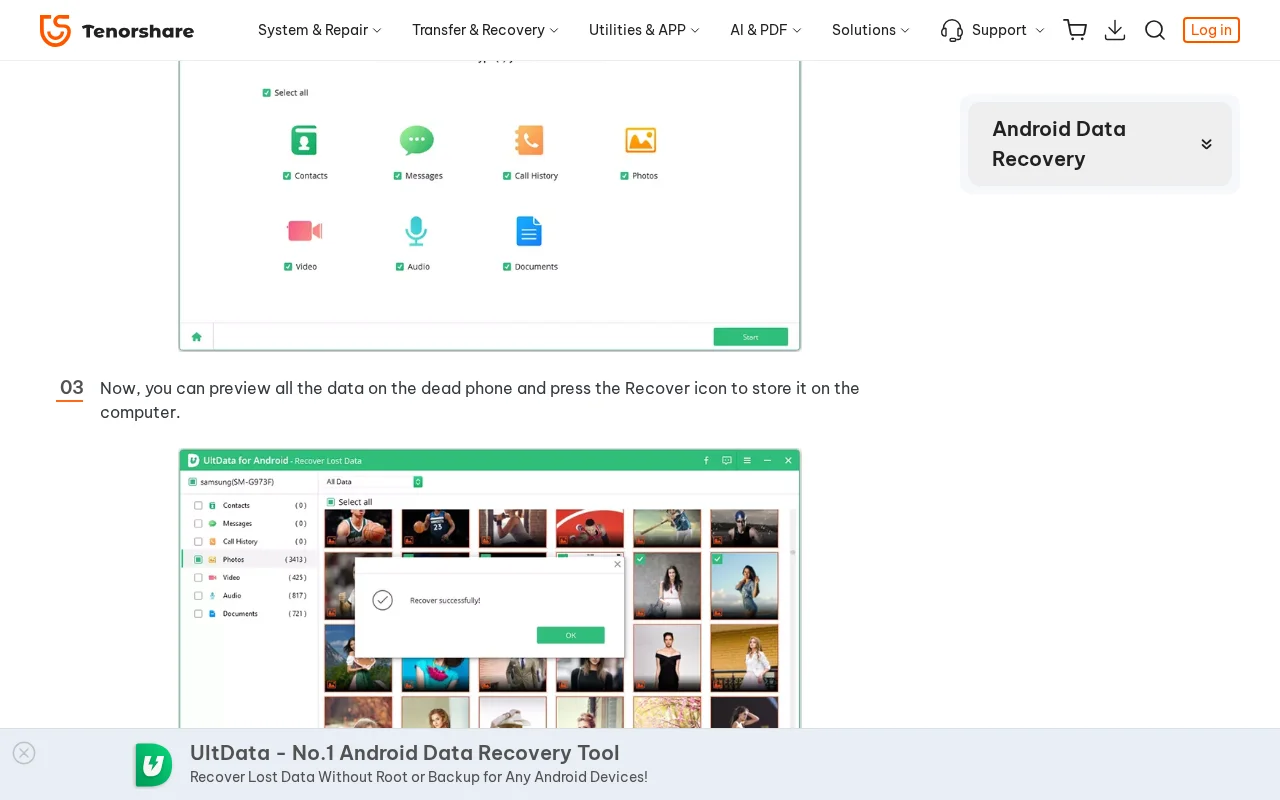
Wondershare claims their Recoverit software 'recovers data in most logical and mechanical hard disk failures.' Tenorshare claims users 'can preview all the data on the dead phone and press the Recover icon to store it on the computer.' Both claims are physically impossible for mechanically failed or dead devices.
Reality
A dead hard drive (seized motor, dead PCB, catastrophic head failure) cannot communicate with any software because the drive does not spin up or enumerate on the bus. Software sends read commands through the OS kernel via ATA or SCSI protocols. If the hardware cannot process those commands, the software receives nothing. The same applies to dead phones: a phone with no power has no running CPU, no USB controller, and no active data pathway.
Documented in the wild (2)
Wondershare
“Recoverit proficiently recovers data in most logical and mechanical hard disk failures, but for severe mechanical cases, you will need a professional data recovery service.”
Customers purchase software expecting to recover data from dead devices. The software cannot detect the device because it is physically non-functional. The customer wastes money and, on mechanically failing HDDs, the repeated power cycles from attempting software scans accelerate the damage.
Correct recovery procedure
Recovery from a dead HDD requires physical repair: PCB swap (with ROM chip transfer), motor swap, or head replacement, all performed before any software tool can access the platters. Recovery from a dead phone requires board-level micro-soldering to repair the power delivery circuit.
Software vendors sell licenses by implying their tools work on physically dead devices. Read the full software recovery myth investigation covering ATA enumeration requirements, why a dead PCB means zero bus communication, and the specific physical repairs required before any software can access platters. Six accounts recommended 4DDiG in r/datarecovery within roughly six hours on August 11, 2026, two of them posting character-corrupted copies of sentences other accounts had posted earlier that day; the 4DDiG comment pattern in r/datarecovery has the screenshots and timestamps.
Myth 09
Does Android Phone Recovery Require a Cleanroom?
Misconception
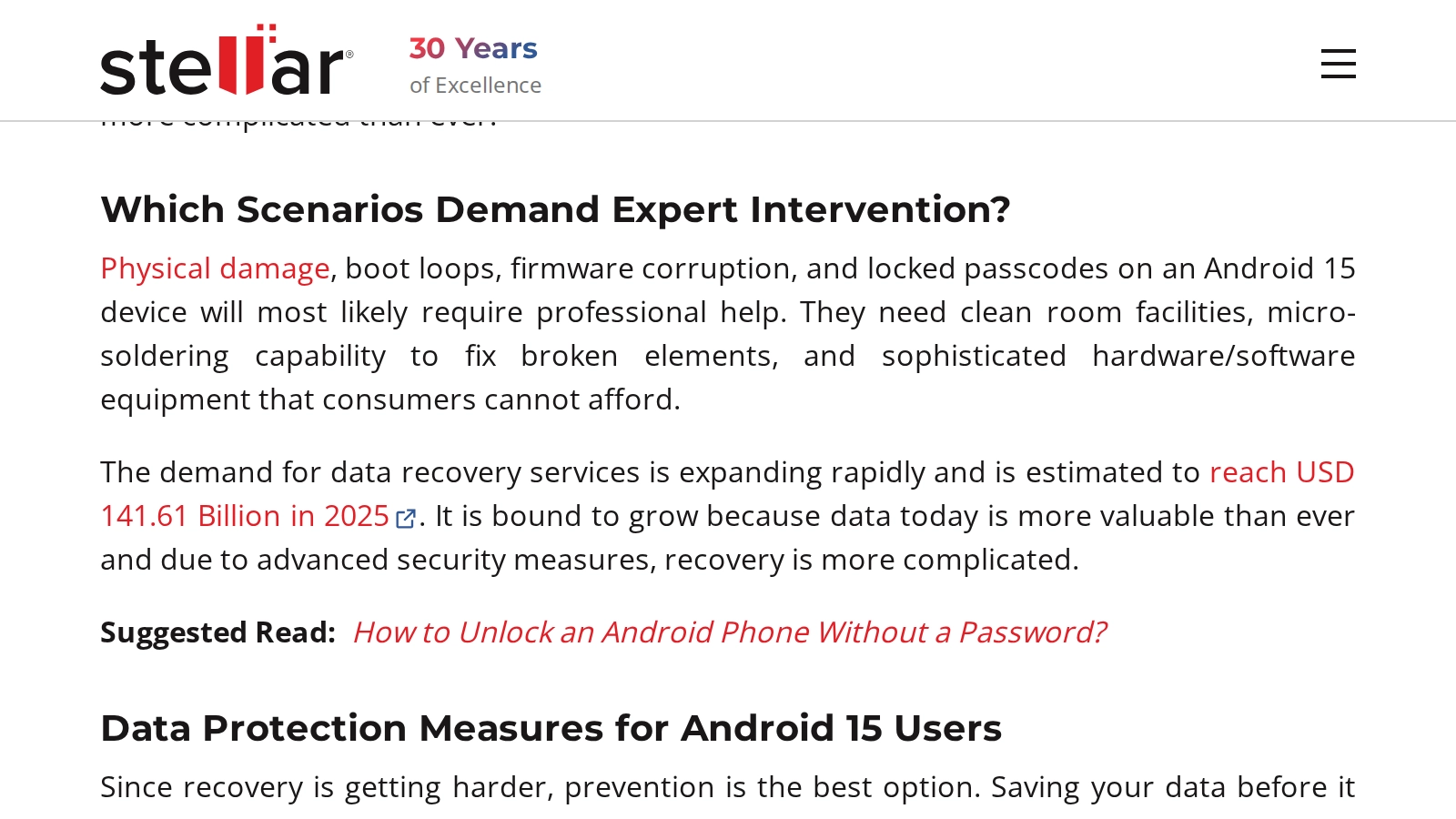
Stellar claims Android phone recovery requires 'clean room facilities.' Android phones are solid-state devices with no exposed platters. Recovery requires board-level microsoldering, not particle filtration.
Reality
Android phones store data on embedded NAND flash (eMMC or UFS) soldered directly to the logic board. There are no platters, no read/write heads, and no air bearings inside an Android phone. A cleanroom or clean bench filters airborne particles to protect exposed hard drive platters during head swaps. Android phones have no components that airborne particles can damage.
Documented in the wild (1)
Stellar
“They need clean room facilities, micro-soldering capability”
Customers believe they need a cleanroom-equipped lab for phone recovery, leading them to pay cleanroom premiums for a procedure that requires a microsoldering workstation and microscope.
Correct recovery procedure
Android phone recovery targets the power management IC (PMIC), charging controller, or SoC. A failed PMIC prevents the processor from booting, which prevents the Trusted Execution Environment from releasing decryption keys. Recovery involves component-level diagnosis with a DC power supply and FLIR thermal camera, followed by micro-soldering repair.
DIY damage
Physical Damage from DIY Procedures
Myth 10
Should You Open a Hard Drive and Move the Heads?
Misconception
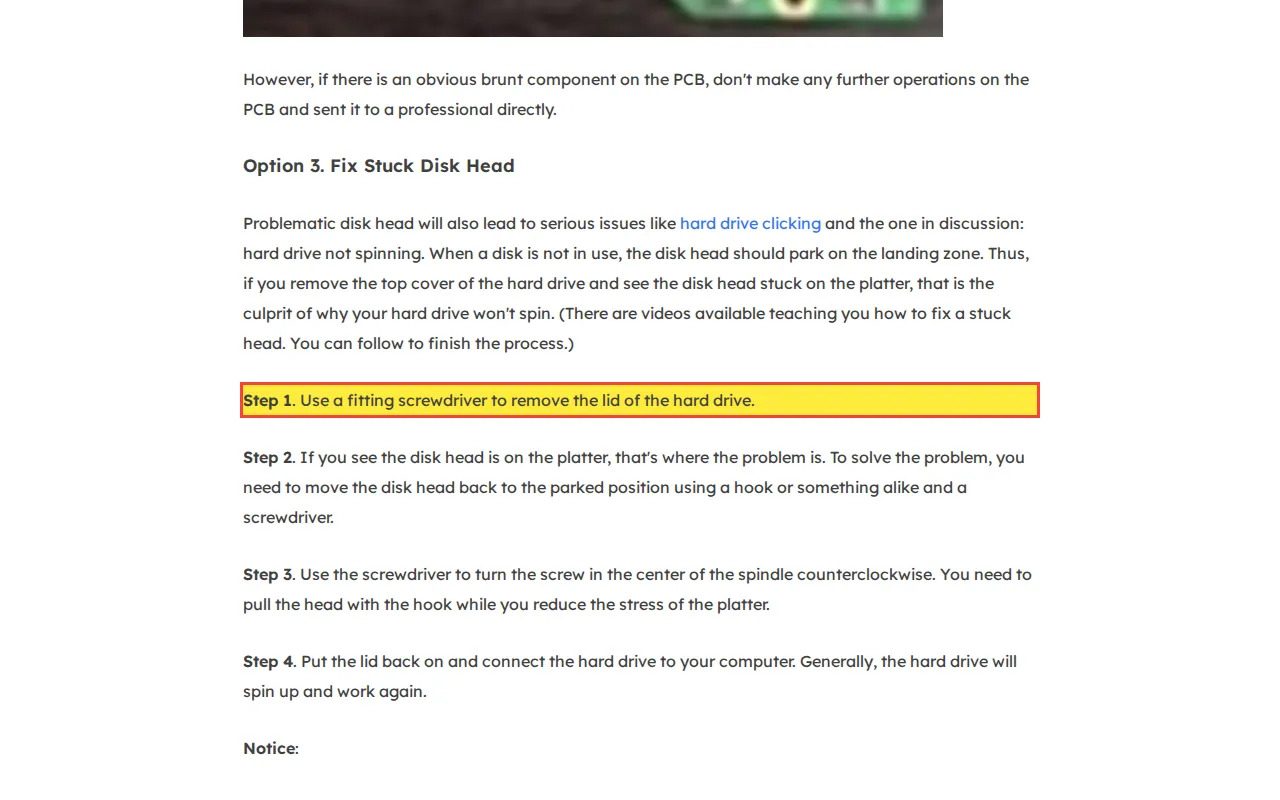
EaseUS publishes a guide instructing users to open a hard drive with a screwdriver, visually inspect whether the heads are on the platter, and use a hook to drag the heads back to the parking ramp. This is the single most dangerous piece of data recovery advice found on any major software vendor's website.
Reality
Read/write heads keep a baseline aerodynamic clearance of a few nanometers and use thermal fly-height control to protrude the transducer to an active magnetic spacing of 1 to 2 nanometers above the platters. That clearance is smaller than a smoke particle (250nm) or a fingerprint residue deposit (~5,000nm). Touching the heads with any tool scores the magnetic coating off the platter surface. The heads themselves are mounted on a precision actuator arm controlled by a voice coil motor with micron-level positioning tolerances.
Documented in the wild (1)
EaseUS
“Step 1. Use a fitting screwdriver to remove the lid of the hard drive. Step 2. If you see the disk head is on the platter, that's where the problem is. To solve the problem, you need to move the disk head to the correct area, which is at the very edge of the drive. You can use a hook to carefully drag the heads back.”
Dragging heads with a 'hook' bends the suspension, cracks the ceramic slider, and embeds debris across the data zone. The platters are scored, the head stack is destroyed, and all data on the drive is permanently unrecoverable. No data recovery lab can undo physical platter scoring.
Correct recovery procedure
A drive that will not spin up due to stuck heads requires head replacement inside a 0.02 micron ULPA-filtered clean bench. A trained technician uses calibrated tools to remove the head stack assembly without contacting the platter surface, then installs matched donor heads from a compatible drive of the same model and firmware revision.
Myth 11
Does CHKDSK Fix a Failing Hard Drive?
Misconception
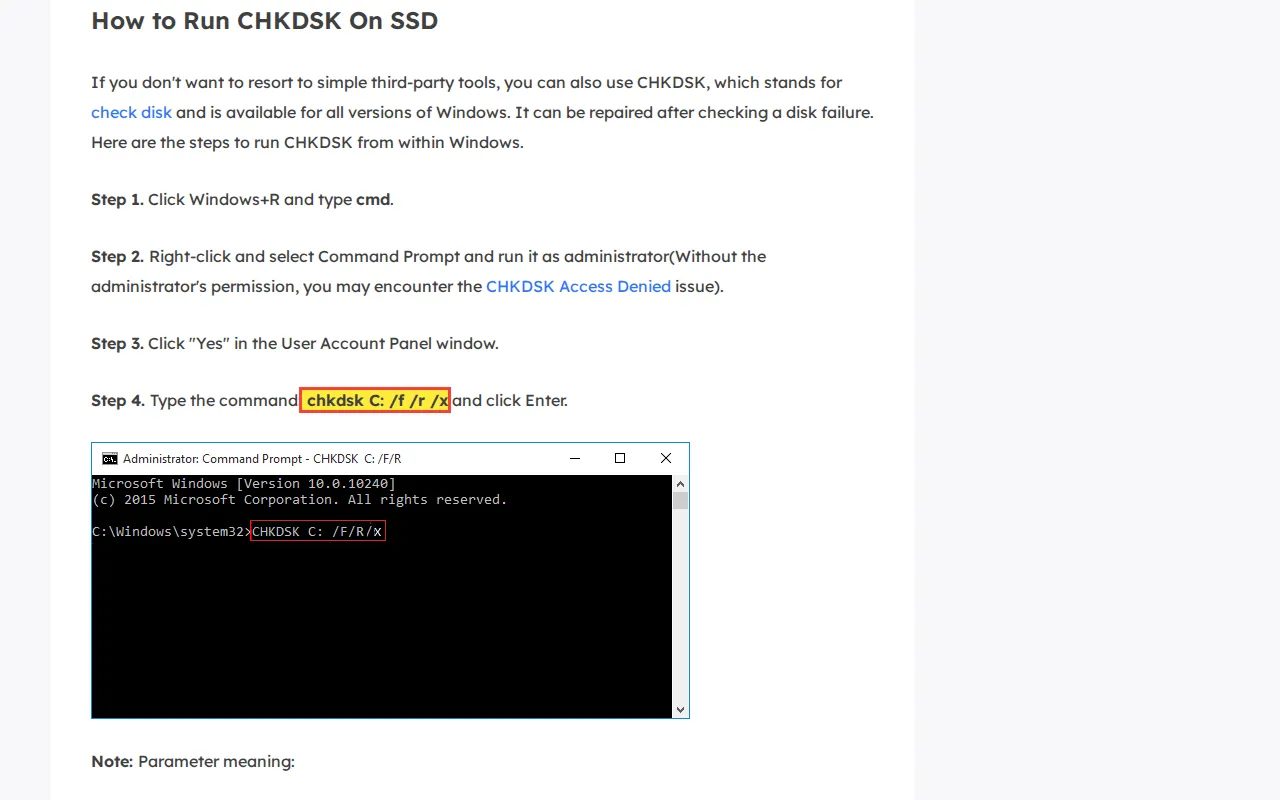
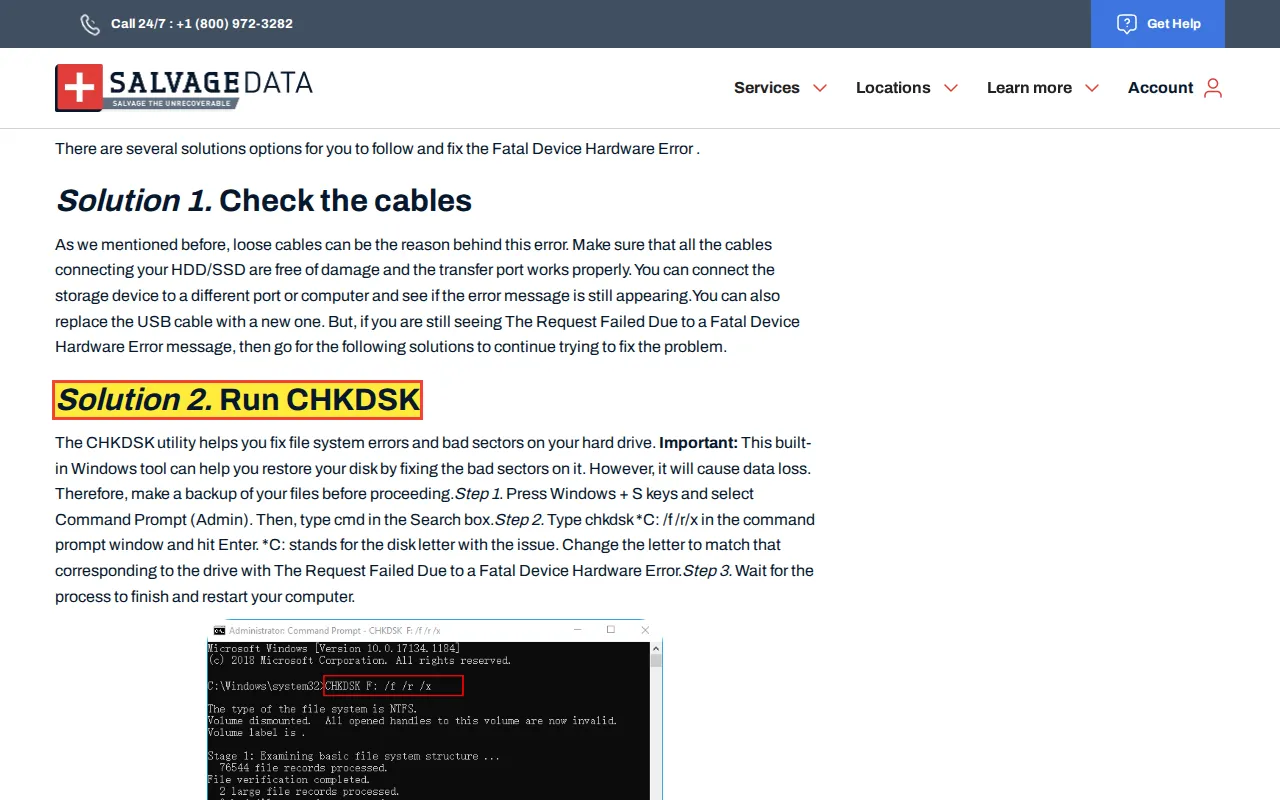
EaseUS recommends running 'chkdsk c: /f /r /x' on SSDs as a troubleshooting step. SalvageData's 'Fatal Device Hardware Error Solution' guide tells users to run CHKDSK to 'fix bad sectors' on drives with confirmed hardware errors. Both companies present CHKDSK as a repair tool for physically failing media.
Reality
CHKDSK /r forces a full surface scan of every logical block address. On a mechanically failing HDD, this maximizes stress on degraded read/write heads. On the file system level, CHKDSK walks MFT records, cross-references the $Bitmap allocation table, and deletes directory index entries it cannot read.
“Run CHKDSK The CHKDSK utility helps you fix file system errors and bad sectors on your hard drive. This built-in Windows tool can help you restore your disk by fixing the bad sectors”
Orphaned files get truncated to .chk fragments in FOUND.000. On SSDs, when CHKDSK frees clusters, the OS sends TRIM commands that instruct the controller to erase the underlying NAND pages during garbage collection.
Correct recovery procedure
The correct first step for a failing drive is read-only sector-level imaging with PC-3000 Data Extractor or DeepSpar Disk Imager, which captures all readable data without modifying any on-disk metadata.
CHKDSK on failing drives is one of the most widespread and destructive myths in data recovery. We documented 14 websites publishing this advice. Read the full CHKDSK investigation covering all three destruction mechanisms, with verbatim quotes and screenshot evidence from each source.
Myth 12
Should a Drive with a Failure History Be Used as a RAID Spare?
Misconception
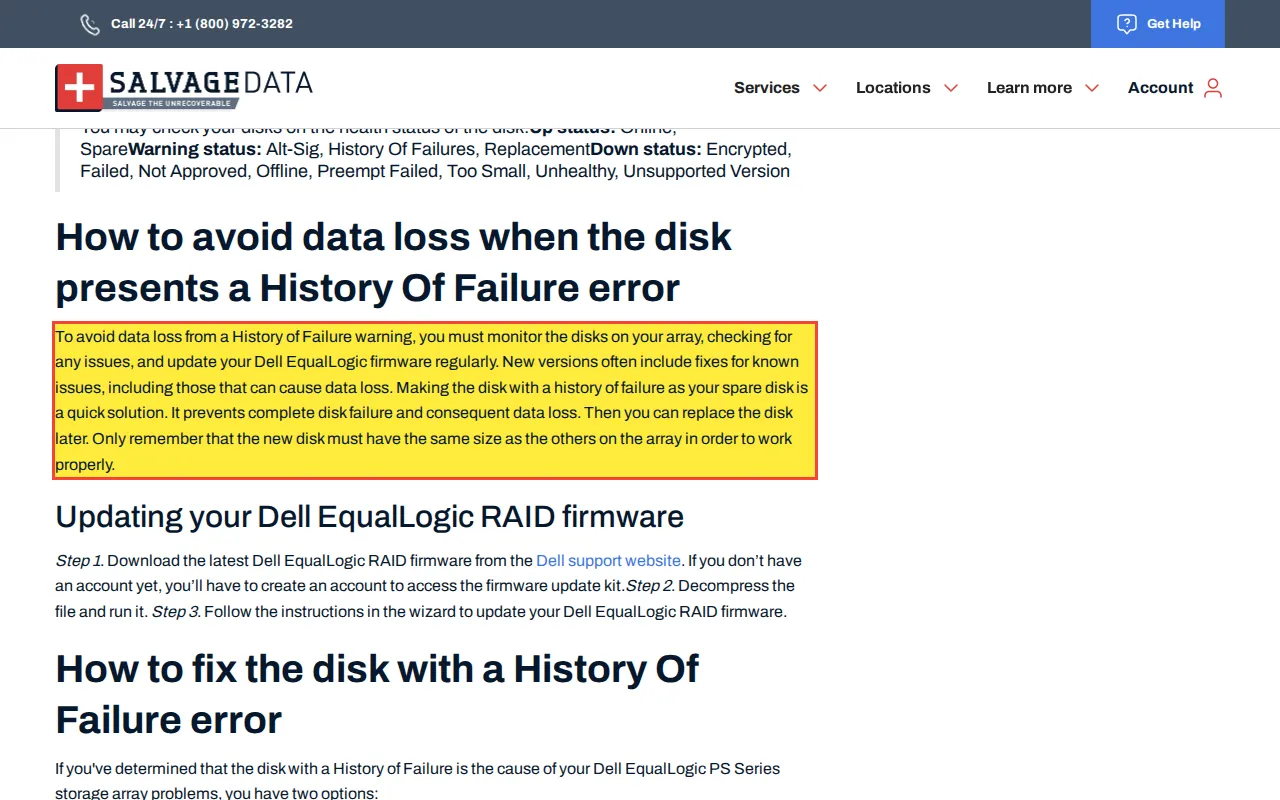
SalvageData advises: 'Making the disk with a history of failure as your spare disk is a quick solution.'
Reality
A hot spare is the failover target when a primary array member fails. The RAID controller copies the entire contents of the degraded array onto the hot spare during rebuild. Using a drive with a documented 'history of failure' as the spare means the rebuild will write tens of terabytes to a drive that has already demonstrated physical degradation.
Documented in the wild (1)
SalvageData
“Making the disk with a history of failure as your spare disk is a quick solution.”
The known-bad spare fails during the next RAID rebuild. The array loses a second member during reconstruction and all data is permanently lost.
Correct recovery procedure
Hot spares must be new drives with zero operating hours and no failure history. Before any rebuild, image all surviving array members with hardware write-blockers. Only rebuild from forensic images, never from the original production drives.
Myth 13
Can Bootrec Commands Fix an SD Card?
Misconception
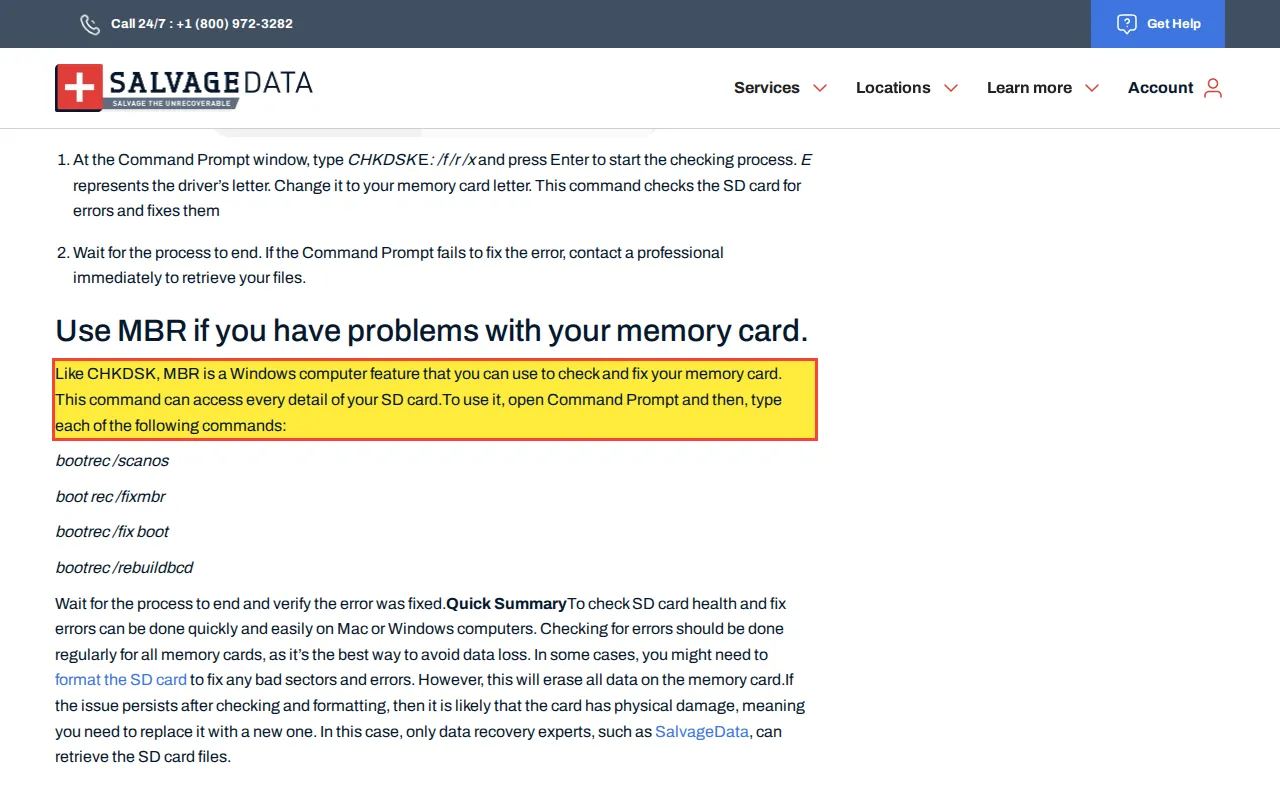
SalvageData advises using 'CHKDSK, MBR' commands via Command Prompt to 'check and fix your memory card,' claiming 'this command can access every detail of your SD card.'
Reality
The bootrec command (bootrec /fixmbr, bootrec /fixboot, bootrec /rebuildbcd) is a Windows Recovery Environment tool for repairing the Windows boot loader on the system drive. SD cards do not contain Windows boot loaders. Running bootrec against an SD card either does nothing (if the SD card is not the boot drive) or writes Windows boot code onto the SD card, corrupting its FAT32/exFAT filesystem and destroying the directory structure.
Documented in the wild (1)
SalvageData
“CHKDSK, MBR is a Windows computer feature that you can use to check and fix your memory card. This command can access every detail of your SD card.”
If they manage to target the SD card with bootrec, it overwrites the boot sector of the SD card with Windows boot code, corrupting the FAT32 filesystem and making photos and videos on the card inaccessible.
Correct recovery procedure
SD card recovery uses a card reader connected to a hardware write-blocker, followed by sector-level imaging. If the controller is functional, PC-3000 Flash or R-Studio can reconstruct the FAT/exFAT file system from the image. If the controller is dead, the NAND chip can be desoldered and read directly.
Myth 14
Do iPhones Have Removable SD Cards?
Misconception
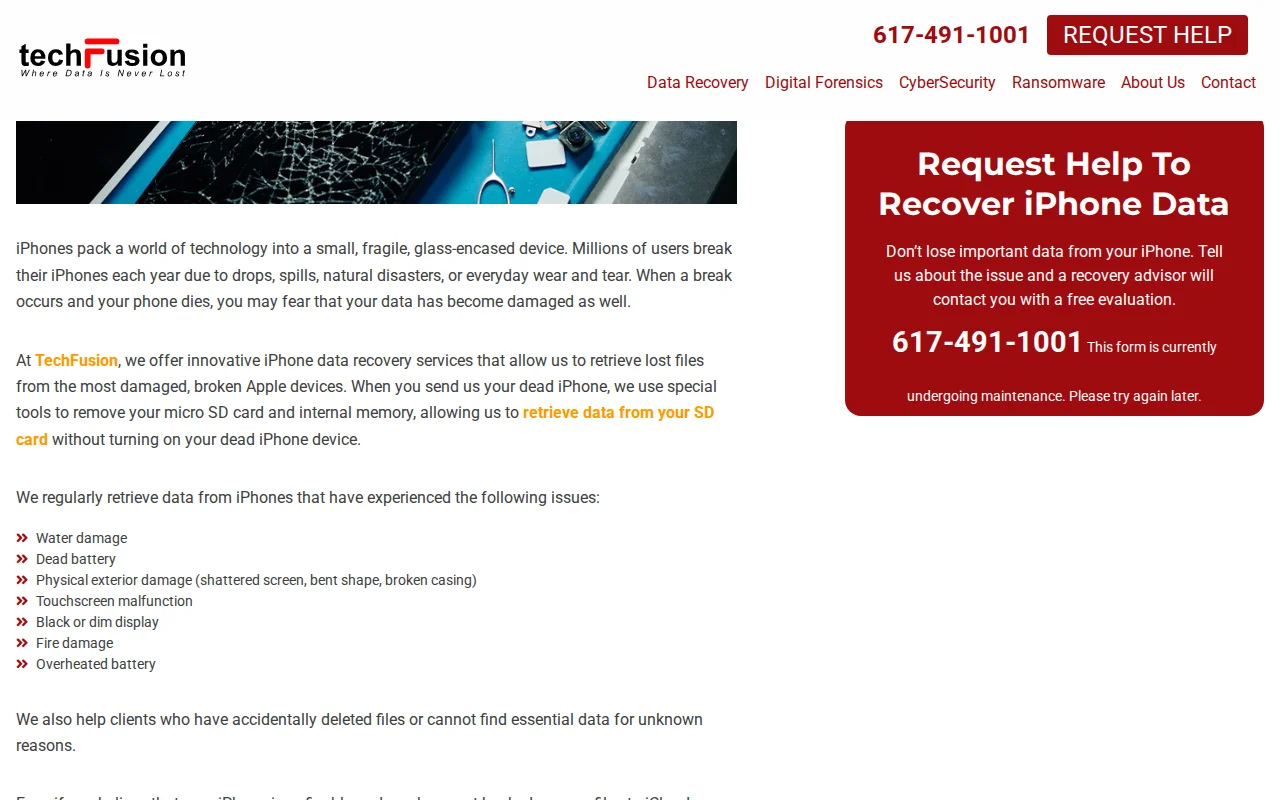
TechFusion's iPhone data recovery page claims they can recover data by removing a "micro SD card" from a dead iPhone.
Reality
iPhones have never contained an SD card slot or any removable storage. iPhone storage is NAND flash memory soldered directly to the logic board using ball grid array (BGA) packaging. There is no card to remove.
Documented in the wild (1)
TechFusion
“When you send us your dead iPhone, we use special tools to remove your micro SD card and internal memory, allowing us to retrieve data from your SD card without turning on your dead iPhone device.”
Sending your iPhone to a company that claims to 'remove your SD card' means they do not understand the hardware they are working on.
Correct recovery procedure
Recovery from a dead iPhone requires board-level micro-soldering: replacing the failed PMIC, Tristar/Hydra USB controller IC, or other components so the SoC boots, authenticates with the Secure Enclave, and releases decryption keys.
Myth 15
Does a Hard Drive PCB Swap Require a Cleanroom?
Misconception
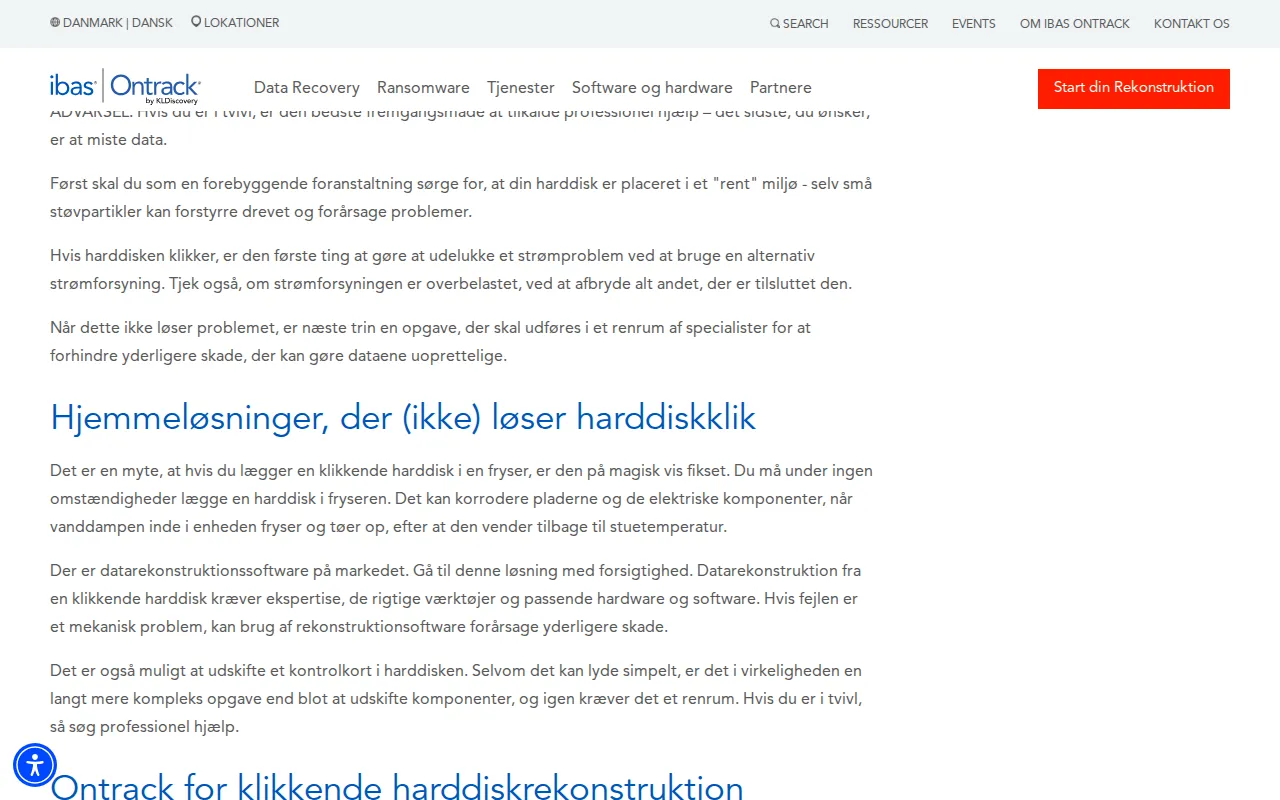
Ontrack's Danish blog claims that replacing a hard drive control board 'is actually a far more complex task than just replacing components, and again it requires a cleanroom environment.'
Reality
The PCB (printed circuit board) is mounted on the external chassis of the sealed hard drive assembly. Swapping a PCB does not require opening the hermetic seal. The platters are never exposed during a PCB swap.
Documented in the wild (1)
Ontrack
“Det er også muligt at udskifte et kontrolkort i harddisken. Selvom det kan lyde simpelt, er det i virkeligheden en langt mere kompleks opgave end blot at udskifte komponenter, og igen kræver det et”
Customers believe PCB swaps require cleanroom-equipped labs, leading them to pay cleanroom premiums for a procedure that requires a soldering iron and a workbench.
Correct recovery procedure
A PCB swap is performed at an open electronics workbench. The only skill required is soldering: the ROM/NVRAM chip must be transferred from the original PCB to the donor PCB so the drive retains its unique calibration data (adaptives). No filtered air environment is needed because the drive enclosure stays sealed.
Modern drives store unique calibration data (adaptives) on a ROM chip soldered to the PCB. Swapping a bare PCB without transferring the ROM bricks the drive. Read the full PCB swap myth investigation covering Seagate F3 ROM structure, WD Marvell NVRAM transfer, and why eBay PCB sellers omit this critical step.
The freezer trick circulates in forums as a last resort for clicking drives. Condensation forms on platter surfaces when a cold drive reaches the dew point at room temperature, and thermal contraction can crack glass platters used in many 2.5" drives. Read the full freezer myth investigation covering condensation mechanics, glass vs. aluminum platter fracture risk, and fluid dynamic bearing seizure from thermal cycling.
Encryption bypass
Encryption Bypass Claims
Myth 16
Does EaseUS Have 'Exclusive Technology' for T2 Mac Recovery?
Misconception
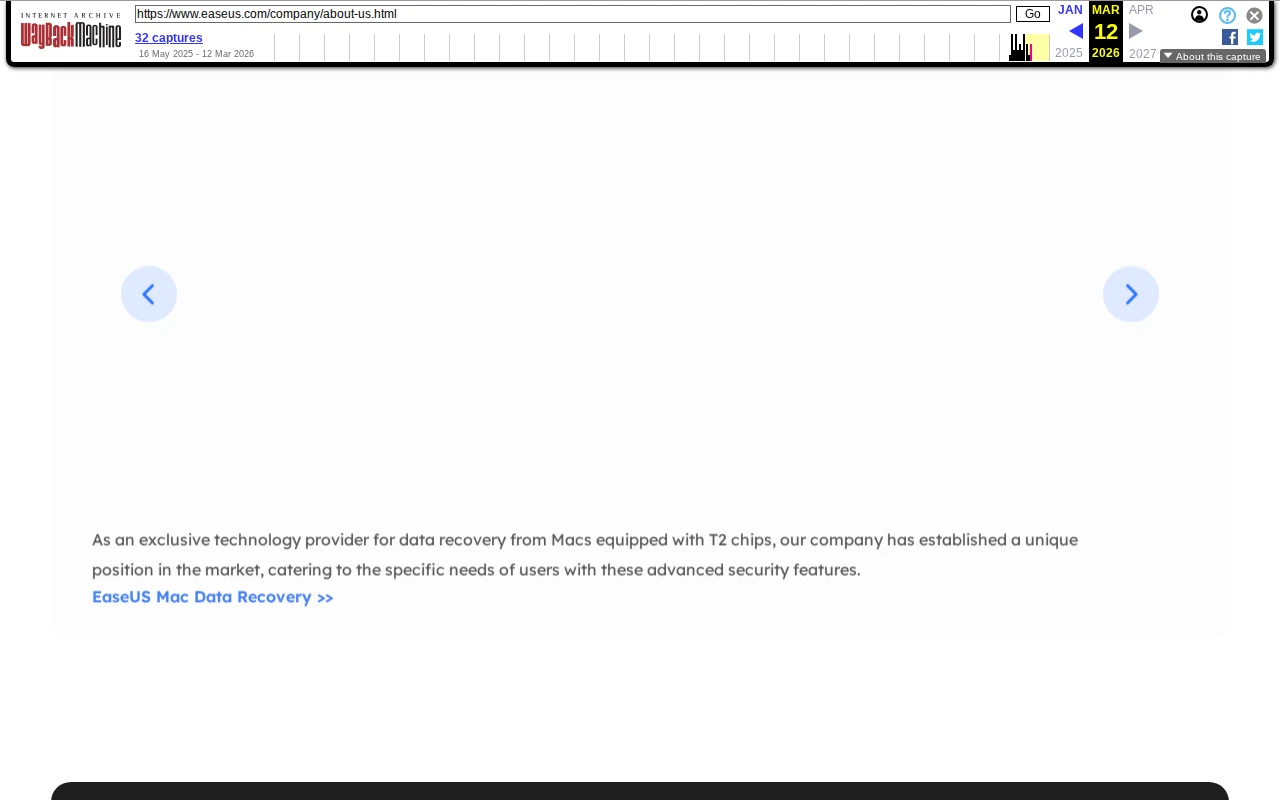
EaseUS claims to be 'an exclusive technology provider for data recovery from Macs equipped with T2 chips.' T2 Macs use hardware-bound AES-256 encryption managed by the Secure Enclave Processor. Software cannot bypass this encryption. Recovery requires board-level repair so the original SoC boots and the SEP releases decryption keys.
Reality
The T2 chip contains the Secure Enclave Processor (SEP), which generates and stores the volume encryption key at manufacturing. This key is fused into the silicon and never exposed to any software layer. The encryption is performed inline by the T2's storage controller before data reaches the NAND. No software running on the host CPU has access to the key material.
Documented in the wild (1)
EaseUS
“As an exclusive technology provider for data recovery from Macs equipped with T2 chips, our company has established a unique position in the market, catering to the specific needs of users with these advance”
Customers purchase EaseUS software expecting it to recover data from a T2 Mac. The software cannot access the encrypted NAND because the T2 chip must be functioning for decryption. The customer wastes money and delays seeking the correct solution: board-level repair.
Correct recovery procedure
T2 Mac recovery requires repairing the logic board so the original T2 chip boots. Common failure points include the PMIC, USB-C retimer, and power rail capacitors. Component-level fault isolation uses a DC power supply, FLIR thermal camera, and Hakko FM-2032 microsoldering station.
Myth 17
Should You Clear the TPM When BitLocker Recovery Key Fails?
Misconception
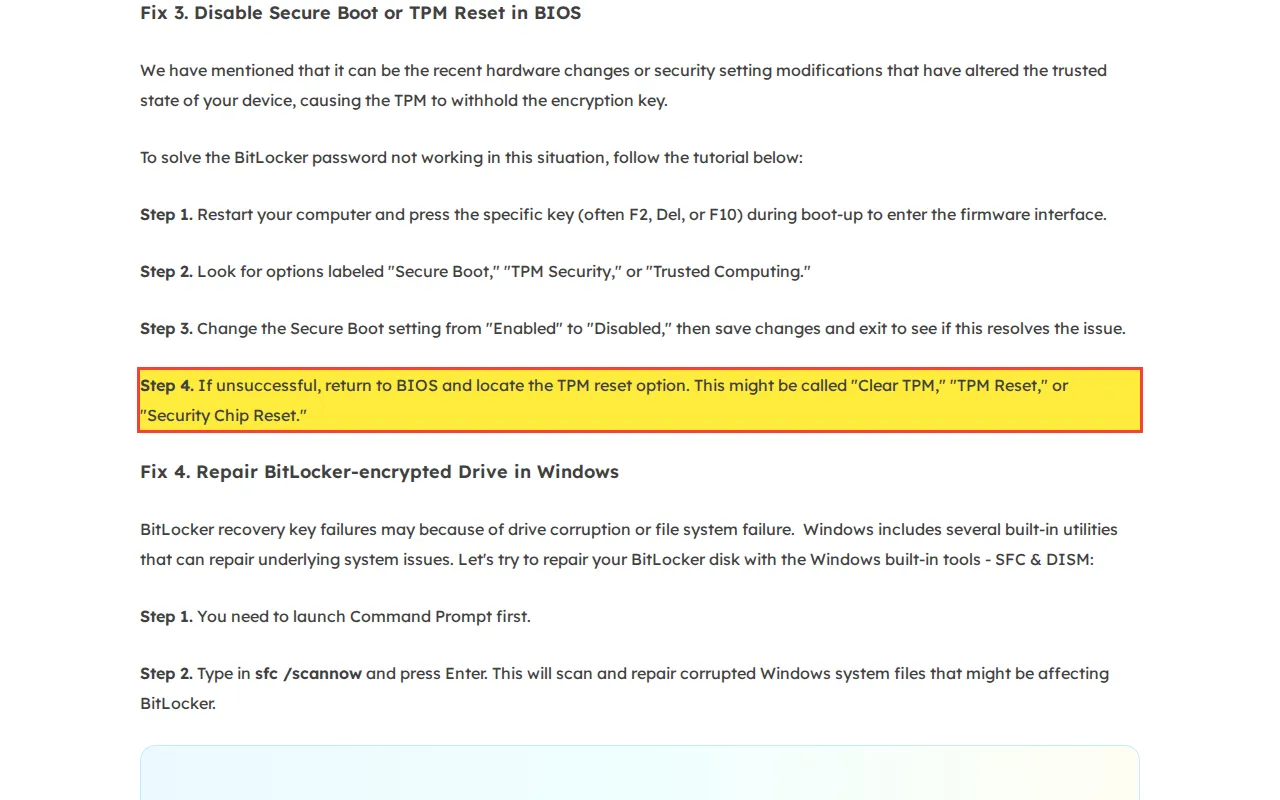
EaseUS instructs users to enter BIOS and 'locate the TPM reset option. This might be called Clear TPM, TPM Reset, or Security Chip Reset' when the BitLocker recovery key is not working.
Reality
The TPM stores the Volume Master Key (VMK) used to decrypt the BitLocker Full Volume Encryption Key (FVEK). Clearing the TPM destroys the VMK. Without the VMK, the only fallback is the 48-digit recovery key. If the recovery key is already not working (which is the article's premise), clearing the TPM eliminates the last remaining decryption path.
Documented in the wild (1)
EaseUS
“If unsuccessful, return to BIOS and locate the TPM reset option. This might be called "Clear TPM," "TPM Reset," or "Security Chip Reset."”
The AES-256 encrypted volume becomes permanently sealed. There is no mathematical method to recover the data once both the TPM-stored VMK and the recovery key are gone.
Correct recovery procedure
When a BitLocker recovery key fails, the correct steps are: check for the key in the user's Microsoft account (account.microsoft.com/devices/recoverykey), check Active Directory or Azure AD if the device was domain-joined, check for a printed or saved copy. If the TPM still holds the key, do not clear it. Contact a recovery specialist before taking any destructive action.
Myth 18
Does Disabling the TPM Disable BitLocker?
Misconception
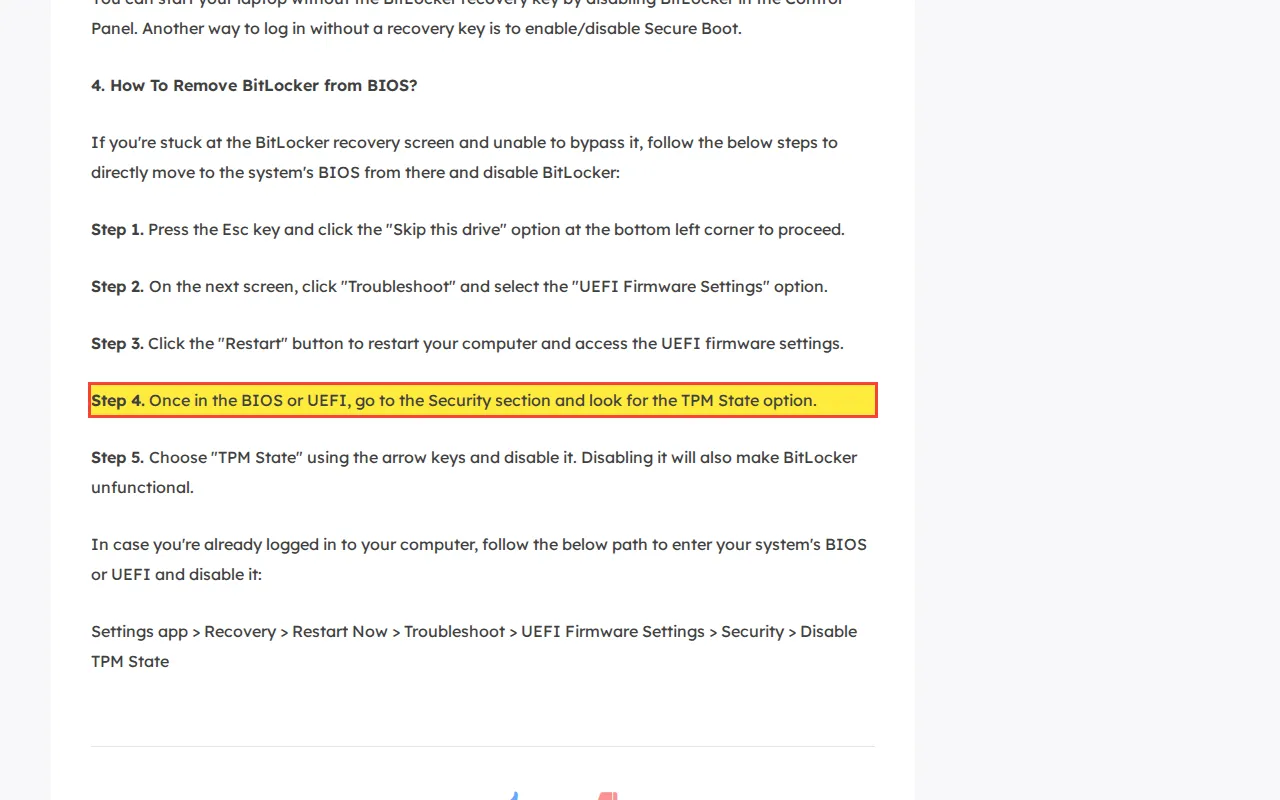
EaseUS instructs users to 'Choose TPM State using the arrow keys and disable it. Disabling it will also make BitLocker unfunctional.'
Reality
Disabling the TPM does not grant access to the data. It prevents the TPM from releasing the VMK at boot, which triggers the BitLocker recovery screen. If the user does not have their 48-digit recovery key, they are now locked out.
Documented in the wild (1)
EaseUS
“Choose "TPM State" using the arrow keys and disable it. Disabling it will also make BitLocker unfunctional.”
BitLocker demands the recovery key at every boot. If the user does not have the recovery key (common for users who enabled BitLocker via Windows defaults without saving the key), they are permanently locked out of their data.
Correct recovery procedure
Do not disable the TPM unless you have confirmed you possess the BitLocker recovery key. If the TPM is functioning and BitLocker is unlocking normally, the TPM is doing its job. Disabling it creates a problem where none existed.
Myth 19
Does Chip-Off Recovery Work on Apple Silicon Macs?
Misconception
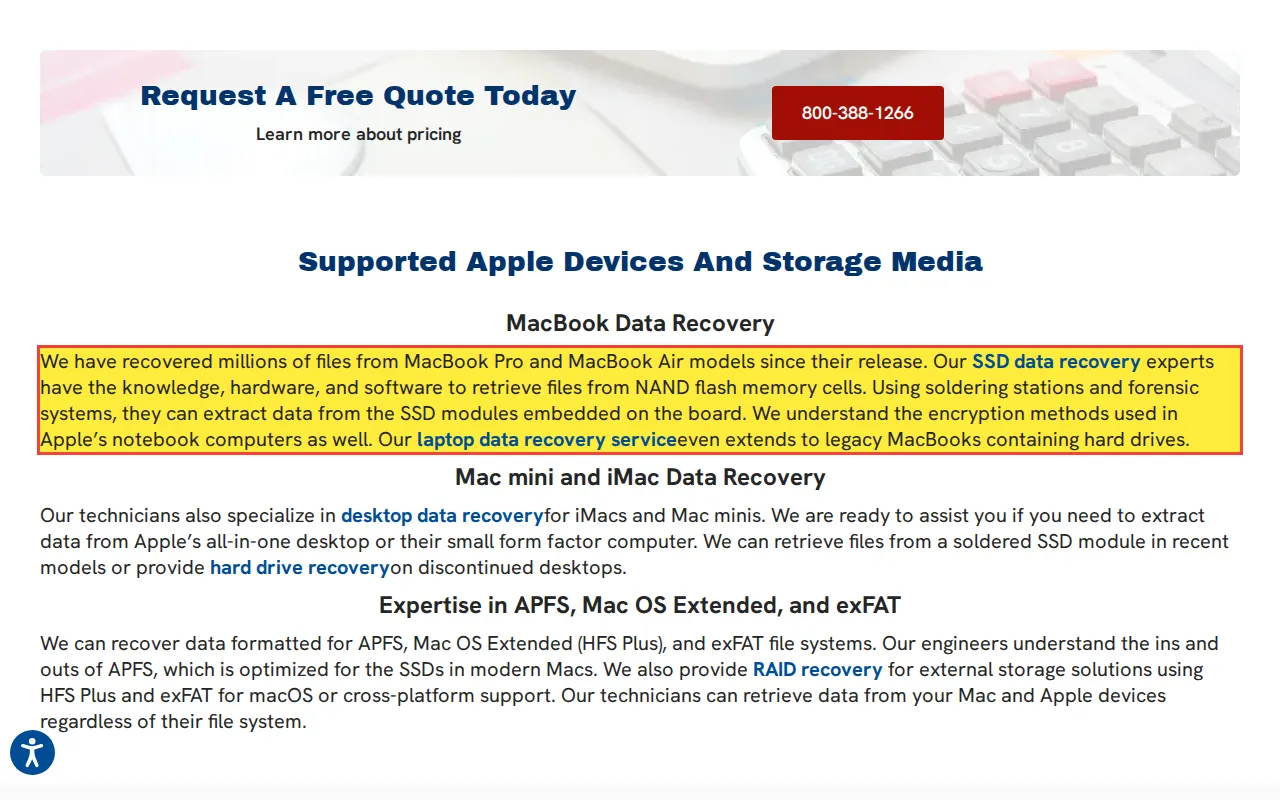
Secure Data Recovery claims their technicians 'can extract data from the SSD modules embedded on the board' using 'soldering stations and forensic systems.' This is physically impossible on hardware-encrypted Apple Silicon and T2 Macs.
Reality
Apple Silicon Macs (M1/M2/M3/M4) encrypt all NAND data using AES-256 keys derived from a hardware UID fused into the Secure Enclave Processor at manufacturing. These keys never leave the silicon. Desoldering the NAND and placing it in a programmer yields high-entropy ciphertext that is mathematically indistinguishable from random noise.
Documented in the wild (1)
Secure Data Recovery
“using soldering stations and forensic systems, they can extract data from the SSD modules embedded on the board.”
If the lab desolders the NAND from the Mac logic board, they permanently separate the flash from the SEP that holds the only decryption key. The data is encrypted ciphertext with no decryption path. A board repair that could have recovered the data is no longer possible because the NAND has been removed.
Correct recovery procedure
The only recovery path for a dead Apple Silicon Mac is component-level board repair: replacing the failed PMIC, shorted capacitors, or damaged voltage regulators using a micro-soldering station and FLIR thermal camera, then booting the original SoC so the Secure Enclave releases the volume encryption keys.
Format & initialize
Data Overwrite from Format and Initialize Commands
Myth 20
Should You Format a Drive with Fatal Hardware Errors?
Misconception
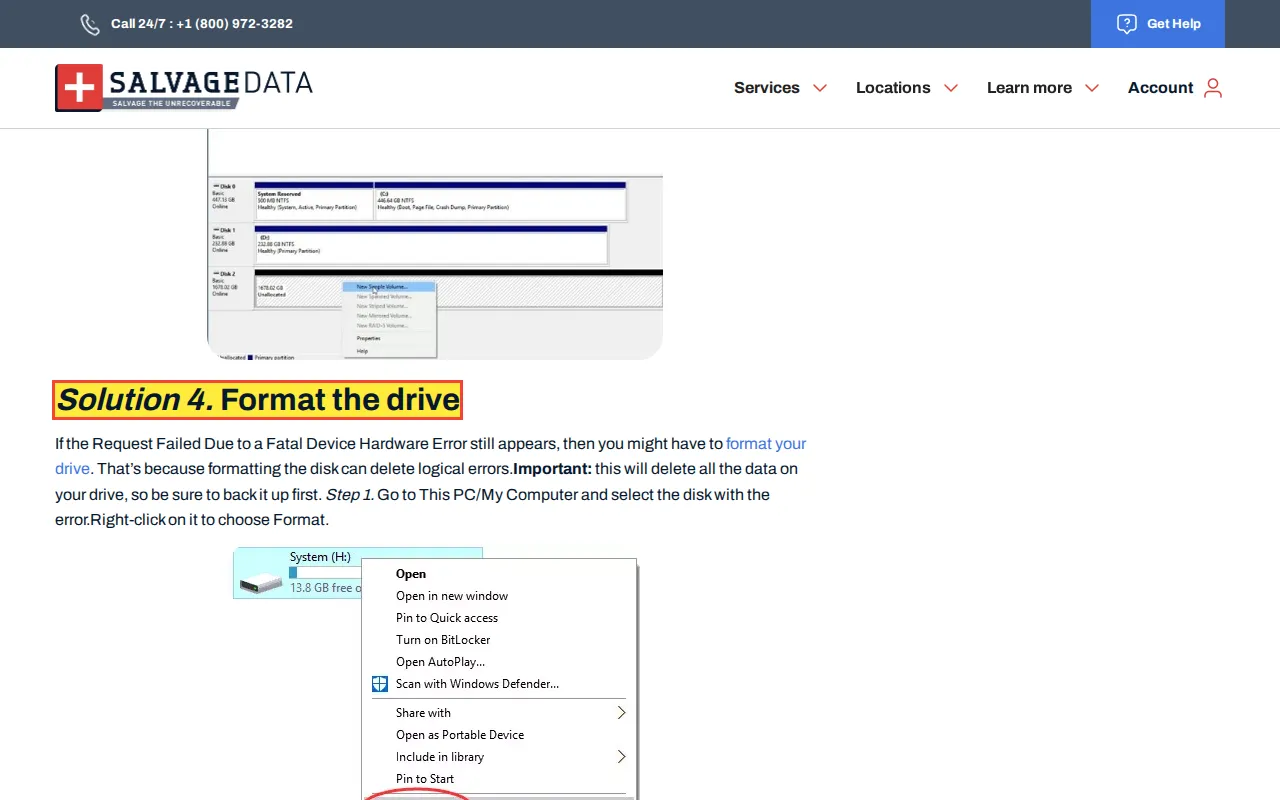
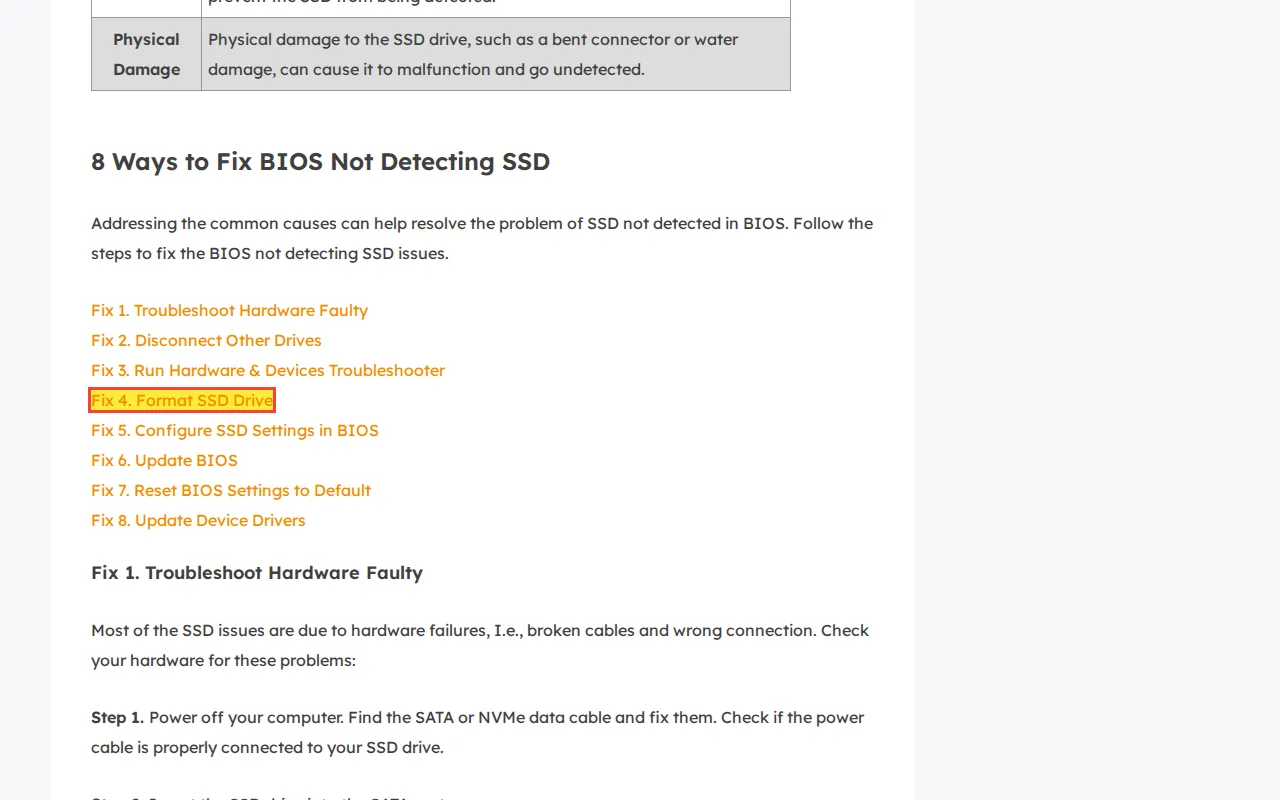
SalvageData's 'Fatal Device Hardware Error Solution' guide advises: 'Format the drive. That's because formatting the disk can delete logical errors.' The article explicitly acknowledges the error is a 'Fatal Device Hardware Error,' then recommends formatting. EaseUS advises formatting an SSD that is 'not detected in BIOS.'
Reality
A full format writes zeroes to every sector on the drive, forcing a complete surface scan on a drive with known hardware failure. On an SSD, formatting sends TRIM commands that unmap the freed blocks and queue them for erase; unlike an HDD format where data might persist in unallocated sectors, a TRIMmed SSD returns zeros for those addresses immediately and erases the cells during garbage collection. EaseUS's advice to format a drive 'not detected in BIOS' is logically impossible; if the BIOS cannot see the drive, Windows Disk Management cannot format it.
Documented in the wild (2)
SalvageData
“Format the drive If the Request Failed Due to a Fatal Device Hardware Error still appears, then you might have to format your drive. That's because formatting the disk can delete logical errors.”
“Fix 4. Format SSD Drive An SSD drive containing malware or viruses may not work well on your computer. The only solution to clean your drive is to format it.”
A full format overwrites every sector, destroying all data. On a drive with hardware failure, the forced write operations cause additional head crashes and platter scoring, making even partial recovery impossible.
Correct recovery procedure
Power off the drive. Image it with a hardware write-blocker (PC-3000, DeepSpar) to capture all readable data before any write operation. Diagnose the hardware error after the data has been safely imaged.
Myth 21
Should You Initialize a Disk That Is Not Showing Up?
Misconception
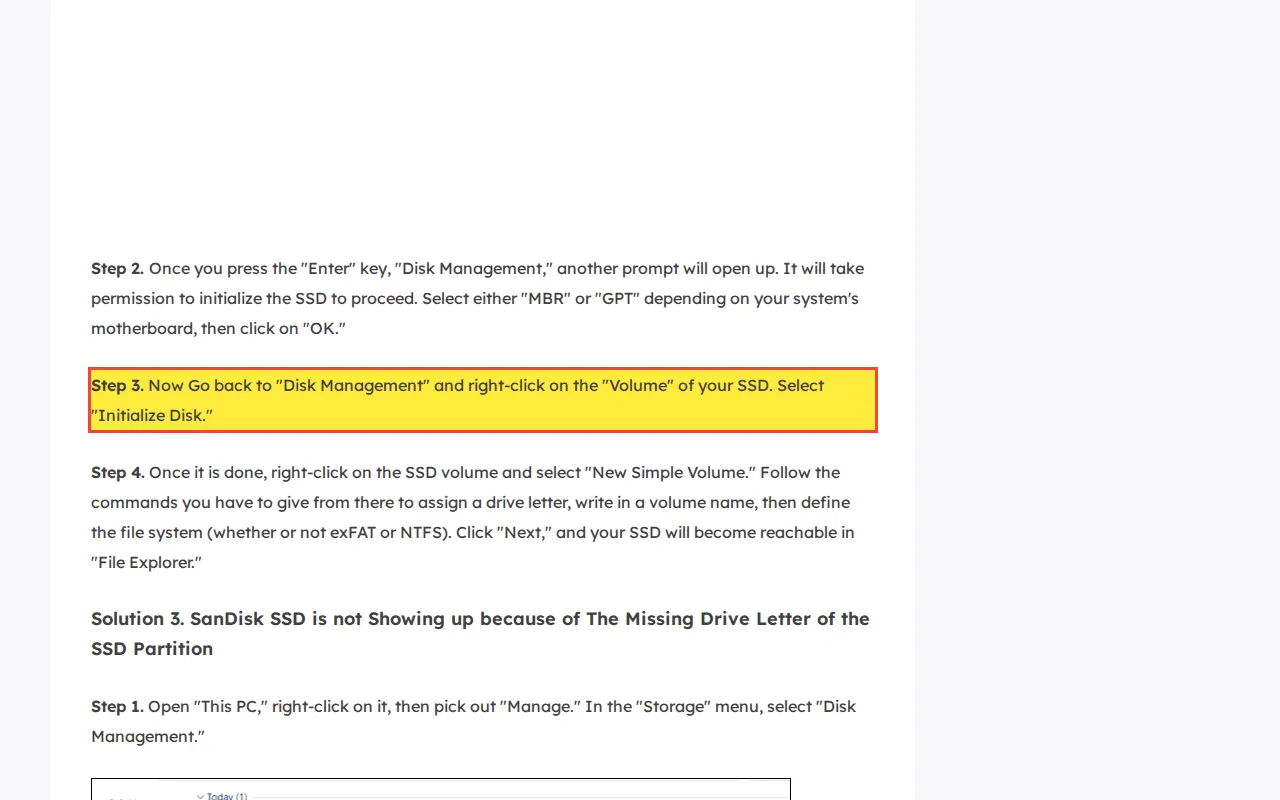
EaseUS instructs users to go to Disk Management, right-click the SSD volume, select 'Initialize Disk,' then create a 'New Simple Volume' when their SSD is not showing up.
Reality
Initializing a disk writes a new partition table (MBR or GPT), overwriting the existing partition map that defines where the user's data volumes begin and end. Creating a 'New Simple Volume' then formats the partition, triggering TRIM on SSDs, which unmaps every page in the volume and queues it for erase. On HDDs, this overwrites the boot sector and root directory entries.
Documented in the wild (1)
EaseUS
“Now Go back to "Disk Management" and right-click on the "Volume" of your SSD. Select "Initialize Disk." Step 4. Once it is done, right-click on the SSD volume and select "New Simple Volume.”
The existing partition table is overwritten and the drive is formatted. On an SSD, the controller stops serving those pages and garbage collection erases them. On an HDD, the file system metadata is destroyed. Both result in permanent data loss.
Correct recovery procedure
When a drive shows as 'not initialized' in Disk Management, the correct response is to image it with a hardware write-blocker, then reconstruct the partition table from the backup GPT header or by scanning for volume signatures using PC-3000 or R-Studio.
Myth 22
Can a Data Recovery Company 'Extract' AES Encryption Keys?
Misconception
TechFusion claims they will 'carefully extract the AES encryption key' from SSDs using 'proprietary programming.' AES-256 keys on hardware-encrypted SSDs are stored in tamper-resistant secure elements. The key space is 2^256. No 'proprietary programming' bypasses the mathematical foundation of AES.
Reality
AES-128 and AES-256 encryption keys on hardware-encrypted SSDs (including all Apple T2/M-series drives, Samsung SEDs, and any drive with TCG Opal compliance) live inside a tamper-resistant secure element on the SSD controller or the host SoC. The media key is generated on the controller and wrapped by a key tied to that controller's hardware-unique root, so it never leaves the original silicon. These keys cannot be 'extracted' because that binding does not transfer off the chip, which is designed to lock if physical extraction is attempted.
Documented in the wild (1)
TechFusion
“When you entrust us with your SSD device, we'll carefully extract the AES encryption key and use our proprietary programming to convert your information to legible text”
The customer pays for a service that cannot deliver what is described. Their hardware-encrypted SSD data remains inaccessible because the described procedure is physically impossible.
Correct recovery procedure
Recovery from a hardware-encrypted SSD requires repairing the original controller or host SoC so it boots and decrypts the NAND in place. If the controller is dead, PC-3000 SSD can inject firmware into the controller's RAM to access data through the original decoding pipeline. If the SoC (T2, M-series) is dead, board-level repair is the only path.
Myth 23
Does iPhone Recovery Require 'Cleanroom Technology'?
Misconception
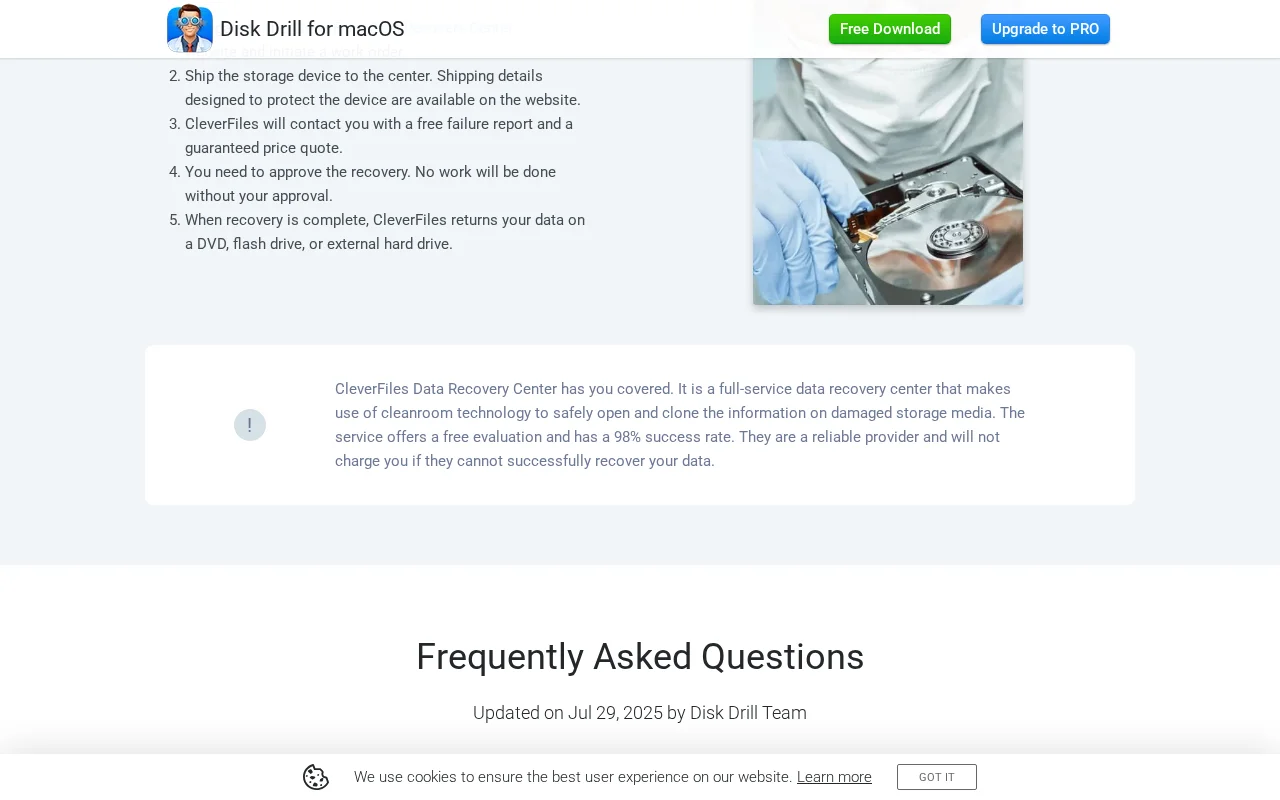
Disk Drill's data recovery center page claims to use 'cleanroom technology to safely open and clone the information on damaged storage' for iPhone recovery. iPhones are solid-state devices. There is nothing inside an iPhone that airborne particles can damage. iPhone recovery requires microsoldering, not cleanroom filtration.
Reality
iPhones store data on BGA-soldered NAND flash encrypted by the Secure Enclave Processor. There are no platters, no read/write heads, and no air bearings inside an iPhone. A cleanroom or clean bench filters airborne particles to protect exposed hard drive platters. iPhones have no components that require particle filtration during recovery.
Documented in the wild (1)
Disk Drill
“CleverFiles Data Recovery Center has you covered. It is a full-service data recovery center that makes use of cleanroom technology to safely open and clone the information on damaged storage”
Captured 2026-03-22
Why this matters
Customers believe cleanroom certification matters for iPhone recovery, leading them to choose a lab based on irrelevant infrastructure instead of board-level microsoldering capability.
Correct recovery procedure
iPhone recovery involves repairing the logic board with a microsoldering station: replacing the failed PMIC, Tristar/Hydra IC, or other power delivery components so the SoC boots, authenticates with the Secure Enclave, and releases decryption keys. No filtered air environment is needed.
Myth 24
Can USB Flash Drives Make 'Unusual Sounds'?
Misconception
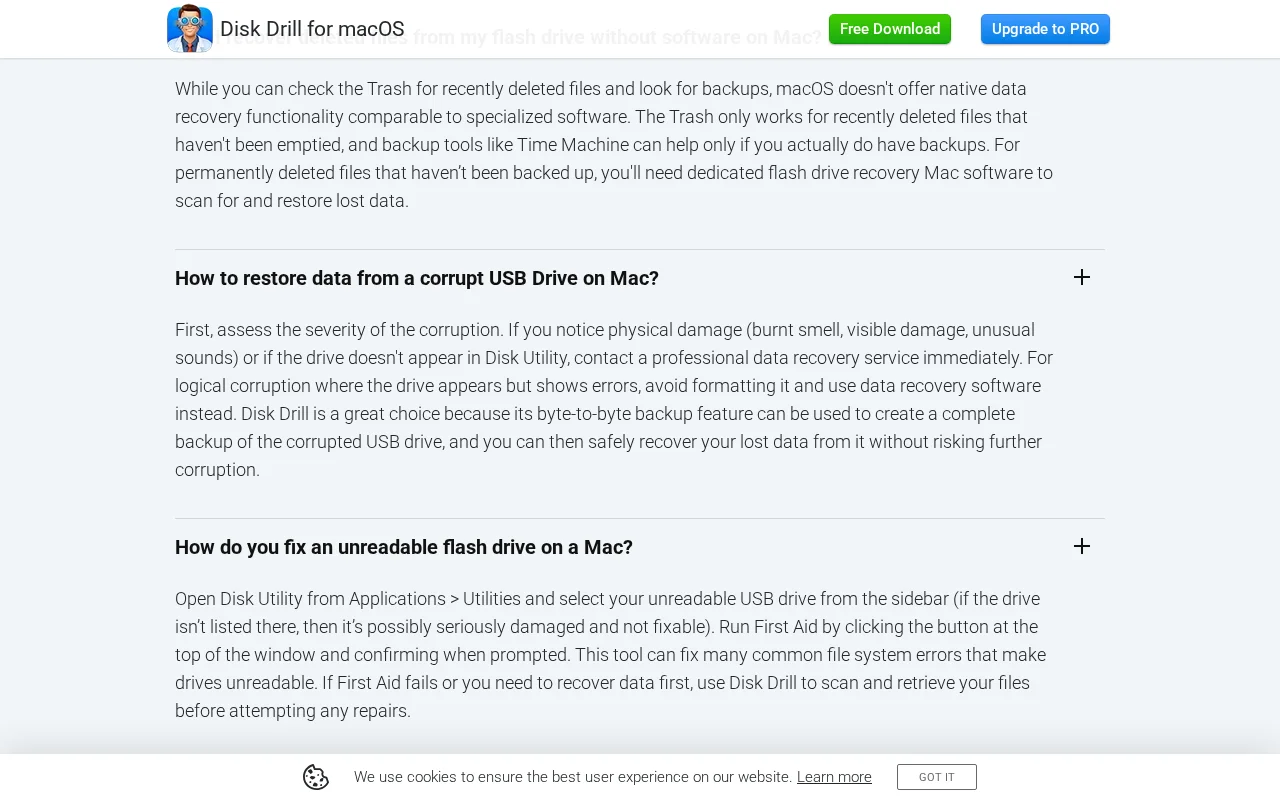
Disk Drill's USB flash drive recovery page copies HDD diagnostic advice onto a solid-state device page, advising users to listen for 'unusual sounds' from a device with no moving parts.
Reality
USB flash drives are solid-state devices with no moving parts. There is no motor, no actuator, no spinning platter. A USB flash drive is a PCB with a controller IC and NAND flash chips inside a plastic shell. It cannot produce sounds.
Documented in the wild (1)
Disk Drill
“If you notice physical damage (burnt smell, visible damage, unusual sounds) or if the drive doesn't appear in Disk Utility, contact a professional data recovery service immediately.”
Customers waste time listening for sounds from a silent device, or falsely conclude their flash drive is fine because it is not making noise, when the actual failure indicators (not appearing in Disk Utility, no LED activity) go unaddressed.
Correct recovery procedure
USB flash drive failure diagnosis starts with checking whether the drive enumerates on the USB bus. If the controller responds but data is inaccessible, PC-3000 Flash can read the NAND directly. If the controller is dead, the NAND chips can be desoldered and read in a programmer.
Myth 25
Does an iPhone Contain a Removable 'Drive'?
Misconception
WeRecoverData's iPhone recovery page uses HDD boilerplate word-for-word, promising to 'return the drive to you.' iPhones do not contain drives.
Reality
iPhones do not contain removable storage components. iPhone data is stored on NAND flash soldered to the logic board. There is no 'drive' to remove, service, or return. This text was copied from HDD recovery boilerplate.
Documented in the wild (1)
WeRecoverData
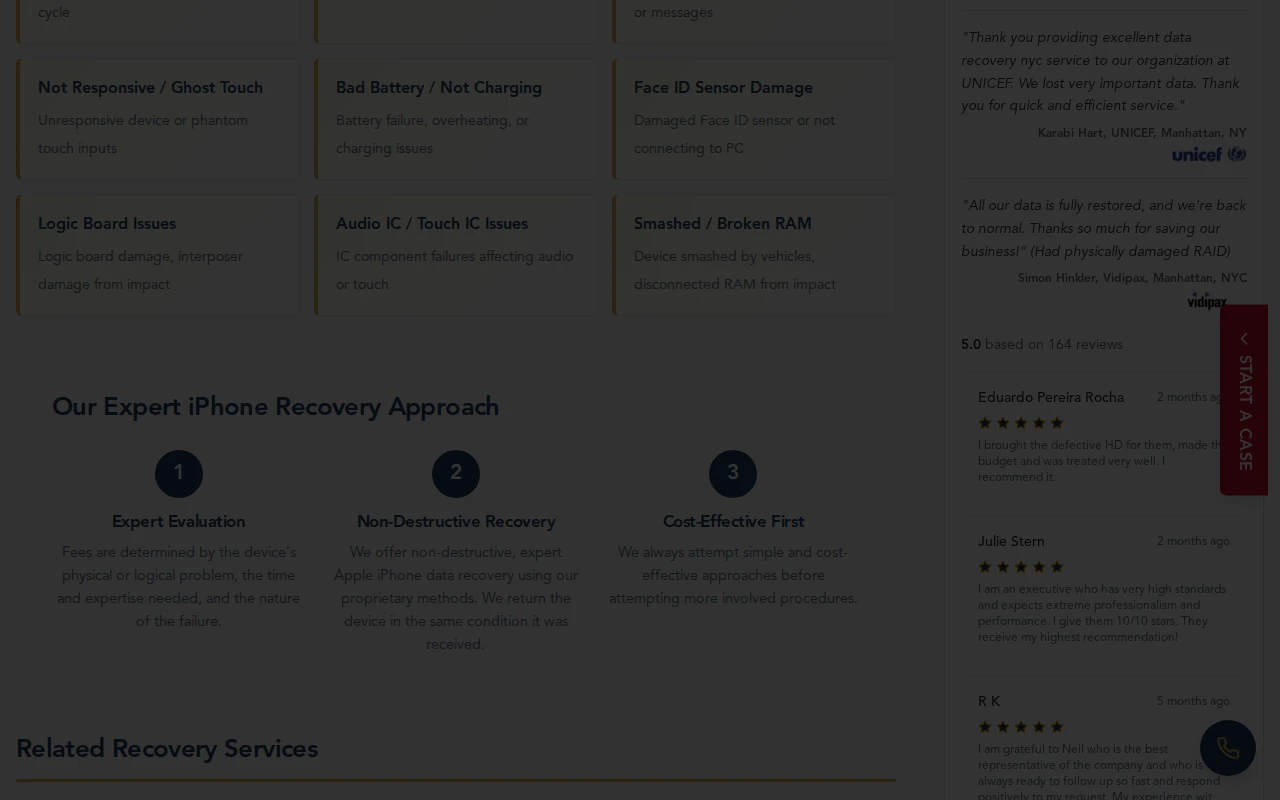
“At WeRecoverData.com - Data Recovery Labs, we offer non-destructive, expert apple iPhone data recovery service using our proprietary methods. We will return the drive to you in the same condition it was received.”
Customers expect to receive back a component ('the drive') that does not exist in their iPhone. This signals the company may not have actual iPhone recovery experience.
Correct recovery procedure
iPhone recovery involves repairing the logic board itself, not extracting a removable component. The NAND, SoC, and Secure Enclave must remain together on the original board for decryption to work.
Myth 26
Can Software Recover Data from a NAS with a Failed Drive?
Misconception
EaseUS markets their NAS recovery software as able to 'Recover Lost NAS Data Easily and Safely' from scenarios including 'drive failure, formatting, disk damage.'
Reality
A NAS experiencing 'drive failure' or 'disk damage' has one or more mechanically failed HDDs inside its RAID array. Running recovery software over the network forces every surviving drive to perform intensive read operations to reconstruct the missing parity data. This places the remaining drives (typically from the same manufacturing batch with comparable wear) under sustained stress, causing additional drives to fail during the scan.
Documented in the wild (1)
EaseUS
“Recover Lost NAS Data Easily and Safely Retrieve from varous senarios like accidental deletion, RAID corruption, drive failure, formatting, disk damage, etc.”
The software scan stresses the remaining drives in the degraded array. A second drive failure during the scan drops the array below fault tolerance, and all data is lost.
Correct recovery procedure
Power off the NAS. Remove all drives. Image each drive individually with hardware write-blockers. Reconstruct the array offline using the forensic images. This preserves the original drives and allows unlimited reconstruction attempts.
Myth 27
Can RAID 0 Run in Degraded Mode?
Misconception
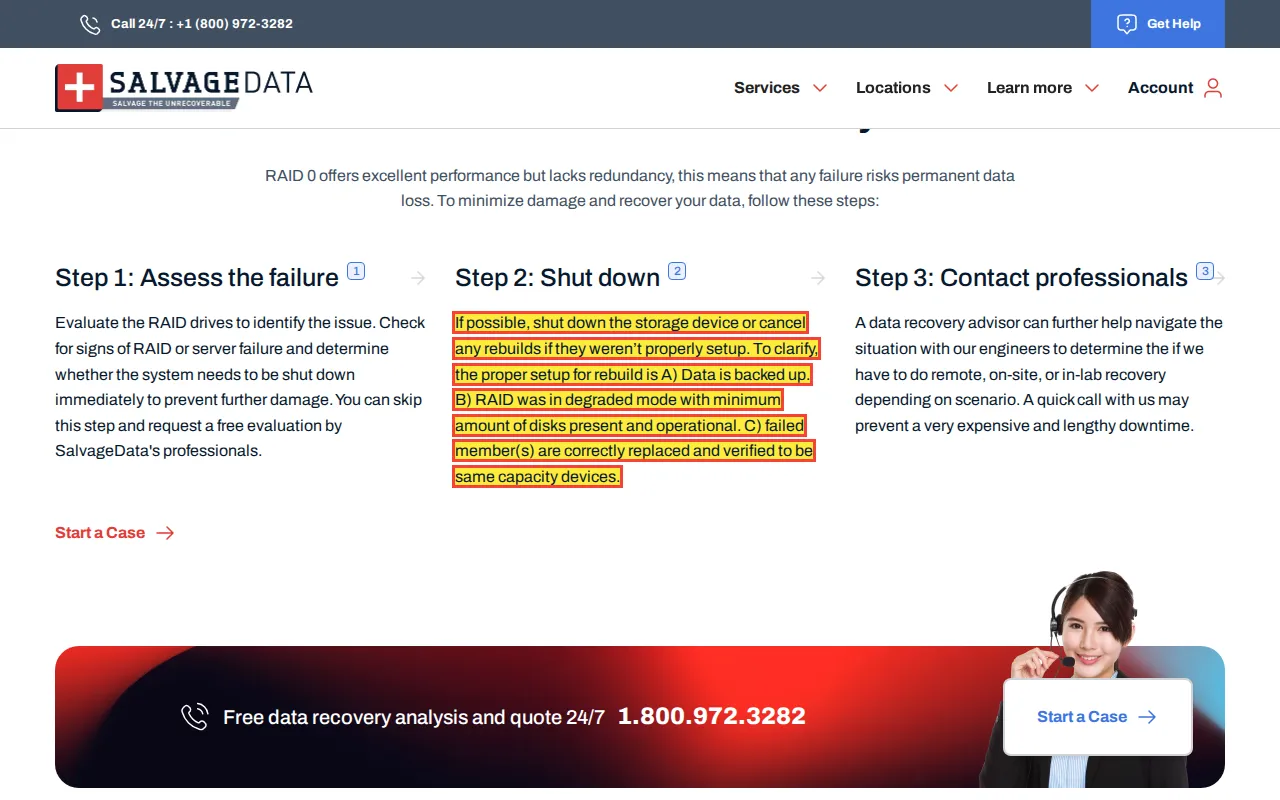
SalvageData's RAID 0 page describes 'the proper setup for rebuild' of a RAID 0, claiming the array should be 'in degraded mode with minimum amount of disks present and operational' and 'failed member(s) are correctly replaced and verified.'
Reality
RAID 0 uses striping with no parity and no mirroring. If any single member drive fails, the array is immediately and completely offline. RAID 0 cannot enter a 'degraded mode' because there is no redundancy to degrade to. There is no rebuild process for RAID 0 because there is no parity data to reconstruct the missing stripes.
Documented in the wild (1)
SalvageData
“The proper setup for rebuild is A) Data is backed up. B) RAID was in degraded mode with minimum amount of disks present and operational. C) failed member(s) are correctly replaced and verified”
A customer with a failed RAID 0 wastes time attempting a 'rebuild' that is architecturally impossible, potentially replacing the failed drive and losing the original drive's data state in the process.
Correct recovery procedure
RAID 0 recovery requires imaging all member drives (including failed ones) and manually reconstructing the stripe order using the original block size, stripe width, and member order. This is done with PC-3000 or UFS Explorer RAID reconstruction tools.
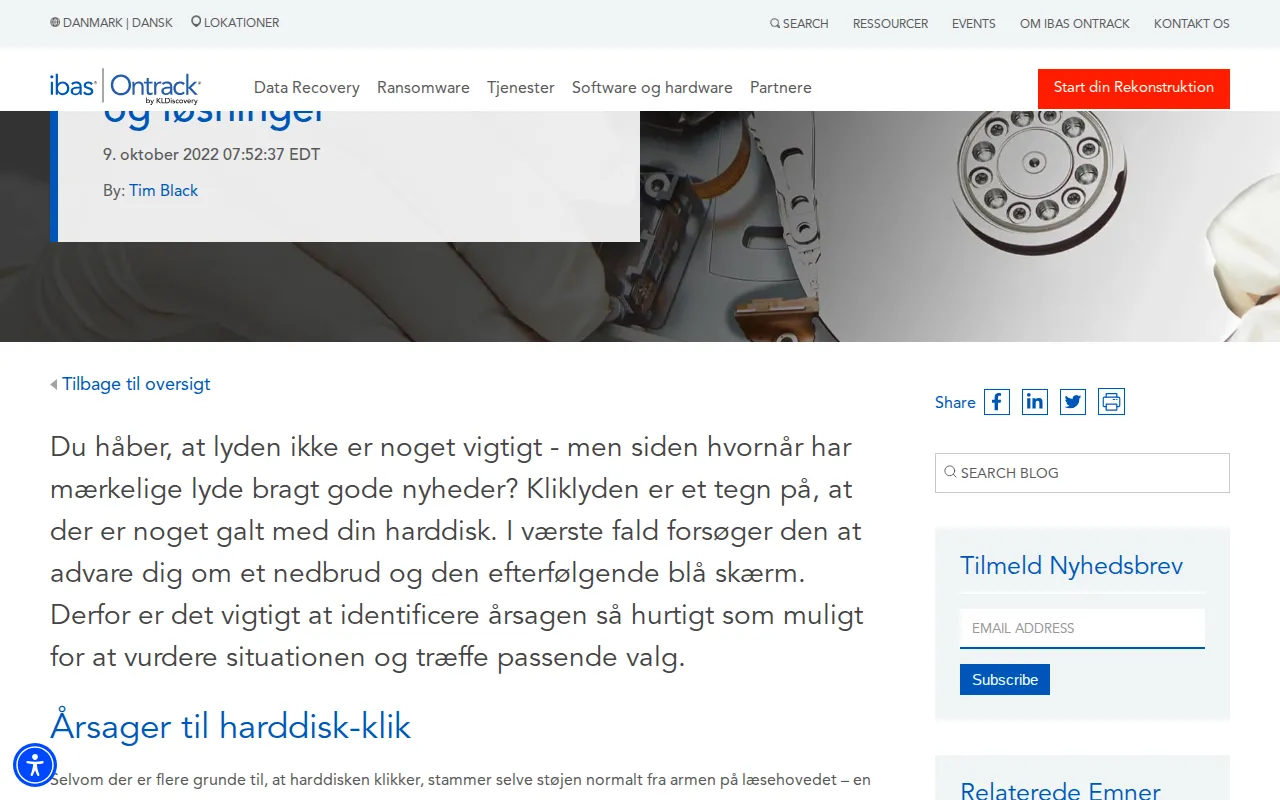
Ontrack's Danish blog on clicking hard drives claims the clicking noise 'usually comes from the read head arm, a physical part of the device that allows the hard drive to spin.'
Reality
The read head arm (actuator) positions the heads over the correct track. The platters are spun by a separate spindle motor using fluid dynamic bearings. These are completely independent mechanisms. The actuator uses a voice coil motor to pivot; the spindle motor uses electromagnetic coils to rotate the platters.
Documented in the wild (1)
Ontrack
“Selvom der er flere grunde til, at harddisken klikker, stammer selve støjen normalt fra armen på læsehovedet – en fysisk del af enheden, der lader harddisken snurre”
A customer may incorrectly conclude that clicking means the spindle motor is failing, when the sound is the actuator resetting after it fails to acquire a servo track. That misdirects the diagnosis toward the motor and away from what the bench actually has to check.
Correct recovery procedure
The click is the actuator resetting after a failed servo acquisition, and damaged heads, Service Area firmware faults, and preamp failures all produce it. The correct response is to power off the drive immediately and send it to a professional lab, where PC-3000 separates a firmware fault from head damage before anything is opened on a 0.02 micron ULPA-filtered clean bench.
Clicking has at least six distinct causes: head preamp failure, seized bearings, firmware corruption, weak heads from manufacturing defects, service area read failures, and actuator arm damage. Read the full clicking drive investigation covering each cause, its diagnostic signature in PC-3000, and why assuming "clicking = dead heads" leads to misdiagnosis.
Myth 29
Does Generic ECC Work for Modern SSD Chip-Off Recovery?
Misconception
Some companies advertise chip-off recovery for modern SSDs using 'generic ECC' and 'XOR pattern analysis' to reconstruct data from raw NAND dumps.
Reality
Modern SSD controllers use proprietary LDPC (Low-Density Parity-Check) error correction with parameters stored in the controller firmware. The LDPC code rates, parity matrices, and bit-flip correction thresholds are not publicly documented and vary between controller revisions.
Why this matters
Generic ECC cannot reconstruct data without these exact proprietary parameters. Additionally, modern controllers use proprietary XOR scrambling keys that rotate per page or per block.
Correct recovery procedure
The correct approach for a bricked SSD is PC-3000 SSD in diagnostic mode: injecting a minimal firmware loader into the controller's RAM so the controller enters tech mode and reads data through its own hardware decoding pipeline.
Myth 30
Should You Force-Quit and Reconnect a Frozen Drive?
Misconception
Some software support pages instruct users to force-quit their recovery software and physically reconnect (power cycle) a drive that has frozen during a scan.
Reality
When recovery software freezes on a mechanical hard drive, the freeze is caused by degraded read/write heads struggling to read failing sectors. The OS-level I/O request hangs because the drive firmware is retrying reads on bad media.
Why this matters
Power-cycling forces the heads to unload to the parking ramp and re-initialize over the platters, subjecting already-damaged media to additional landing zone stress and potential head-to-platter contact.
Correct recovery procedure
Professional recovery uses a DeepSpar Disk Imager or PC-3000 Data Extractor with configurable per-sector read timeouts, head map monitoring, and the ability to skip degraded zones and return to them later with progressively shorter timeouts.
Myth 31
Can a Bootable USB Recover Data from a Dead Mac?
Misconception
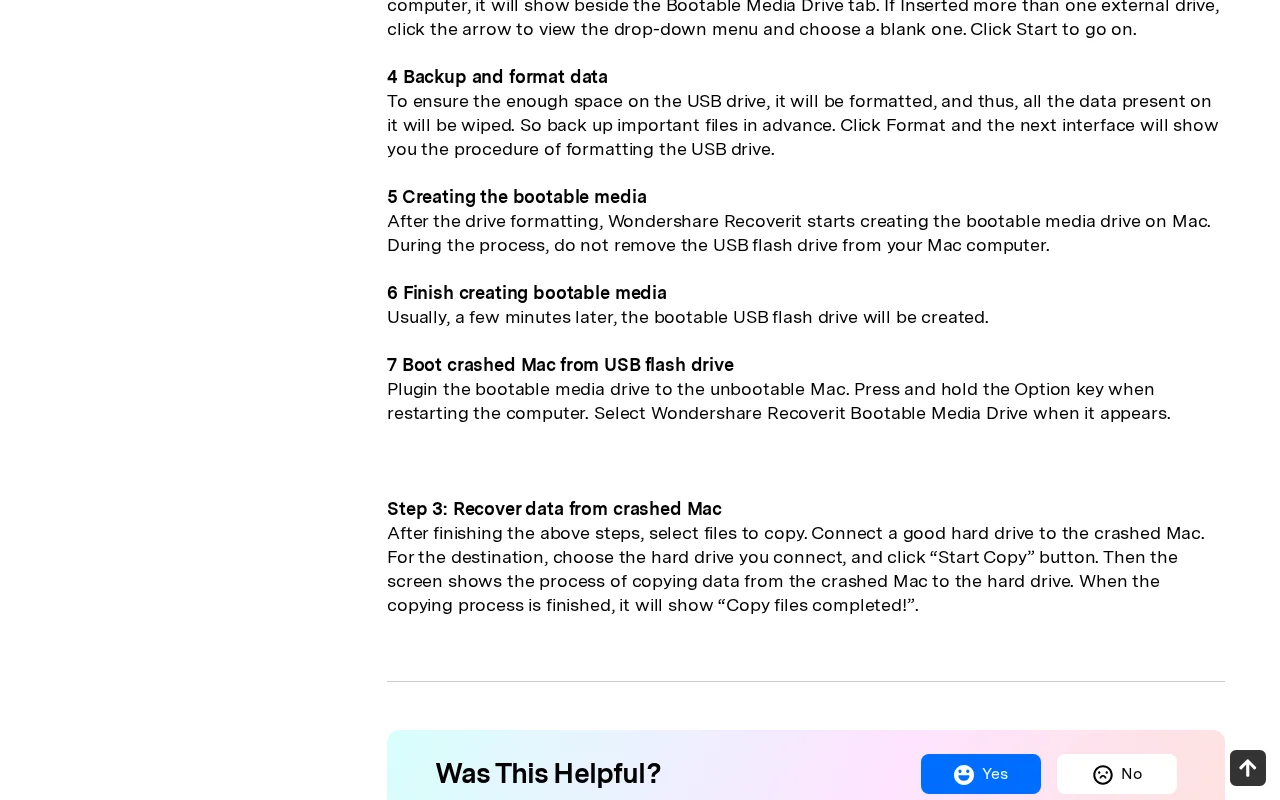
Wondershare's Recoverit support page provides step-by-step instructions for creating a bootable USB to recover data from a "crashed Mac," with zero mention of T2 or Apple Silicon encryption.
Reality
If a T2 or Apple Silicon Mac is unbootable due to a hardware failure (dead PMIC, shorted power rail, failed SoC), it cannot boot from any USB drive because the logic board is not powering on. The Secure Enclave must initialize and authenticate before releasing volume encryption keys.
Documented in the wild (1)
Wondershare
“Plugin the bootable media drive to the unbootable Mac. Press and hold the Option key when restarting the computer. Select Wondershare Recoverit Bootable Media Drive when it appears.”
Users who pay for and create bootable recovery media find it does nothing when the underlying issue is a hardware failure rather than a software crash.
Correct recovery procedure
For a dead Mac, recovery requires board-level diagnosis with a DC power supply (checking 5V vs 20V USB-C PD negotiation), FLIR thermal imaging to identify shorted components, and micro-soldering repair of the failed component so the original board boots with its Secure Enclave intact.
Myth 32
What Is the Difference Between DFU Revive and DFU Restore?
Misconception
Some recovery companies advertise using Apple's 'DFU restore modes' for data recovery without distinguishing between the data-safe Revive operation and the destructive Restore operation.
Reality
Apple Configurator 2 DFU mode has two operations with opposite outcomes. 'Revive' repairs BridgeOS firmware while preserving all user data. 'Restore' performs a cryptographic erase of all user data and reinstalls macOS from scratch.
Why this matters
A data recovery lab that says 'DFU restore' without specifying 'Revive' risks a customer or technician clicking 'Restore,' which permanently destroys all recoverable data.
Correct recovery procedure
The correct terminology for data recovery is 'DFU Revive.' It only works when the board can power on and negotiate USB-C PD. For a board that cannot power on, component-level repair is required first.
Technical methodologies
Technical Details Behind Each Correction
The section above covers what each myth gets wrong and why it matters. This section explains the actual recovery procedures in technical detail for IT professionals and engineers who want to understand the failure mechanisms.
iPhone and Mac Storage Architecture
iPhones use BGA-soldered NAND flash (typically Kioxia or SK Hynix packages) connected directly to the A-series or M-series SoC via a proprietary NVMe interface. The SoC contains the Secure Enclave Processor (SEP), which manages hardware-bound AES-256-XTS encryption. The volume encryption key (VEK) is wrapped by a key encryption key (KEK) derived from the SEP hardware UID, which is fused at manufacturing and never exposed to software.
Recovery from a dead iPhone with a functional NAND array targets the power management IC (PMIC). Common failure points include the Tristar IC or Hydra IC, which manages USB-C/Lightning power negotiation. A failed Tristar/Hydra prevents the SoC from receiving stable VBUS power, which prevents boot. Replacement requires hot-air rework at 340-360C with leaded solder paste and a Hakko microsoldering station for post-reflow touch-up.
Apple Silicon Macs use the same SEP architecture. The M1/M2 SoC integrates the SEP, neural engine, and storage controller into a single die. The NAND packages (typically 1-4 chips) are encrypted at the hardware level; there is no unencrypted storage path. Board-level repair targets the charging IC, the primary always-on power rails, and the power management unit (PMU) to restore stable power delivery to the SoC.
Electrolytic Corrosion from USB Power on Wet Boards
When a liquid-exposed board is connected to USB, the 5V VBUS line provides the electrical potential for anodic dissolution. Dissolved minerals in the liquid (tap water contains calcium, chloride, and sodium ions) create an electrolyte. Copper traces on the PCB act as the anode; adjacent ground planes act as the cathode.
Under DC bias, copper migrates from anode traces toward cathode planes via ionic transport through the electrolyte film. This process, called electrochemical migration, creates dendritic copper growths that short adjacent traces within minutes. On iPhone boards, the most vulnerable areas are the fine-pitch BGA pads under the PMIC and audio codec ICs, where trace spacing is 75-100 micrometers.
Our procedure: remove the logic board, displace moisture with 99% isopropyl alcohol, clean in an ultrasonic bath at 40C for 10 minutes, dry with compressed nitrogen, then inspect every IC pad under a stereo microscope before connecting any power source.
SSD Controller Architecture and Chip-Off Limitations
Modern SSD controllers (Phison PS5012-E12, Silicon Motion SM2259XT, Maxiotek MAP1202, Western Digital/SanDisk custom ASICs) implement multi-layered data transformation between the host LBA and the physical NAND page. The pipeline includes: LBA-to-PBA translation via the Flash Translation Layer (FTL), XOR scrambling with per-page or per-block keys, LDPC encoding with controller-specific parity matrices, and on some controllers, hardware AES encryption.
Each stage uses parameters stored in the controller firmware (typically in a reserved NAND block called the System Area or ROM block). Without these parameters, a raw NAND dump is scrambled, parity-interleaved, and potentially encrypted data that cannot be reconstructed.
PC-3000 SSD addresses this by communicating directly with the controller through its debug interface (typically UART or JTAG, depending on the controller family). When the controller firmware is corrupted, PC-3000 injects a minimal firmware loader (called a “tech mode” loader) into the controller RAM. This loader initializes the NAND interface and reads data through the controller's own decoding hardware, preserving the correct ECC, descrambling, and FTL mapping.
How CHKDSK Destroys Data on Failing Drives
CHKDSK /r performs three destructive operations on a physically failing drive. First, it forces a sequential read of every LBA on the disk, maximizing head travel across degraded platters. Non-TLER drives (consumer models from Seagate, WD, Toshiba) retry each failing sector 10-20 times before reporting a read error, which means the degraded heads repeatedly stress the same damaged areas.
Second, CHKDSK walks the NTFS Master File Table ($MFT), cross-references it against the $Bitmap cluster allocation table, and restructures directory indexes ($INDEX_ROOT and $INDEX_ALLOCATION attributes). When it encounters unreadable MFT records, it orphans the file entries and truncates them into numbered .chk fragments in the FOUND.000 directory. The original file name, path, and metadata are destroyed.
Third, on SSDs, when CHKDSK marks clusters as free in $Bitmap, Windows sends TRIM commands for those LBAs. The SSD controller queues these blocks for garbage collection, which physically erases the NAND pages. Once erased, the data is permanently gone.
Professional recovery bypasses this entirely. PC-3000 Data Extractor and DeepSpar Disk Imager perform sector-level imaging with configurable per-sector timeouts, starting short and tightening further for severely degraded zones. The imaging process reads data in a non-linear pattern, prioritizing healthy zones first and returning to degraded zones with progressively aggressive parameters. No file system metadata is modified during imaging.
DFU Revive vs. Restore in Apple Configurator 2
Apple Configurator 2 presents two options when a Mac enters DFU mode via a second Mac connected over USB-C. The “Revive” option downloads and installs a fresh copy of BridgeOS (the T2 or Apple Silicon boot firmware) without touching the user data volume. The “Restore” option performs a full cryptographic erase of the internal storage, destroys all user data, and reinstalls macOS.
These two buttons are adjacent in the Apple Configurator UI. An untrained operator who clicks “Restore” instead of “Revive” will destroy all customer data with no possibility of undo. The cryptographic erase rotates the volume encryption key, which means even the original Secure Enclave can no longer decrypt the NAND contents.
For a data recovery lab, the only safe option is Revive. It requires that the board can power on and negotiate USB-C Power Delivery. If the board cannot power on due to a hardware fault (shorted capacitor, failed PMIC, blown USB-C retimer), component-level repair must be completed before DFU Revive can be attempted.
BitLocker and TPM Encryption Architecture
BitLocker Full Volume Encryption uses a layered key hierarchy. At the bottom layer, data is encrypted with the Full Volume Encryption Key (FVEK), which uses AES-128 or AES-256 in XTS mode. The FVEK is stored on disk, encrypted by the Volume Master Key (VMK). The VMK is sealed to the TPM using Platform Configuration Registers (PCRs) that reflect the boot chain state.
When the system boots normally, the TPM releases the VMK only if the PCR measurements match the expected values (meaning the boot firmware, bootloader, and OS kernel have not been tampered with). The VMK decrypts the FVEK, and the FVEK decrypts the volume transparently during read/write operations.
Clearing the TPM erases all sealed keys, including the VMK. The 48-digit recovery key is an independent backup of the VMK. If both the TPM and the recovery key are unavailable, the FVEK cannot be decrypted, and the volume data is permanently sealed behind AES encryption. No lab, no government agency, and no supercomputer cluster can brute-force AES-256 in any practical timeframe.
Disabling the TPM (as EaseUS advises) does not remove encryption; it prevents the TPM from releasing the VMK at boot. The system then demands the recovery key. If the user does not have the recovery key (common on consumer machines where Windows enabled BitLocker by default during OOBE), the data is locked permanently.
RAID Rebuild Mechanics and URE Probability
A RAID 5 rebuild reads every sector on every surviving member drive to recalculate parity for the replacement drive. On a 4-drive RAID 5 with 10TB drives, the rebuild reads 30TB of data (3 surviving drives x 10TB each). Consumer SATA drives carry a worst-case Unrecoverable Read Error (URE) specification of 1 in 10^14 bits (1 in ~12.5TB), which is a warranty floor, not a schedule. Field studies show most drives read far past 12.5TB without a single URE.
Reading 30TB during a rebuild puts the worst-case URE expectation near 2.4, but treat that as an upper bound, not a count the rebuild is guaranteed to reach. If a URE does land during a RAID 5 rebuild, the data in that stripe is lost. What happens to the rest of the array is controller-specific: legacy and low-end controllers (and HP/HPE Smart Array P-series and E-series) abort and drop the volume, while modern Dell PERC and LSI/Broadcom MegaRAID puncture the stripe and finish the rebuild, and Linux mdadm logs the bad LBA in its Bad Block Log and continues. The bigger real-world driver of a failed rebuild is not a clean bit error but mechanical exhaustion of a marginal same-batch survivor under the sustained read load, or a drive without configurable TLER stalling past the controller timeout and being ejected.
Same-batch drives compound the risk. Drives purchased together, installed together, and run at the same temperature for the same number of hours share wear characteristics. When one drive fails from wear, the remaining drives are statistically near the same failure point. The rebuild stress (sustained 100% read load for 24-72 hours) pushes marginal drives over the edge.
Our procedure: remove all drives from the chassis. Label each drive with its slot position. Image each drive individually using PC-3000 Express with hardware write-blocking. Reconstruct the virtual RAID array from the images using the original stripe size, parity rotation, and member order (read from the controller metadata). This preserves the original drives and allows unlimited reconstruction attempts with zero risk of further damage.
DIY deep dives
DIY Recovery Myths
Six of the most persistent data recovery myths, each debunked with specific drive models, named tools, and published pricing. These in-depth pages cover what the myth claims, why it persists, and what a professional lab actually does instead.
Our Austin lab operates on a transparency-first model. We use industry-standard recovery tools, including PC-3000 and DeepSpar, combined with strict environmental controls to maintain drive integrity. This approach allows us to serve clients nationwide with consistent technical standards.
Serving clients nationwide via mail-in service since 2008. Our lead engineer holds PC-3000 and HEX Akademia certifications for hard drive firmware repair and mechanical recovery.
Our "No Data, No Charge" policy means we assume the risk of the recovery attempt, not the client.
LR
Technical Oversight
Louis Rossmann
Our engineers review all lab protocols to maintain technical accuracy and honest service. Since 2008, his focus has been on clear technical communication and accurate diagnostics rather than sales-driven explanations.
We believe in showing the bench rather than just describing it. Open-drive work runs on a 0.02 micron ULPA-filtered laminar clean bench, and we filmed it.
Should you plug a water-damaged phone into a charger?
No. Introducing 5V USB power to a wet or corroded board causes electrolytic corrosion: copper traces dissolve, and current paths short across capacitor pads to high-voltage rails. The correct first step is displacement of moisture with 99% isopropyl alcohol, followed by ultrasonic cleaning and board-level inspection under a microscope before applying any power.
Can rice fix a water-damaged phone?
No. Rice absorbs ambient moisture from the air but cannot extract liquid trapped under BGA packages, EMI shields, or between PCB layers. While the phone sits in rice, electrolytic corrosion actively dissolves copper traces and tin solder joints. The correct response is immediate disassembly and ultrasonic cleaning in 99% isopropyl alcohol.
Can software unlock a BitLocker drive without a recovery key?
No. BitLocker uses AES-128 or AES-256 encryption. The key space is astronomically large and cannot be brute-forced. No commercial software can bypass BitLocker without either the recovery key, the original user password, or a functioning TPM that still holds the sealed key.
Can software recover data after a phone factory reset?
No. Modern Android (6.0+) and iOS (8+) devices use hardware-backed encryption. A factory reset performs a Cryptographic Erase that destroys the encryption keys stored in the secure element. The ciphertext remains on the NAND but is mathematically unrecoverable without the destroyed keys.
Are portable clean benches inadequate for data recovery?
No. A 0.02 micron ULPA-filtered laminar flow clean bench is the standard tool used by working data recovery labs worldwide for HDD head swaps. The bench provides filtered air flowing across the work surface where the open drive sits. Full ISO cleanrooms add cost for filtering an entire room, which is unnecessary when only the immediate work surface needs filtration during a 5-15 minute head swap.
Do SSDs travel along surfaces?
No. SSDs have no moving parts. Data is stored as electrical charges in floating-gate transistors within NAND flash packages soldered to a PCB. Nothing travels inside an SSD. The controller reads and writes data by sending electrical signals through traces on the circuit board.
Does file fragmentation slow down SSDs?
No. SSDs access any NAND page in the same time regardless of physical location because there is no mechanical seek. Defragmenting an SSD provides no performance benefit and causes unnecessary write/erase cycles that consume the limited P/E cycle budget of the NAND flash cells.
Can software recover data from a dead hard drive?
No. Software sends read commands through the OS kernel via ATA or SCSI protocols. A dead drive (seized motor, dead PCB, catastrophic head failure) cannot process those commands because it does not spin up or enumerate on the bus. Recovery requires physical repair first: PCB swap, motor swap, or head replacement before any software can access the platters.
Does Android phone recovery require a cleanroom?
No. Android phones are solid-state devices with no exposed platters. There is nothing inside an Android phone that airborne particles can damage. Recovery requires board-level microsoldering to repair power delivery circuits so the SoC boots and the TEE releases decryption keys.
Should you open a hard drive and move the heads yourself?
No. Read/write heads keep a baseline aerodynamic clearance of a few nanometers and use thermal fly-height control to protrude the transducer to an active magnetic spacing of about 1 to 2 nanometers above the platters. Touching them with any tool scores the magnetic coating off the platter surface, permanently destroying data. Head replacement requires a ULPA-filtered clean bench, matched donor heads from a compatible drive, and calibrated tools designed to remove the head stack assembly without contacting the platter.
Does CHKDSK fix a failing hard drive?
No. CHKDSK /r forces a full surface scan that maximizes stress on degraded read/write heads. On the file system level, it deletes directory index entries it cannot read and truncates them to .chk fragments. On SSDs, freeing clusters triggers TRIM commands that unmap NAND pages and queue them for erase. The correct first step is read-only sector-level imaging with PC-3000 Data Extractor or DeepSpar Disk Imager.
Should a drive with a failure history be used as a RAID spare?
No. A hot spare is the failover target during rebuild. Using a drive with known degradation as the spare means the rebuild writes tens of terabytes to a drive that has already failed. When it fails mid-rebuild, the array loses a second member and all data is lost.
Can bootrec commands fix an SD card?
No. The bootrec command is exclusively a Windows Recovery Environment tool for repairing the Windows boot loader on the system drive. SD cards do not contain Windows boot loaders. Running bootrec against an SD card either does nothing or overwrites the boot sector with Windows boot code, corrupting the FAT32/exFAT filesystem.
Do iPhones have SD card slots?
No. Apple has never shipped an iPhone with an SD card slot or any removable storage. iPhone storage is BGA-soldered NAND flash integrated directly into the logic board. Recovering data from a dead iPhone requires board-level micro-soldering to repair the power delivery circuit so the SoC boots and the Secure Enclave releases decryption keys.
Does a hard drive PCB swap require a cleanroom?
No. The PCB is mounted on the external chassis of the sealed drive assembly. Swapping a PCB does not require opening the hermetic seal. The platters are never exposed. PCB swaps are performed at an electronics workbench with a soldering iron to transfer the ROM chip and a screwdriver.
Does EaseUS have exclusive T2 Mac recovery technology?
No. T2 Macs use hardware-bound AES-256 encryption managed by the Secure Enclave Processor. Software cannot bypass this encryption. Recovery requires board-level repair so the original SoC boots and the SEP releases decryption keys. No software vendor has 'exclusive technology' to bypass hardware encryption.
Should you clear the TPM when BitLocker recovery key fails?
No. Clearing the TPM destroys the Volume Master Key (VMK) used to decrypt the BitLocker Full Volume Encryption Key (FVEK). If the recovery key is already not working, clearing the TPM eliminates the last remaining decryption path. The AES-256 encrypted volume becomes permanently sealed with no mathematical method to recover the data.
Does disabling the TPM disable BitLocker?
No. Disabling the TPM prevents it from releasing the Volume Master Key at boot, which triggers the BitLocker recovery screen. If the user does not have the 48-digit recovery key, they are permanently locked out of their data. Disabling the TPM creates a problem; it does not solve one.
Does chip-off recovery work on Apple Silicon Macs?
No. Apple Silicon Macs (M1/M2/M3/M4) encrypt all NAND data using AES-256 keys derived from a hardware UID fused into the Secure Enclave Processor at manufacturing. Desoldering the NAND yields ciphertext indistinguishable from random noise. The only recovery path is board-level repair so the original SoC boots with its Secure Enclave intact.
Should you format a drive that shows hardware errors?
No. Formatting a drive with a fatal hardware error overwrites all user data, stresses failing heads across every track, and on SSDs sends TRIM commands that unmap NAND pages and queue them for erase. The correct response is to power off the drive and image it with a hardware write-blocker before any write operation.
Should you initialize a disk that is not showing up?
No. Initializing a disk writes a new partition table, overwriting the existing partition map. Creating a new volume then formats the partition, triggering TRIM on SSDs. The correct response is to image the drive with a hardware write-blocker, then reconstruct the partition table from backup headers.
Can a data recovery company extract AES encryption keys from SSDs?
No. AES-256 keys on hardware-encrypted SSDs are stored in tamper-resistant secure elements. The key space is 2^256. No 'proprietary programming' bypasses the mathematical foundation of AES.
Does iPhone data recovery require cleanroom technology?
No. iPhones are solid-state devices. There is nothing inside an iPhone that airborne particles can damage. iPhone recovery requires microsoldering to repair power delivery and boot circuits, not cleanroom filtration.
Can USB flash drives make unusual sounds when failing?
No. USB flash drives are solid-state devices with no moving parts. They cannot produce sounds. There is no motor, no actuator, no spinning platter. The only sound a USB flash drive can make is if the plastic shell physically breaks.
Does an iPhone contain a removable drive?
No. iPhones do not contain removable drives. iPhone data is stored on NAND flash soldered to the logic board. Any company claiming to return your iPhone's 'drive' is using copy-pasted HDD boilerplate that was not reviewed by anyone who has handled an iPhone recovery.
Can software recover data from a NAS with a failed drive?
Running recovery software over the network on a degraded NAS forces every surviving drive to perform intensive read operations. This places same-batch drives under sustained stress, risking additional failures. The correct procedure is to power off the NAS, remove all drives, image each drive individually with hardware write-blockers, and reconstruct the array offline.
Can RAID 0 run in degraded mode?
No. RAID 0 uses striping with no parity and no mirroring. If any single member drive fails, the array is immediately and completely offline. There is no degraded mode and no rebuild process because there is no redundancy.
Does the head arm make a hard drive spin?
No. The read head arm (actuator) positions the heads over the correct track. The platters are spun by a separate spindle motor. These are completely independent mechanisms, and the click you hear is the actuator resetting, not the spindle. What made the actuator reset is a separate question, settled on the bench.
Does generic ECC work for modern SSD chip-off recovery?
No. Modern SSD controllers use proprietary LDPC error correction with parameters stored in the controller firmware. The code rates, parity matrices, and bit-flip correction thresholds vary between controller revisions and are not publicly documented. The correct approach is PC-3000 SSD in diagnostic mode, which reads data through the original controller's decoding pipeline.
Should you force-quit and reconnect a frozen drive?
No. When recovery software freezes on a mechanical drive, the freeze is caused by degraded heads struggling to read failing sectors. Power-cycling forces the heads to unload and re-initialize, subjecting damaged media to additional stress. Professional recovery uses hardware tools with configurable timeouts to skip degraded zones.
Can a bootable USB recover data from a dead Mac?
Not if the hardware has failed. T2 and Apple Silicon Macs require the Secure Enclave to initialize and authenticate before releasing encryption keys. No external boot media can bypass a hardware failure. Recovery requires board-level diagnosis and micro-soldering repair of the failed component so the original board boots.
What is the difference between DFU Revive and DFU Restore?
Revive repairs BridgeOS firmware while preserving all user data. Restore performs a cryptographic erase that permanently destroys all data. These two buttons are adjacent in Apple Configurator 2. A data recovery lab must use Revive, never Restore.