
Rossmann Repair Group
Data Recovery Services
Hard drive recovery, SSD recovery, iPhone recovery, MacBook recovery, RAID recovery, and NAS recovery. All work performed in-house at our Austin, TX lab. No outsourcing, no middlemen. Free evaluation on every job. If we cannot recover your data, you do not pay.

- Free evaluation
- No data, no fee
- All work in-house
- Nationwide mail-in
What Our Data Recovery Services Include
Rossmann Repair Group provides data recovery for failed hard drives, SSDs, iPhones, MacBooks, RAID arrays, and NAS systems. All work is performed at our single lab in Austin, TX using PC-3000 and DeepSpar hardware. No outsourcing, no satellite offices, no middlemen.
The service covers both logical failures (corrupted file systems, deleted partitions on an otherwise healthy drive) and physical failures (dead read/write heads, burned controller chips, seized spindle motors). Logical recoveries use PC-3000 Data Extractor for sector-by-sector imaging. Physical recoveries require opening the drive on a 0.02µm ULPA-filtered clean bench, matching donor heads, and rebuilding firmware modules through terminal access.
Hard drive recovery costs $100–$2,000 across 5 tiers based on failure type. See how to evaluate a hard drive recovery service before shipping a failed drive. SSD recovery costs $200–$1,500 across 5 tiers. These are published tiers, not quotes generated after you ship the drive. Every job starts with a free evaluation, and our no data, no fee guarantee means you pay nothing if recovery is unsuccessful.
What Are Data Recovery Services?
Data recovery is the process of retrieving files from storage devices that have failed due to physical damage, firmware corruption, or file system errors. Professional data recovery services use specialized hardware tools (PC-3000, DeepSpar Disk Imager) and controlled environments (ULPA-filtered clean benches) to access data that consumer software cannot reach. The process differs by device type: hard drives require clean bench procedures for head swaps and platter work, SSDs require controller-level firmware repair or board-level micro-soldering, and phones with soldered storage require board repair to restore the original encryption pathway.
Software-based recovery tools (Disk Drill, R-Studio, EaseUS) only work when the drive is functional but data has been deleted or the file system is corrupted. Exception: on modern SSDs, TRIM marks deleted blocks for erasure; once garbage collection runs, that data is gone and no tool, lab or otherwise, can recover it. Once a drive has physical damage, running software on it risks permanent data loss. Lab recovery handles the hardware and firmware failures that software cannot reach.
Why Hardware Failures Require In-Lab Recovery
Some companies advertise remote data recovery as a service. Remote tools connect to a functioning drive over the network and scan for deleted files or corrupted partitions. When a hard drive has a failed preamplifier or a dead read/write head, the operating system cannot enumerate the device at all. The same applies to an SSD with a shorted PMIC or a controller stuck in a firmware panic loop. No remote connection can interact with hardware that the host machine cannot detect.
Firmware-level recovery (rebuilding corrupted Flash Translation Layer tables, injecting diagnostic loaders through vendor-specific commands) requires a direct hardware interface. The technician shorts specific diagnostic test points on the PCB to force the controller into safe mode, then the PC-3000 communicates with the controller over the standard SATA or PCIe bus to upload a diagnostic loader. This is a physical bench procedure; it cannot be performed over a network.
What to Do When a Storage Device Fails
The steps you take in the first few minutes after a drive failure determine whether your data is recoverable. Follow this sequence before contacting any data recovery service.
- Power down the device. Unplug the drive or shut down the computer. A clicking hard drive has damaged read/write heads dragging across the platters; every second of power causes further scoring.
- Do not run recovery software on a physically failing drive. Consumer tools like Disk Drill and EaseUS work on healthy drives with deleted files. Running them on a drive with head damage or firmware corruption forces the mechanism to overwork, converting a firmware-tier repair into a platter-damage case.
- Do not open the drive enclosure. Hard drive platters must only be exposed inside a 0.02µm ULPA-filtered clean bench. Room air contains particles that cause immediate head crashes on spin-up.
- Record the failure symptoms. Note whether the drive is clicking, beeping, not spinning, or showing the wrong capacity. Include what happened immediately before the failure (drop, power surge, error message). This information lets the engineer target the failed component without unnecessary diagnostic steps.
- Contact a lab with published pricing and a no-data-no-fee guarantee. A legitimate data recovery service quotes a price range before you ship the drive. If a company requires a non-refundable diagnostic fee or refuses to publish prices, that is a reason to keep looking.
Our Data Recovery Services
We recover data from 10 device categories. Each requires different tools and techniques. Select your device type for pricing, process details, and what to expect.
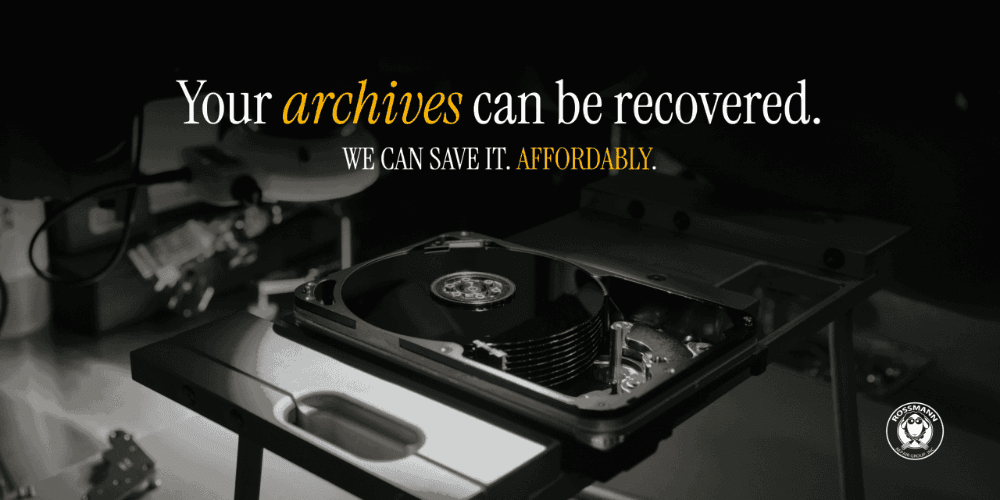 $100–$2,000
Hard Drive Data Recovery
Clicking, beeping, or undetected drives. Head swaps, firmware repair, and platter recovery using PC-3000.
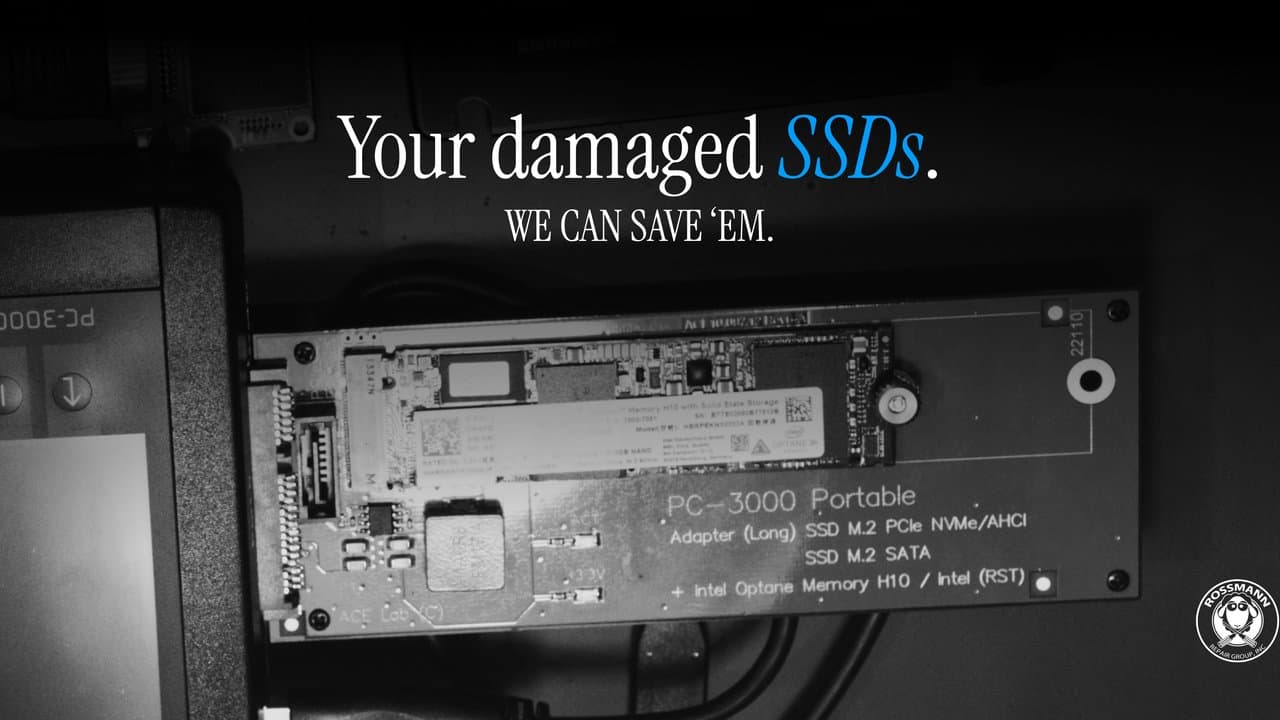 $200–$1,500
SSD Data Recovery
Controller failures, firmware corruption, and board-level repair for SATA, NVMe, and M.2 drives.
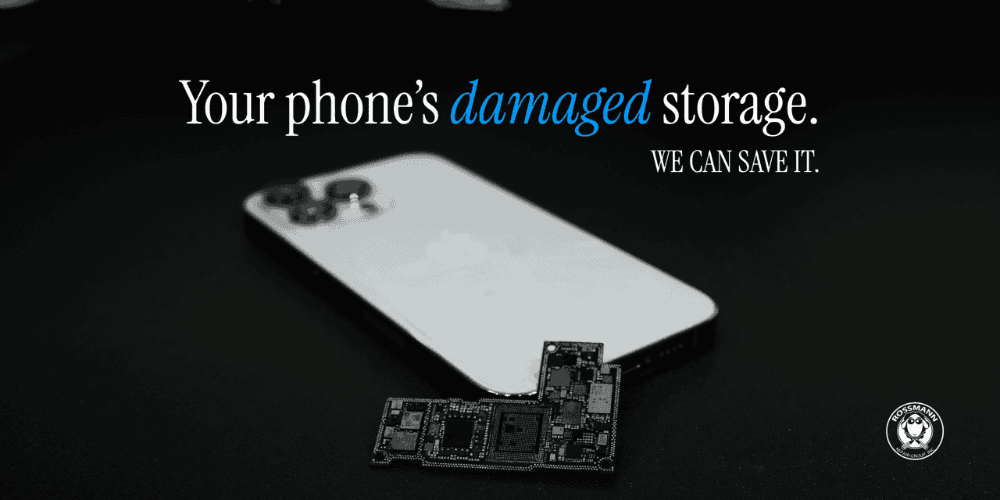 $300–$650
iPhone Data Recovery
Water-damaged or dead phones. Board-level repair to recover photos and messages.
$200–$1,500Android & Samsung Recovery
Dead, water-damaged, or encrypted Android phones. Board repair, CPU/UFS transplant for FBE-encrypted Samsung and Pixel devices.
$300-$900iPad Data Recovery
Dead, water-damaged, or boot-looping iPads. Microsoldering to repair the logic board and extract data.
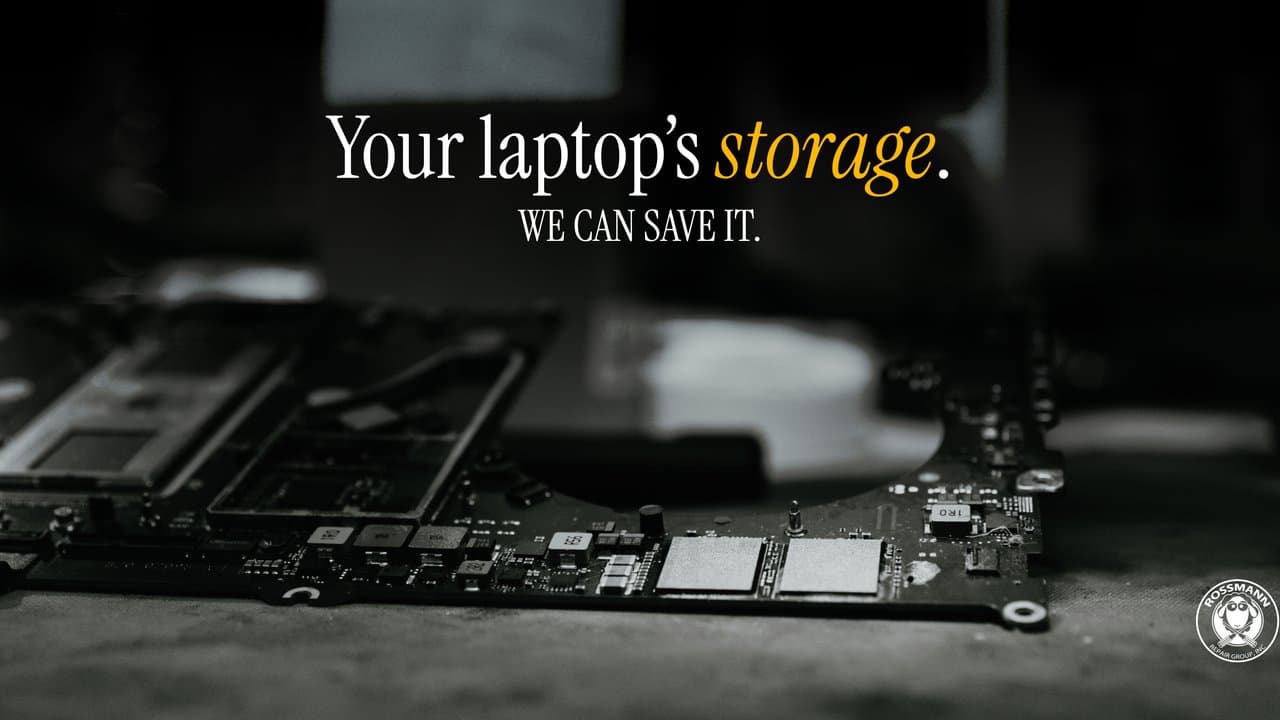 From $600
MacBook Data Recovery
T2, M1, and M2 Macs with soldered storage. Board repair is the only path; chip-off does not work.
 From $600
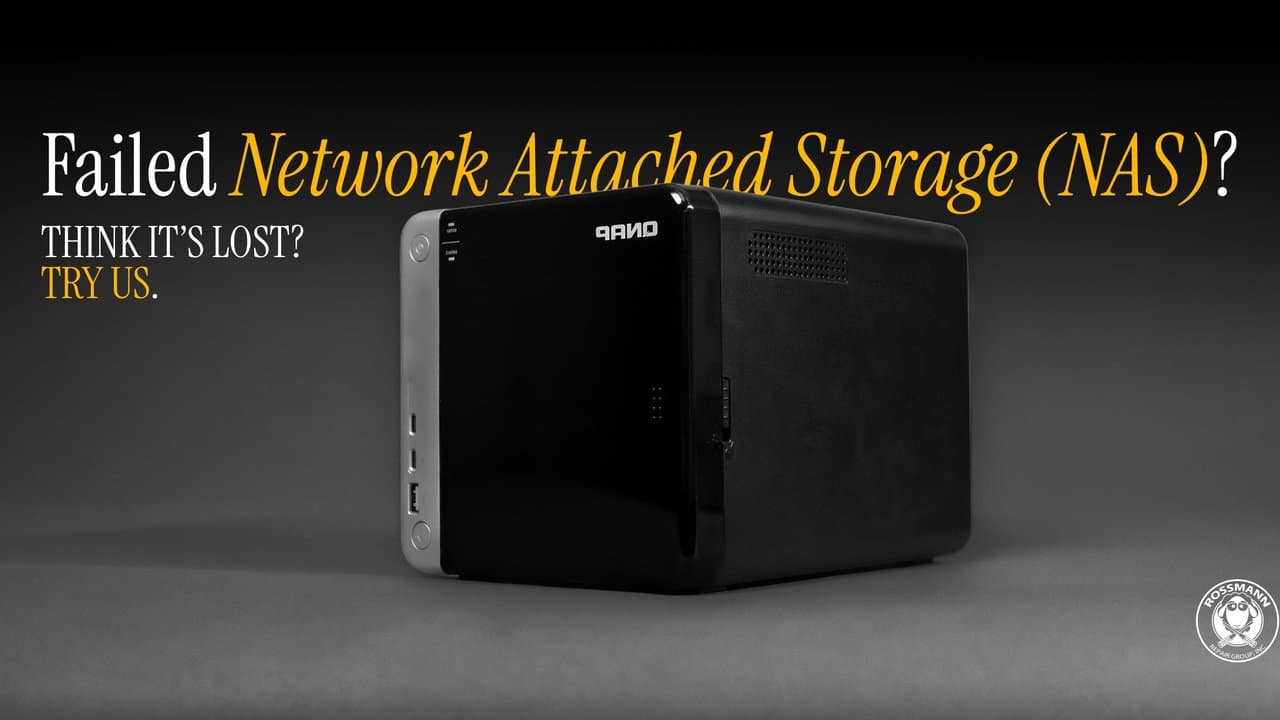
NAS Data Recovery
Synology, QNAP, and other NAS systems. Member-by-member imaging and RAID reconstruction.
 From $600
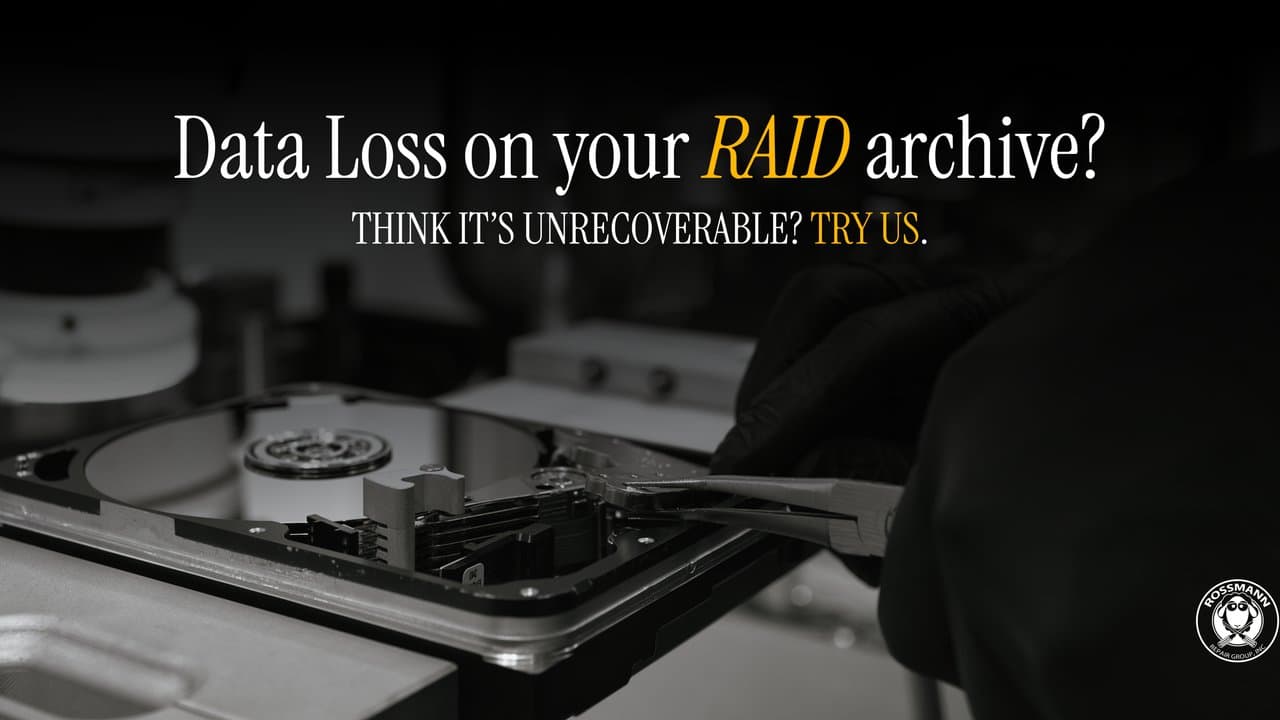
RAID Data Recovery
Multi-drive array recovery with offline reconstruction. RAID 0, 1, 5, 6, 10, and custom configs.
 From $200
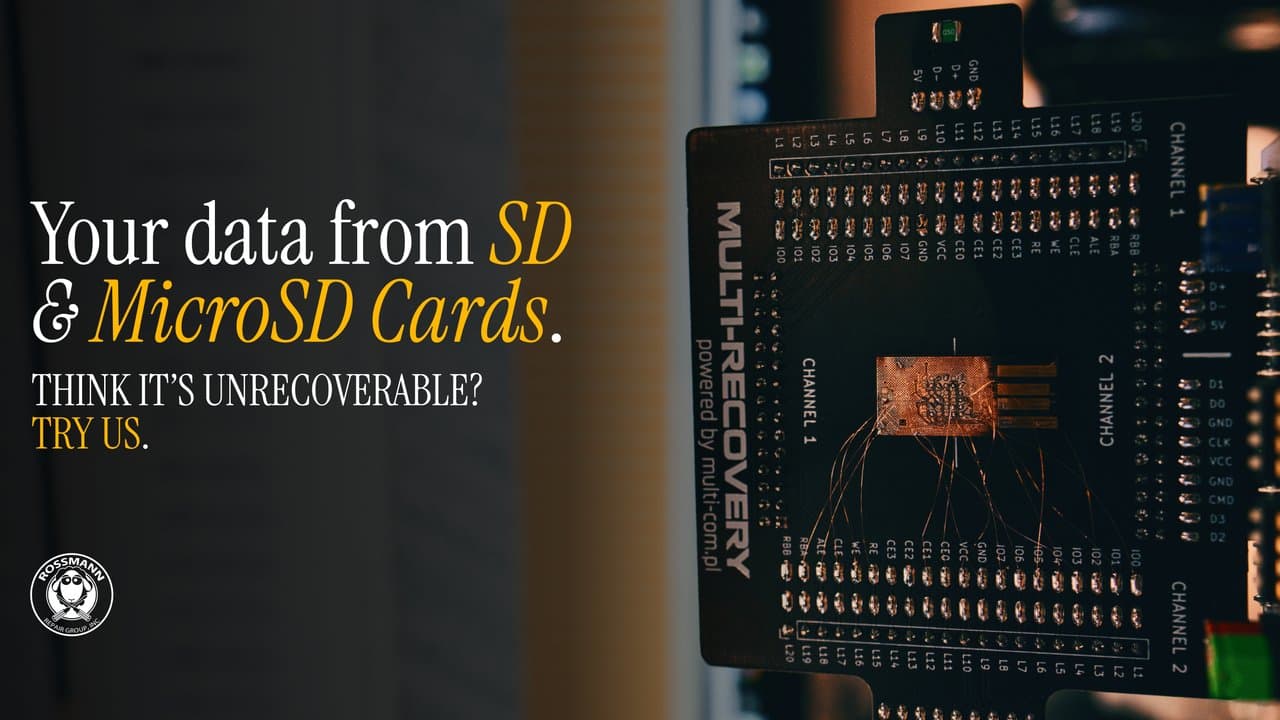
SD Card Data Recovery
Camera card recovery. PCB repair, controller bypass, and NAND chip-off for SDHC/SDXC.
 From $200
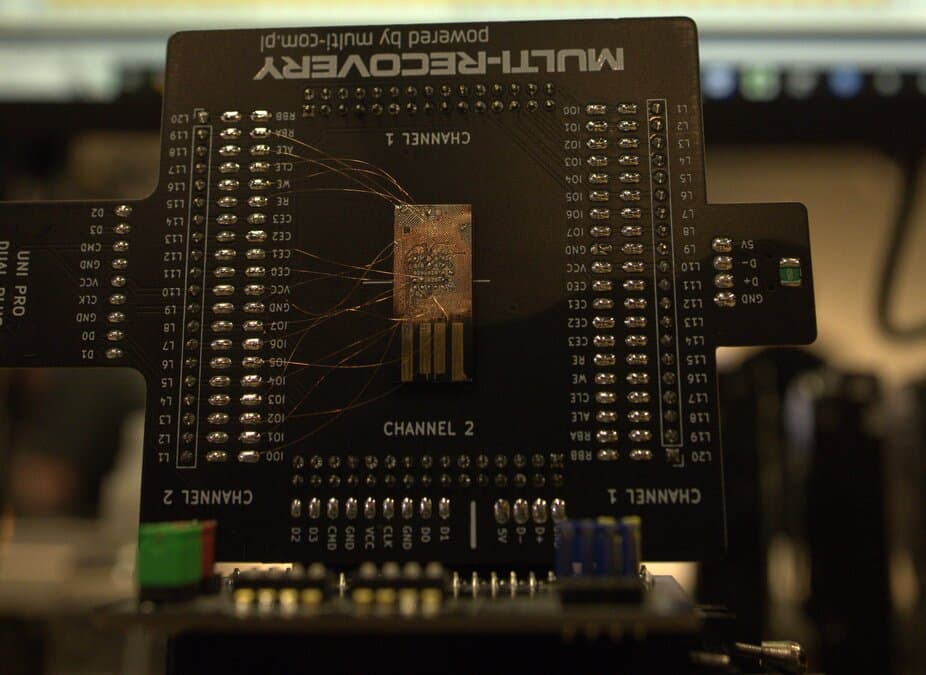
MicroSD Card Recovery
Monolithic chip-off, spider-board micro-soldering, and ECC reconstruction.
 From $200
USB Flash Drive Recovery
Controller repair, NAND chip-off, and monolith micro-soldering for thumb drives.
From $200eMMC Data Recovery
Chromebooks, tablets, budget laptops, IoT devices. ISP and BGA chip-off recovery for soldered eMMC storage.
From $200Gaming Console Recovery
PS5, Xbox Series X, Nintendo Switch, Steam Deck. Board-level repair to restore power and encryption pathways. eMMC chip-off for Nintendo Switch. Standard NVMe recovery for Steam Deck.
From $250CCTV DVR Data Recovery
Hikvision, Dahua, and surveillance DVR/NVR recovery. Proprietary file system parsing and H.264/H.265 video reconstruction.
Browse by: HDD drive family · SSD controller · External drives
Recovery Methods by Device Type
Each storage medium fails differently and requires different tools. Here is how we approach the major device categories.
- Hard Drive (HDD)
- Failed read/write heads are replaced with matched donors on our 0.02µm ULPA-filtered clean bench. Corrupted firmware modules (translator, P-list, G-list) are rebuilt using PC-3000 terminal access. Pricing: $100–$2,000 across 5 tiers.
- Solid State Drive (SSD)
- Dead controllers are addressed by repairing power delivery circuits or injecting diagnostic firmware loaders via PC-3000 to rebuild the translation layer. Shorted voltage regulators and PMICs are replaced at the component level using microsoldering. TRIM complicates SSD recovery; once garbage collection runs on deleted blocks, that data is gone permanently. Pricing: $200–$1,500 across 5 tiers.
- RAID & Server
- Each member drive is imaged individually, then the array is reconstructed offline using the original stripe size, parity rotation, and block order. We do not rebuild degraded arrays on the original controller; that process risks overwriting surviving data with stale parity. RAID recovery details
- NAS (Synology, QNAP)
- NAS failures typically involve multiple drives in a Linux-based software RAID. We image each disk, then reassemble the mdadm or LVM configuration and repair damaged EXT4, Btrfs, or ZFS superblocks to restore the volume. NAS recovery details
- iPhone & Mobile
- iPhones with soldered NAND cannot be recovered through chip-off because the Secure Enclave binds encryption keys to the original processor. Recovery requires board-level microsoldering to repair the logic board and boot the device through its original encryption pathway. iPhone recovery details
- MacBook (T2/Apple Silicon)
- T2 and M-series MacBooks have storage soldered to the logic board with hardware encryption tied to the Secure Enclave. There is no chip-off path. We repair the board itself, fixing power delivery ICs and corroded traces, then extract data through the original boot process. Mac recovery details
- Server & Virtual Machine
- Failed Dell PowerEdge, HPE ProLiant, and Lenovo ThinkSystem infrastructure. We image each drive from the failed server individually, then reconstruct VMware VMDK, Hyper-V VHDX, or Proxmox QCOW2 virtual disk files offline without touching the original array controller. Server recovery details
- SMR (Shingled) Hard Drives
- Modern consumer HDDs from Seagate and Western Digital use Shingled Magnetic Recording, where data tracks overlap like roof shingles. SMR drives maintain a translation layer that maps logical sectors to physical zones. When this layer becomes corrupted due to bad sectors in the Media Cache, the drive enters a BSY state and refuses to mount. We rebuild the translation layer using PC-3000 firmware utilities, restoring logical-to-physical sector mapping without overwriting user data. Seagate SMR recovery details
- SSD Controller & Firmware Failures
- Most SSD failures are controller-level firmware panics, not mechanical damage. A Phison PS3111-S11 controller with corrupted service area modules reports its model string as "SATAFIRM S11" and capacity as 0 bytes. Silicon Motion SM2258XT controllers drop into a permanent BSY state when their flash translation tables degrade. Marvell 88SS1074 controllers require a 1.8V terminal connection to rebuild the translator. Each failure type requires a different PC-3000 module and vendor-specific command set to reconstruct the Flash Translation Layer from raw NAND page headers. NVMe recovery details
- Gen4 NVMe Controller Failures
- Modern Gen4 NVMe drives fail differently from SATA SSDs. Phison PS5018-E18 controllers (used in PNY CS3140, Corsair MP600, Sabrent Rocket 4 Plus) lock out when thermal stress during cache flushes corrupts the Flash Translation Layer. Recovery requires shorting specific PCB test points to halt the on-NAND firmware boot, forcing the controller into diagnostic mode for PC-3000 FTL reconstruction. Samsung 980 Pro drives with the Elpis controller can enter a permanent read-only state when NAND spare blocks are exhausted; if the drive still initializes, it can be imaged with managed read timeouts. Western Digital SN850X and SN770 drives use proprietary controllers that crash the PCIe bus when the FTL is corrupted. Because these WD controllers use undocumented architecture, firmware-level FTL reconstruction is not currently possible; recovery depends on whether the drive can be coaxed into initializing for imaging. NVMe recovery details
- Encrypted Drive Recovery
- BitLocker, FileVault, VeraCrypt, and hardware-encrypted (SED/OPAL) drives. When the encryption controller or key management chips fail, software decryption tools cannot help. We repair the hardware so the drive boots through its original encryption pathway, preserving the key material needed to unlock the volume. Encrypted recovery details
- Database Recovery
- Corrupted SQL Server (.mdf/.ldf), MySQL/MariaDB (InnoDB tablespaces), PostgreSQL (WAL segments), and Oracle datafiles recovered from failed storage. We image the underlying drive first, then parse and reconstruct the database structures on a copy to avoid risking the original data. Database recovery details
Why Helium Hard Drive Recovery Costs More
Drives above 8TB from Western Digital (Ultrastar HC), Seagate (Exos X-series), and Toshiba (MG08) are sealed with helium gas instead of using a breather filter. Helium has one-seventh the density of normal air. The read/write heads inside are calibrated to fly at a specific height based on helium's lower aerodynamic drag.
If a helium drive is opened in a standard ULPA-filtered clean bench filled with normal atmospheric air, the head slider aerodynamics change. Donor heads calibrated for helium fly at the wrong height in normal air, causing immediate platter contact and rotational scoring. Helium recovery requires refilling the drive chamber with helium during the head swap procedure. Helium head swaps use $3,000–$4,500; surface damage cases use $4,000–$5,000, plus helium and donor costs.
How Much Do Data Recovery Services Cost?
We publish all pricing on our website. No hidden fees, no surprise invoices. Hard drive recovery ranges from $100–$2,000 across 5 standard air-filled tiers. Helium HDD recovery ranges from $200–$5,000+. SSD recovery ranges from $200–$1,500 across 5 tiers. The tier depends on what failed, not the size of the drive.
Hard Drive Recovery
$100–$2,000
- Simple copy: $100
- File system recovery: From $250
- Firmware repair: $600–$900
- Head swap: $1,200–$1,500
- Platter damage: $2,000
SSD Recovery
$200–$1,500
- Simple copy: $200
- File system recovery: From $250
- Circuit board repair: $450–$600
- Firmware recovery: $600–$900
- Advanced rebuild: $1,200–$1,500
Data Recovery Pricing Summary
| Service Tier | HDD Price | SSD Price |
|---|---|---|
| Simple copy | $100 | $200 |
| File system recovery | From $250 | From $250 |
| Board/firmware repair | $600–$900 | $450–$600 |
| Head swap / firmware recovery | $1,200–$1,500 | $600–$900 |
| Platter damage / advanced rebuild | $2,000 | $1,200–$1,500 |
No diagnostic fee. Price is based on the failure type, not drive capacity. See full cost breakdown for tier definitions.
Every recovery starts with a free evaluation. You get a firm quote before any work begins. Our no data, no fee guarantee means you pay nothing if recovery is unsuccessful.
How Our Lab Works
Rossmann Repair Group operates a single data recovery lab in Austin, TX. Founded in 2008, the lab serves all 50 states through mail-in recovery. Here is what makes it different from the larger national chains.
Published Pricing
Five HDD tiers and five SSD tiers listed on the website. No "call for a quote" walls. You know the price range before shipping your drive.
One Lab, No Outsourcing
All recovery work happens at 2410 San Antonio Street, Austin, TX. No franchises, no partner labs, no satellite offices forwarding drives to a third party.
PC-3000 & DeepSpar
We use PC-3000 Portable III, PC-3000 Express, and PC-3000 SSD for firmware-level access. DeepSpar Disk Imager for sector-by-sector cloning of unstable drives.
No Diagnostic Fee
We evaluate your device for free. If the recovery falls outside your budget, we ship the device back at no charge. No pressure, no upsell.
No Data, No Fee
If we cannot recover your files, you pay nothing. This applies to every service tier, every device type. Read our full guarantee policy.
Filmed Recoveries
Louis Rossmann has published hundreds of recovery videos on YouTube showing the actual tools, procedures, and outcomes. Transparency you can verify.
How We Handle Your Data During Recovery
Every drive stays inside our single Austin, TX lab from arrival to return. No drives are shipped to partner labs, satellite offices, or third-party contractors. The engineer who evaluates your device is the same person who performs the recovery.
- ✓Single-lab custody. Your drive never leaves 2410 San Antonio Street, Austin, TX 78705. No middlemen, no forwarding facilities.
- ✓NDA available on request. Business clients requiring a non-disclosure agreement before shipping can request one through our contact form.
- ✓30-day verification window. After recovery, the original device is held at our lab for 30 days so you can verify the recovered files. After that period, the device is securely destroyed.
- ✓No retained copies. We do not keep copies of recovered data beyond the verification window. Once you confirm receipt, all working copies are wiped.
Competitors advertising SOC 2, HIPAA, or FIPS 140-3 compliance should be asked to produce the actual audit report. Many data recovery companies list certifications they do not hold. We describe what we do; we do not claim certifications we have not earned.
Nationwide Data Recovery Service
Rossmann Repair Group serves all 50 states through secure mail-in data recovery. Every device ships to our single lab at 2410 San Antonio Street, Austin, TX 78705, where the same engineers who perform local drop-off recoveries handle mail-in cases. There is no separate facility, no forwarding, and no outsourcing.
Searching for a data recovery service near you often returns companies with dozens of listed addresses. Many of these are virtual offices or shipping forwarding points; the drive still travels to a central lab. We skip the middleman. You ship directly to the lab where the work happens. Average transit time from most U.S. cities to Austin is 1 to 3 business days via USPS Priority Mail or UPS Ground.
Once the device arrives, we evaluate it within 1 to 2 business days and send you a firm quote. If you approve, we begin recovery using PC-3000 and DeepSpar hardware. Hard drive recovery starts at $100. SSD recovery starts at $200. If recovery is unsuccessful, you pay nothing under our no data, no fee guarantee.
Data Recovery Standards & Verification
Our Austin lab operates on a transparency-first model. We use industry-standard recovery tools, including PC-3000 and DeepSpar, combined with strict environmental controls to maintain drive integrity. This approach allows us to serve clients nationwide with consistent technical standards.
Open-drive work is performed in a ULPA-filtered laminar-flow bench, validated to 0.02 µm particle count, verified using TSI P-Trak instrumentation.
Transparent History
Serving clients nationwide via mail-in service since 2008. Our lead engineer holds PC-3000 and HEX Akademia certifications for hard drive firmware repair and mechanical recovery.
Media Coverage
Our repair work has been covered by The Wall Street Journal and Business Insider, with CBC News reporting on our pricing transparency. Louis Rossmann has testified in Right to Repair hearings in multiple states and founded the Repair Preservation Group.
Aligned Incentives
Our "No Data, No Charge" policy means we assume the risk of the recovery attempt, not the client.
Technical Oversight
Louis Rossmann
Our engineers review all lab protocols to maintain technical accuracy and honest service. Since 2008, his focus has been on clear technical communication and accurate diagnostics rather than sales-driven explanations.
We believe in proving standards rather than just stating them. We use TSI P-Trak instrumentation to verify that clean-air benchmarks are met before any drive is opened.
See our clean bench validation data and particle test videoRecovery By Drive Brand
Different manufacturers have different failure patterns. We track real reliability data from Backblaze's fleet of 340,000+ drives to understand model-specific issues and tailor our recovery approach.
Seagate Data Recovery
1.52% AFRF3 terminal access, ROM extraction, and model-specific diagnostics. AFR ranges from 0.44% to 8.72% depending on model.
View reliability dataWestern Digital Data Recovery
Low AFRPC-3000 WD module, ROM/module repair, and Ultrastar enterprise recovery.
View reliability dataAFR = Annualized Failure Rate from Backblaze Drive Stats 2024. Lower is better. Industry average is ~1.5%.
Ransomware and Hardware Encryption Recovery Limits
Self-Encrypting Drives (SEDs) using the TCG OPAL standard store a Media Encryption Key (MEK) that is unlocked by a Key Encryption Key (KEK) managed by the drive's controller firmware. When a physically dead SED arrives at our lab, we repair the logic board to restore the original decryption pathway so the MEK can unlock the volume. The data itself was never encrypted by ransomware; the hardware pathway simply broke.
If ransomware has mathematically encrypted files (AES-256, ChaCha20), or if the user lost the BitLocker or FileVault password, no lab can break unbroken cryptography. We can recover the underlying drive hardware and present the encrypted volume, but the files remain locked without the correct key. Any company claiming to "decrypt ransomware" for a flat fee is either paying the ransom on your behalf or misrepresenting the service. Full encrypted recovery details
Component-Level Repair Services
Board-level repair for MacBooks and other devices. We fix the actual component that failed instead of replacing the entire board.
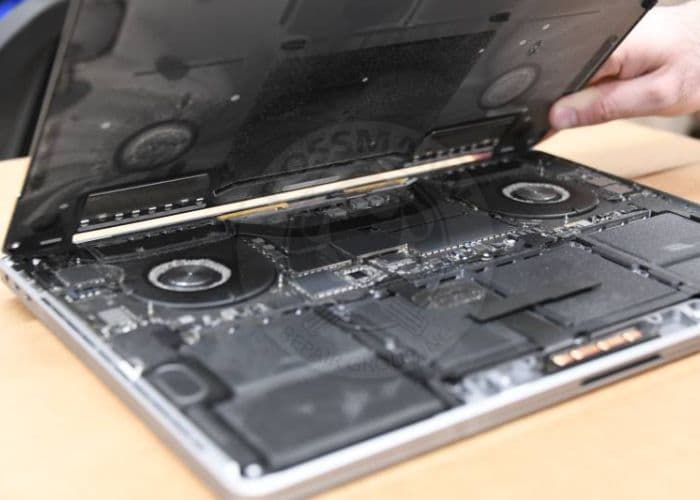
MacBook Repair
Screens, keyboards, batteries, and logic board issues fixed in-house.
MacBook Logic Board Repair
Component-level repair. We fix the board, not swap it.
Liquid Damage Repair
Professional cleanup, corrosion removal, and board repair.
Mail-In Service
Ship your device from anywhere in the U.S. Free evaluation. Instructions and shipping tips included.
The Recovery Process
Every recovery follows the same four steps, regardless of device type.
- 1
Free Evaluation
Drop off in Austin or ship your device to our lab. We diagnose the failure and send you a firm quote within 1 to 2 business days of receipt.
- 2
Approve the Quote
You decide whether to proceed. No payment is taken until you approve. For head swaps, platter work, and advanced SSD board rebuilds, a 50% deposit covers donor parts.
- 3
Recovery Work
We perform the recovery using PC-3000 and DeepSpar. Hard drive work requiring head swaps or platter access is done on our 0.02µm ULPA-filtered clean bench. Simple copies take 3-5 business days; firmware and mechanical cases take 3-8 weeks depending on the failure type.
- 4
Data Returned
You receive a file listing to verify your data. Once confirmed, we transfer files to a new drive and ship it back. If recovery was unsuccessful, you pay nothing.
Full details on our recovery process page.
Frequently Asked Questions
How much do data recovery services cost?
What data recovery services do you offer?
Can I mail in my device for data recovery?
How long does data recovery take?
What happens if my data is not recoverable?
How do I choose a data recovery service?
What is the difference between software recovery and professional lab recovery?
Do you offer rush or emergency data recovery?
What makes a professional data recovery service different from DIY software?
How does iPhone data recovery work?
Can remote data recovery software fix a clicking hard drive or undetected SSD?
Why is recovering deleted files from a modern NVMe SSD usually impossible?
Can data be recovered from a clicking hard drive?
What happens to the original storage device after data recovery?
Can you recover data from a physically damaged solid state drive?
Why does my SSD show as SATAFIRM S11 or 0 bytes in BIOS?
How is my data kept secure during recovery?
What should I look for when choosing a data recovery service?
Why does my WD SN850X or SN770 show 0 bytes or cause a Windows NVM Subsystem crash?
Can you recover data from a Samsung 980 Pro locked in read-only mode?
Need help with a failed drive?
Contact us for a free evaluation. Describe your device, what happened, and we will tell you the options and cost before any work begins.